7
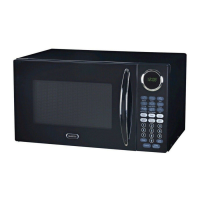
UNDERSTANDING YOUR MICROWAVE OVEN
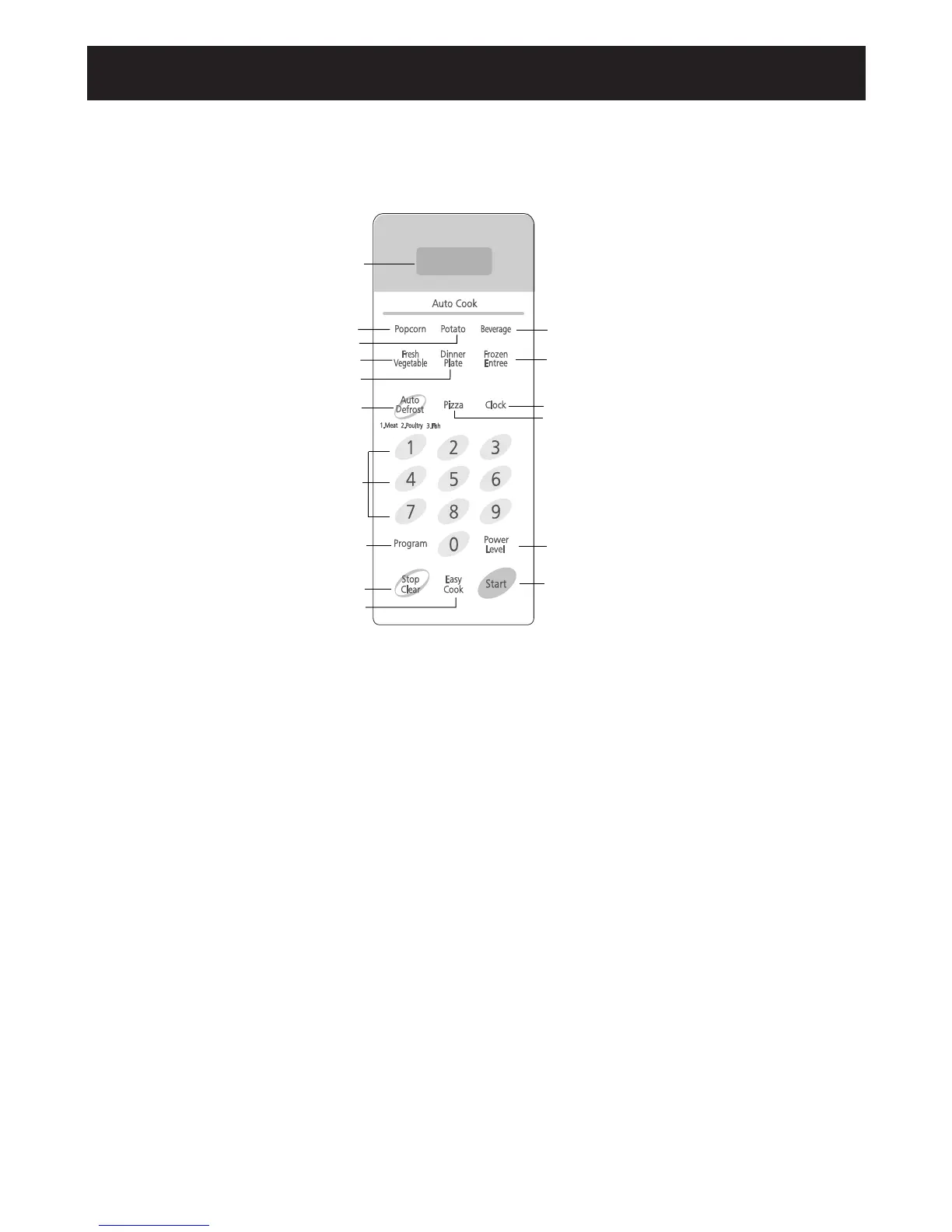
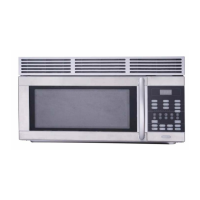
CONTROL PANEL
1. DISPLAY. The display includes a clock and indicators that
tell you time of day, cooking time settings, and cooking func-
tions selected.
2. ONE TOUCH POPCORN. Touch this pad to pop a bag of
microwave popcorn without entering a cook power or time.
3. ONE TOUCH POTATO. Touch this pad to cook up to 4
potatoes without entering a cook power or time.
4. ONE TOUCH BEVERAGE. Touch this pad to heat up to 2
cups of beverage without entering a cook power or time.
5. FRESH VEGETABLE. Touch this pad to cook fresh vegeta-
ble.s without entering a cook power or time.
6. ONE TOUCH DINNER PLATE. Touch this pad to heat a plate
of food without entering a cook power or time.
7. FROZEN ENTREE. Touch this pad to cook a 10 oz. frozen
entree without entering a cook power or time.
8.AUTO DEFROST. Touch this pad to thaw meat, poultry, or
fish by entering a weight.
10. CLOCK. Touch this pad to enter the time of day.
11. NUMBER PADS. Touch number pads to enter cooking time,
power level,quantities,or weights.
12. PROGRAM. Touch this pad to set a cooking time.
13.POWER LEVEL. Touch this pad to set a cooking power.
14. STOP/CLEAR. Touch this pad to clear entries.
15. EASY COOK. Touch this pad to cook at 100% cook power
for 1 minute to 99 minutes,59 seconds.
16. START. Touch this pad to start or stop all entries(except the One
Touch and Easy Cook functions)and to turn child lock on or off.
9. PIZZA. Touch this pad to heat up to 3 slices of refrigerated
pizza without entering a cook power or time.



 To Next Page