4
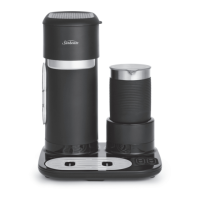
How to use the Frother
Let's personalise your coffee with Hot Froth or
Cold Foam
NOTE: When placing the whisk in the frothing
jar, ensure you press down firmly until you
hear the whisk connect to the jar.
1. For a cappuccino add 150ml of the milk
of your choice to the ‘CAPP’ line indicator
in the frothing jar. For a latte add 200ml
of the milk of your choice to the ‘LATTE’
line indicator in the frothing jar.
NOTE: Do not fill frothing jar past ‘MAX’
level indicator.
2. Place frothing jar on mount. Put lid back
on the frothing jar.
3. Press either the COLD FOAM or HOT
FROTH, depending on your preference.
Ensure the LED is illuminated and
frothing will begin. Frothing will stop
automatically once the cycle is complete.
NOTE: Do not remove frothing jar from
mount while frothing is in progress. If
removed, turn off frother by pressing
COLD FOAM button again.
4. Pour frothed milk into tumbler, add straw
and lid then enjoy!
NOTE: Please ensure to handle frothing
jar by the silicone sleeve as the bottom of
the frothing jar gets hot!
5. Clean frothing jar after each use.
NOTE: Wait a minute or so before frothing
again to allow the heater to cool.
NOTE: Do not touch frothing warming plate
after use as it is hot.








 To Next Page