
 To Next Page
J
Jason BartlettSep 23, 2025
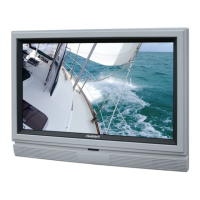
How to fix picture not filling screen on SunBriteTV SB-3270HD?
- MMegan HollandSep 23, 2025
If you are using HDMI or a TV digital channel on your SunBriteTV LCD TV, use the Aspect button to switch to 16:9 format. If you are using VGA, use the computer’s video controls to adjust the image to the screen. Note: If you are watching regular 4:3 TV or 4:3 signals from a VCR or DVD player in 480i resolution, use the Aspect button to switch to 16:9 in order to fill up the screen. However, this feature will distort the picture.
 General