EasyManua.ls Logo

SunBriteTV SB-V-43-4KHDR - User Manual

SunBriteTV SB-V-43-4KHDR
54 pages
Print Icon
To Next Page IconTo Next Page
Loading...
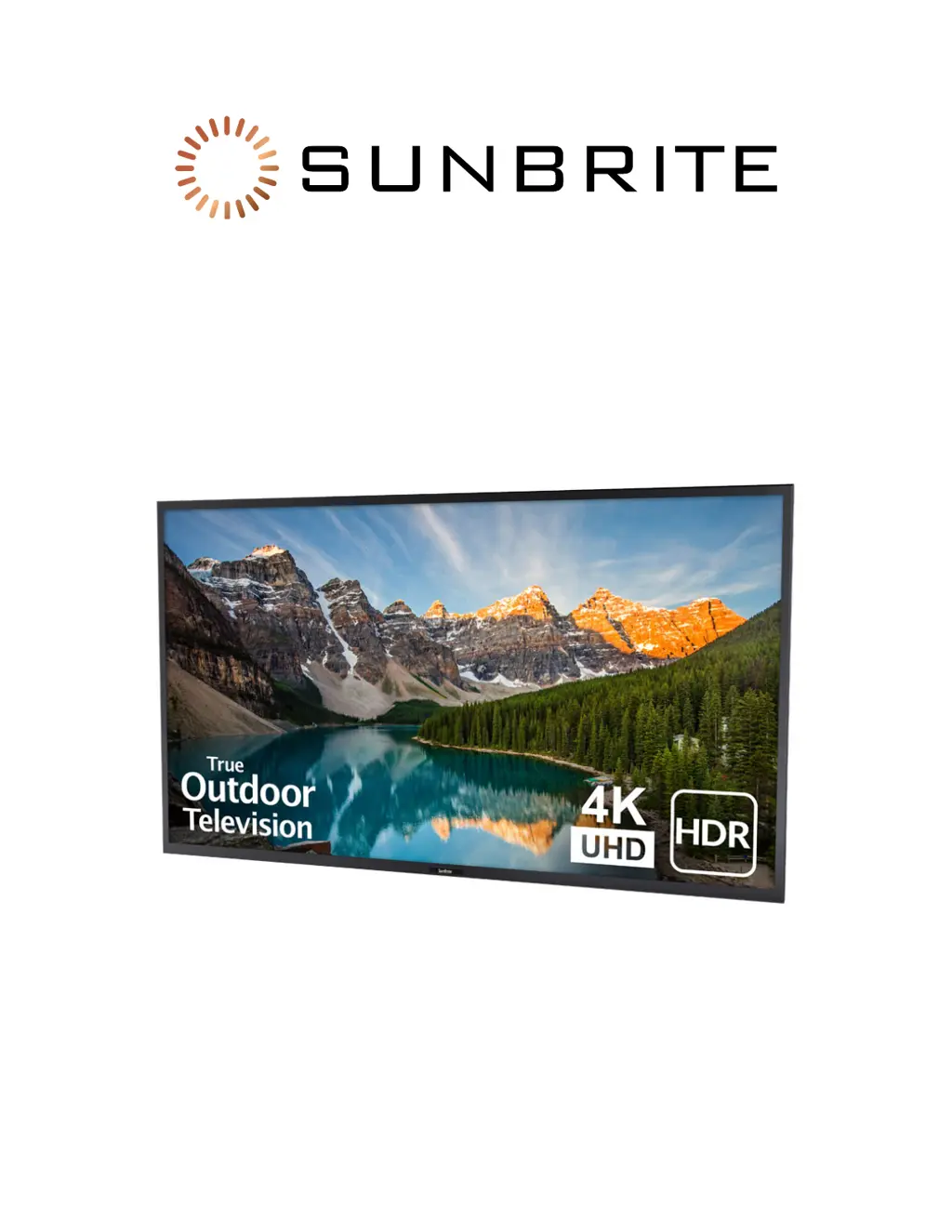
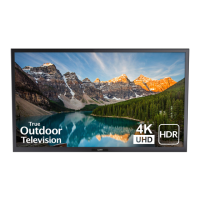
Veranda Outdoor 4K Television
SB-V-[43/55/65/75]-4KHDR
Owner’s Manual

Other manuals for SunBriteTV SB-V-43-4KHDR

Questions and Answers

  • A
    Adam ParksSep 9, 2025
    What to do if the SunBriteTV remote control doesn't operate?
    • F
      fsmithSep 9, 2025
      First, ensure the equipment you're trying to control is correctly set up. Press the TV button on the remote to set it for TV operation. Check that the batteries are inserted with the correct polarity (+, -) and that they aren't worn out; replace them if necessary. Avoid using the remote under strong or fluorescent lighting, and make sure no fluorescent lights are near the remote control sensor.
  • M
    Megan WallaceAug 23, 2025
    What to do if SunBriteTV LCD TV remote control does not operate?
    • C
      Christine KnightAug 23, 2025
      If your SunBriteTV LCD TV remote control isn't working, make sure the equipment you're trying to control is correctly set. Press the TV button to ensure the remote is set to operate the TV. Check that the batteries are inserted with the correct polarity (+, -) and replace them if they're worn out. Strong or fluorescent lighting, or a fluorescent light near the remote sensor, can also interfere with the signal.
  • R
    Robin WellsAug 25, 2025
    Why is there no sound on my SunBriteTV LCD TV?
    • J
      Joseph FrankAug 25, 2025
      If your SunBriteTV LCD TV isn't producing any sound, verify that all connections to other components are correct. Ensure the volume isn't too low and that 'Variable' isn't selected in 'Output Select'. Also, check if you've accidentally muted the TV with the MUTE button on the remote. If external equipment is connected, check its audio output settings to ensure the volume isn't too low or muted. When using an HDMI cable, you may need to configure the audio to output through the HDMI cable. For PCs connected via HDMI, ensure the PC's audio output is configured correctly, supporting PCM or Dolby Digital formats.
  • T
    Tina TaylorAug 26, 2025
    Why does my SunBriteTV LCD TV power off suddenly?
    • J
      jamescurryAug 27, 2025
      If your SunBriteTV LCD TV suddenly turns off, check if the sleep timer is enabled. Also, review the power control settings.
  • S
    Stephanie LeeAug 27, 2025
    What to do if there is no picture on SunBriteTV LCD TV?
    • S
      salazarmitchellAug 28, 2025
      If your SunBriteTV LCD TV shows no picture, ensure that all connections to other components are correctly established. Verify that you've selected the correct input source. If you're connecting a laptop PC, confirm that the PC's display output mode is set to external monitor.
  • C
    Caitlin WareAug 29, 2025
    What does 'incompatible audio signal' mean on SunBriteTV LCD TV?
    • Y
      Yvonne SmithAug 29, 2025
      If your SunBriteTV LCD TV displays a message indicating an incompatible audio signal, it means the TV is receiving an audio format other than PCM, DTS, or Dolby Digital. Set the audio output format of connected external HDMI equipment to PCM or Dolby Digital. Consult the operation manual of the external equipment for detailed instructions on adjusting these settings.
  • M
    melissa56Sep 17, 2025
    What to do if the picture is cut off or has a sidebar screen on my SunBriteTV?
    • A
      alisonelliottSep 18, 2025
      Check if the screen mode adjustments, such as picture size, are correctly configured.
  • D
    Deborah WeeksSep 19, 2025
    Why does my SunBriteTV sometimes make a cracking sound?
    • D
      Daniel SchultzSep 22, 2025
      This is normal and not a malfunction. It occurs when the cabinet slightly expands and contracts due to temperature changes, and it does not affect the TV's performance.
  • M
    Michael ClarkSep 7, 2025
    Why does my SunBriteTV TV have no sound?
    • H
      holmesdavidSep 8, 2025
      Check if the connection to external components is correct. Ensure the volume isn't too low and that 'Variable' is selected in 'Output Select'. Also, check if you've accidentally pressed the MUTE button on the remote. Verify the audio output settings of any connected external equipment, ensuring the volume isn't too low or muted. If using an HDMI cable, you might need to configure the audio to output via HDMI. For PCs connected via HDMI, confirm the PC's audio output is correctly configured, supporting PCM or Dolby Digital formats.
  • S
    Sara CrawfordSep 4, 2025
    Why does SunBriteTV LCD TV sometimes make a cracking sound?
    • P
      Pamela DanielsSep 5, 2025
      This cracking sound from your SunBriteTV LCD TV is normal. It occurs when the cabinet slightly expands and contracts due to temperature changes and does not affect the TV's performance.

Summary

Safety and General Information

Important Safety Instructions

Essential guidelines for safe installation and operation of the television.

Water & Foreign Objects

Precautions for protecting the TV from liquids and external debris to prevent damage.

Cautions Regarding High and Low Temperature Environments

Warnings about operating the TV in extreme temperature conditions and storage guidelines.

Caring for the LCD Panel

Instructions for cleaning and maintaining the TV screen to ensure longevity and clarity.

Product Overview and Basic Operation

TV Part Names

Identifies and labels external components, buttons, and connectors of the television.

Remote Control Unit

Details the buttons and functions of the TV remote control for user interaction.

Displaying an External Equipment Image

Guide on selecting input sources for external devices to view content on the TV.

Initial Installation

Step-by-step guide for setting up the TV for the first time, including channel scanning.

Advanced Features and Settings

On-Screen Display Menu

Introduction to the TV's menu system, its structure, and item selection indicators.

Menu Operation Buttons

How to navigate and operate the TV's on-screen menus using remote control and TV panel buttons.

Picture Settings

Adjustments for picture modes, aspect ratio, color temperature, and backlight for optimal viewing.

USB Photo;Music;Video Playback

Instructions for playing media files from USB devices, including file format compatibility.

LINK Setup

Configuration for controlling connected HDMI equipment via CEC for integrated operation.

Appendix, Troubleshooting, and Support

Appendix

Supplementary information such as TV stand attachment and optional speaker bar installation.

Mounting the TV on the Wall

Guidelines and dimensions for wall mounting the television using compatible VESA mounts.

Troubleshooting

Common problems encountered during TV operation and their possible solutions.

Specifications

Technical details, dimensions, and features of the various SunBriteTV models.

Technical Support

Information on how to get assistance, including contact methods and resources.

SunBriteTV SB-V-43-4KHDR Specifications

General IconGeneral
Screen Size43 inches
Display TechnologyLCD
HDR SupportYes
Brightness700 nits
Weatherproof RatingIP55
Resolution3840 x 2160
Viewing Angle178 degrees
InputsHDMI x 3, USB x 1, Composite Video, Ethernet, RF Antenna
Built-in SpeakersYes
Voltage100-240V
Operating Temperature-24°F to 122°F (-31°C to 50°C)
Dimensions (W x H x D)38.2 x 22.6 x 3.5 inches (970 x 574 x 89 mm)

Related product manuals