EasyManua.ls Logo

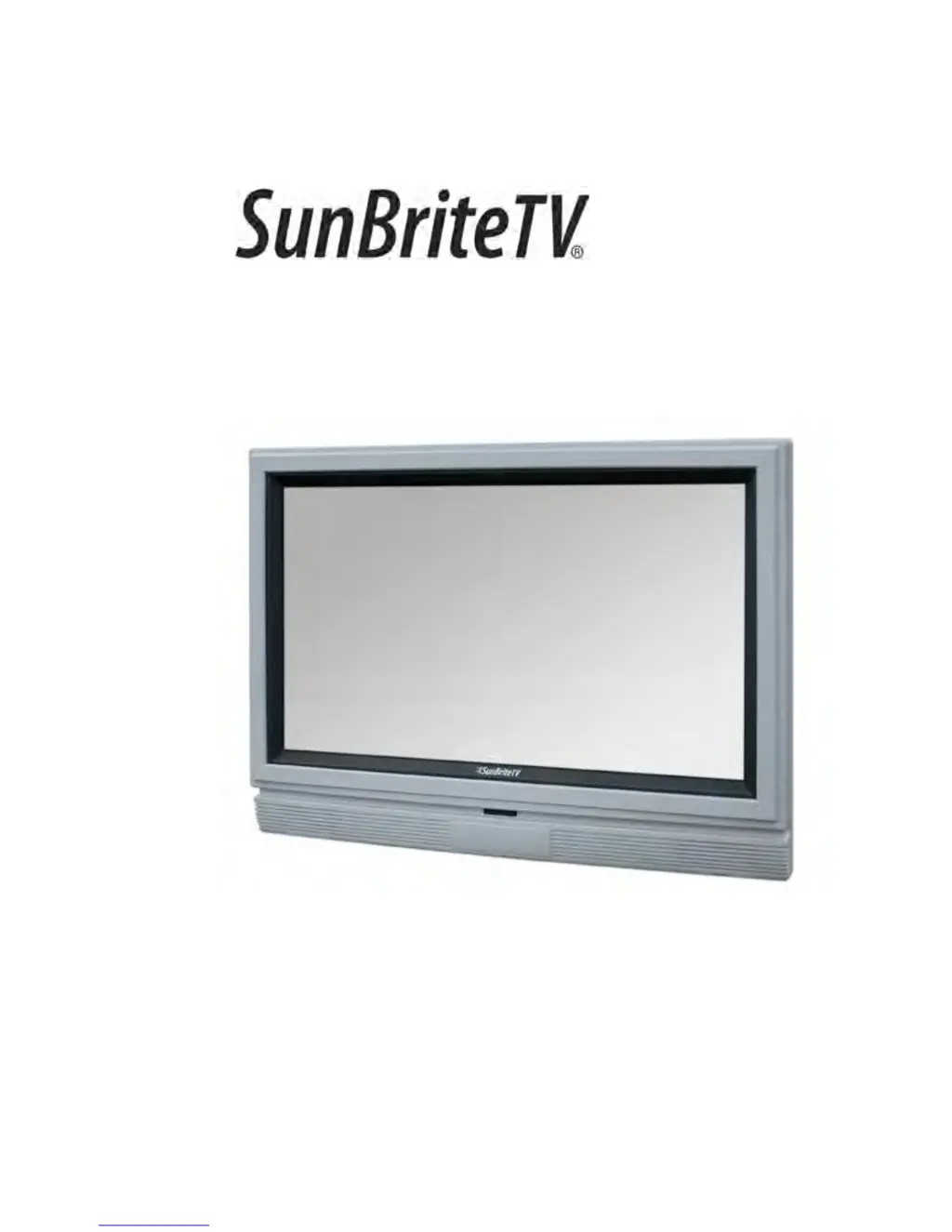
SunBriteTV 3260HD - User Manual

SunBriteTV 3260HD
36 pages
Print Icon
To Next Page IconTo Next Page
Loading...
Operator’s Manual
Model 3260HD
All-Weather Outdoor LCD Television
Revision 3260HD -318C-120801
PN: M32-004-01-C

Questions and Answers

  • K
    Kathleen RobersonSep 23, 2025
    Why do some pixels always display the same color on my SunBriteTV LCD TV?
    • G
      gabriella12Sep 23, 2025
      SunBriteTV LCD screens are manufactured with rigorous standards to maintain optimal viewing. However, the LCD screen may have minor defects that appear as a small bright or dark pixel. This is common to all LCD screens used in display and television products, and is not specific to SunBriteTV.
  • M
    Mark BrennanAug 23, 2025
    Why does my SunBriteTV 3260HD remote control not work?
    • J
      Jim FosterAug 23, 2025
      If your SunBriteTV LCD TV remote control isn't working, turn off the TV and unplug it from the socket. Remove the batteries from the remote for 30 minutes. Press the remote buttons and the power button randomly for two full seconds, then reinstall the batteries. Ensure there is a clear line of sight from the remote control's sensor to the TV's remote sensor, which is located in the same place as the power indicator light.
  • H
    Hannah CurtisAug 25, 2025
    What to do if my SunBriteTV LCD TV picture is too dark?
    • G
      Glenda TorresAug 26, 2025
      If the picture on your SunBriteTV LCD TV is too dark, adjust the contrast, brightness, and lamp settings from the OSD Menu.
  • A
    alicia57Aug 27, 2025
    What to do if my SunBriteTV LCD TV has abnormal colors?
    • M
      Matthew ParkerAug 27, 2025
      If your SunBriteTV LCD TV displays abnormal colors, ensure that you match the colors on the cable to the connector. For example, connect the red cable to the red colored port.
  • J
    Joshua LeeAug 27, 2025
    Why does my SunBriteTV LCD TV have picture only, but no audio?
    • R
      Rodney AndersonAug 27, 2025
      If your SunBriteTV LCD TV has picture but no audio, ensure that the audio cable is connected properly. Also, readjust the volume using the remote control. The TV Tuner signal must not be lower than 65 per cent.
  • V
    Vicki EatonSep 17, 2025
    What to do if my SunBriteTV LCD TV cannot get 1920 x 1080 from PC VGA?
    • S
      Stephen RamirezSep 17, 2025
      If you cannot get 1920 x 1080 from PC VGA on your SunBriteTV LCD TV, note that the screen’s max resolution is 1920 x 1080. Your video card may not support this resolution. Check your video card’s maximum resolution and use that setting.
  • J
    Jennifer ElliottSep 14, 2025
    What to do if my SunBriteTV 3260HD HDCP video says no HDCP support?
    • J
      Jaime PattonSep 14, 2025
      If your SunBriteTV LCD TV HDCP video says no HDCP support, reboot your HDCP video device by turning it off and unplugging the power cord. Wait up to 8 minutes before plugging the power back in.
  • G
    Gloria WrightSep 15, 2025
    What to do if my SunBriteTV 3260HD HDCP video has no audio?
    • J
      John SmithSep 16, 2025
      If your SunBriteTV LCD TV HDCP video has no audio, make sure you have a 3.5 mm mini-jack cable connected from your HDCP video device sound output to the TV’s VGA stereo input. If your HDCP video device uses RCA audio jacks, you’ll need to obtain a RCA audio converted into a 3.5 mm mini-jack cable.
  • J
    James WoodsSep 6, 2025
    Why does my SunBriteTV 3260HD LCD TV picture not cover the entire screen?
    • W
      wmaldonadoSep 6, 2025
      If the picture on your SunBriteTV LCD TV does not cover the entire screen, and you are using HDMI or a TV digital channel, use the Aspect button to switch to 16:9 format. If you are using VGA, use the AUTO ADJUST function to adjust to the screen. Note: If you are using regular analog TV, AV or component in 480i resolution, use the ASPECT button to switch to 16:9 in order to fill up the screen; however, this will distort the picture.
  • I
    Isaiah VillaSep 3, 2025
    How to fix distorted picture with abnormal sound on SunBriteTV 3260HD LCD TV?
    • M
      meredith90Sep 3, 2025
      If the picture on your SunBriteTV LCD TV is distorted or accompanied by an abnormal sound, it might be due to interference from large electrical appliances, cars, motorcycles, or fluorescent lights. If the TV is close to the wall, try moving it to another location to see if the problem persists.

Summary

Important Safety Instructions

Rear Panel Connections Overview

Rear Panel Connection Diagrams

Connecting to DVD Player

Step-by-step instructions for connecting DVD players via various interfaces.

Connecting Satellite or Cable Set-Top Box

Connecting External Audio Devices

Connecting to a PC

Guide for connecting a personal computer to the television for display.

Connecting the Power Cord

Side Panel Controls

Explanation of the functions of buttons located on the TV's side panel.

Remote Control Guide

On-Screen Display Functions

Picture Menu Details

Sound Menu Details

Setting Menu Options

Parental Control Management

Closed Caption Configuration

Channel Menu Operations

Troubleshooting Common Issues

Product Specifications

SunBriteTV 3260HD Specifications

General IconGeneral
Screen Size32 inches
Resolution1366 x 768
Display TypeLCD
Contrast Ratio3000:1
Response Time6.5 ms
HDMI Ports2
USB Ports1
Built-in SpeakersYes
Viewing Angle178 degrees
Water ResistanceIP55
Operating Temperature-24 to 122 °F
InputsHDMI, USB, Composite, Component, VGA, RF

Related product manuals