EasyManua.ls Logo

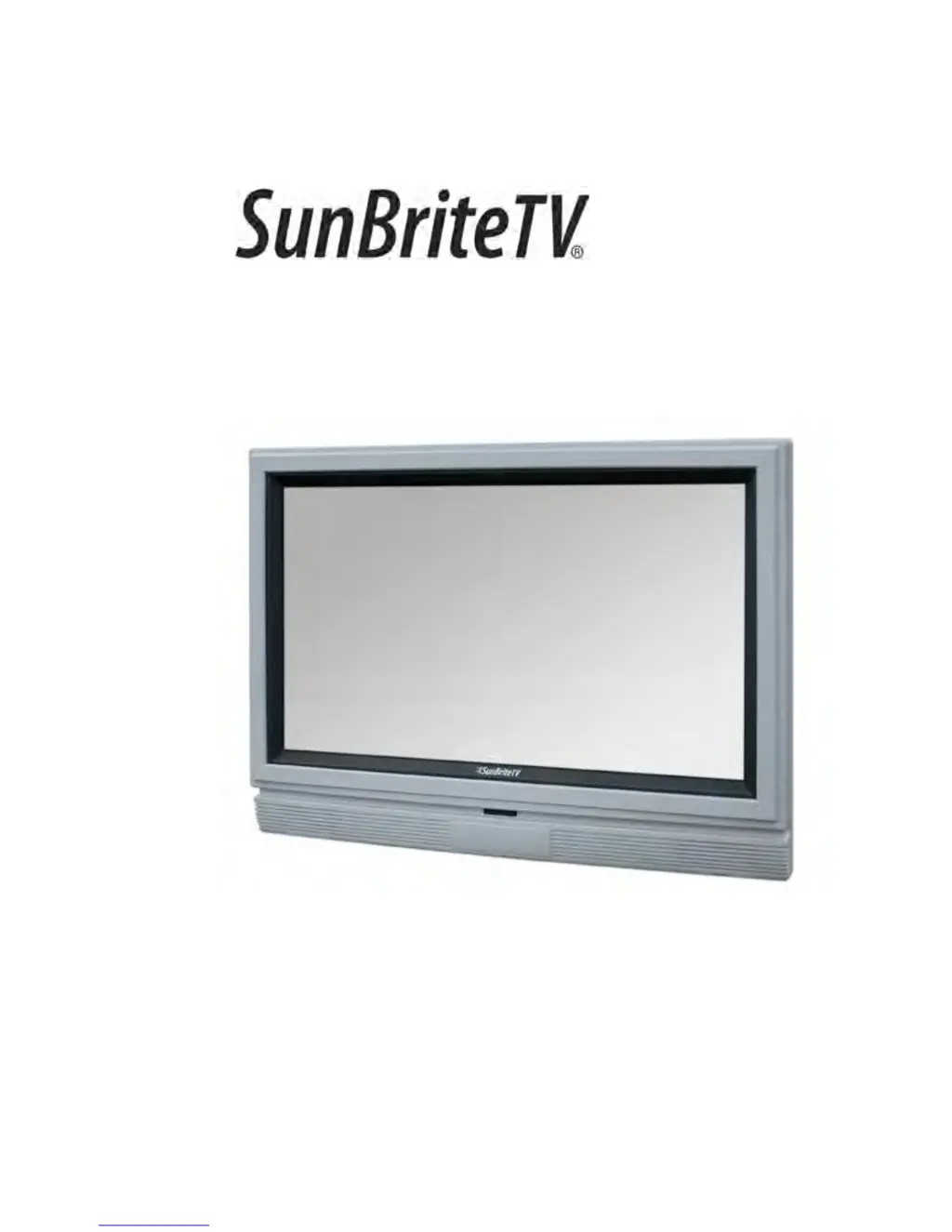
SunBriteTV 3260HD - User Manual

SunBriteTV 3260HD
36 pages
Print Icon
To Next Page IconTo Next Page
Loading...
Operator’s Manual
Model 3260HD
All-Weather Outdoor LCD Television
Revision 3260HD -318C-120801
PN: M32-004-01-C

Questions and Answers

  • M
    Michael MartinezSep 7, 2025
    Why does switching a channel or source change the volume on my SunBriteTV LCD TV?
    • R
      Renee GatesSep 7, 2025
      Switching channels or sources can change the volume on your SunBriteTV LCD TV because different channels and inputs sometimes have this effect because the channel signal’s volume is pre-set.
  • P
    phillipsalanAug 22, 2025
    What to do if my SunBriteTV LCD TV has no picture?
    • J
      Joshua AdamsAug 22, 2025
      If your SunBriteTV LCD TV shows no picture, check that the power cord is correctly connected and the power is turned on. Verify that the video cable is properly connected and that you have selected the correct input signal source. If the issue persists, unplug the TV for at least one hour to perform a hard reset.
  • L
    Larry ReyesSep 4, 2025
    Why does my SunBriteTV LCD TV turn on or off slowly?
    • T
      Tyrone MendozaSep 5, 2025
      Your SunBriteTV LCD TV turns on or off slowly because it is a High Definition liquid crystal display panel TV, which requires a few more seconds than normal TVs to power up and show the picture.
  • I
    Isaiah VillaSep 3, 2025
    How to fix distorted picture with abnormal sound on SunBriteTV 3260HD LCD TV?
    • M
      meredith90Sep 3, 2025
      If the picture on your SunBriteTV LCD TV is distorted or accompanied by an abnormal sound, it might be due to interference from large electrical appliances, cars, motorcycles, or fluorescent lights. If the TV is close to the wall, try moving it to another location to see if the problem persists.
  • M
    margaret07Sep 2, 2025
    What to do if my SunBriteTV 3260HD cannot receive enough channels through the ATSC/NTSC Tuner?
    • B
      Brittany CrossSep 2, 2025
      If your SunBriteTV LCD TV cannot receive sufficient channels through the ATSC/NTSC Tuner, change the direction of your antenna and re-scan the channels. If you have cable, call the cable provider and ask to have your signal strength checked. The TV’s tuner signal must not be lower than 65 percent.
  • H
    Holly McdanielAug 31, 2025
    What to do if my SunBriteTV LCD TV channels are blocked?
    • T
      thomasbettyAug 31, 2025
      If channels are blocked on your SunBriteTV LCD TV, check the Auto Lock function settings on the OSD. Channels may have been locked previously.
  • C
    Christopher MasonAug 30, 2025
    How to fix weak signal or no program symbol on SunBriteTV 3260HD LCD TV?
    • B
      Brianna SimpsonAug 30, 2025
      If you're experiencing a weak signal or see a 'no program' symbol on your SunBriteTV LCD TV, try changing the direction of your antenna and re-scanning the channels. If you have cable, contact your cable provider to have your signal strength checked, as the TV's tuner signal must not be lower than 65 percent.
  • M
    Melanie PetersonAug 29, 2025
    Why does my SunBriteTV LCD TV have audio only, but no picture?
    • A
      Anthony PhelpsAug 29, 2025
      If your SunBriteTV LCD TV has audio but no picture, make sure both the audio and video cables are connected correctly. Unplug the TV for at least one hour to perform a hard reset. The TV Tuner signal must not be lower than 65 per cent.
  • J
    Joshua LeeAug 27, 2025
    Why does my SunBriteTV LCD TV have picture only, but no audio?
    • R
      Rodney AndersonAug 27, 2025
      If your SunBriteTV LCD TV has picture but no audio, ensure that the audio cable is connected properly. Also, readjust the volume using the remote control. The TV Tuner signal must not be lower than 65 per cent.
  • A
    alicia57Aug 27, 2025
    What to do if my SunBriteTV LCD TV has abnormal colors?
    • M
      Matthew ParkerAug 27, 2025
      If your SunBriteTV LCD TV displays abnormal colors, ensure that you match the colors on the cable to the connector. For example, connect the red cable to the red colored port.

Summary

Important Safety Instructions

Rear Panel Connections Overview

Rear Panel Connection Diagrams

Connecting to DVD Player

Step-by-step instructions for connecting DVD players via various interfaces.

Connecting Satellite or Cable Set-Top Box

Connecting External Audio Devices

Connecting to a PC

Guide for connecting a personal computer to the television for display.

Connecting the Power Cord

Side Panel Controls

Explanation of the functions of buttons located on the TV's side panel.

Remote Control Guide

On-Screen Display Functions

Picture Menu Details

Sound Menu Details

Setting Menu Options

Parental Control Management

Closed Caption Configuration

Channel Menu Operations

Troubleshooting Common Issues

Product Specifications

SunBriteTV 3260HD Specifications

General IconGeneral
Screen Size32 inches
Resolution1366 x 768
Display TypeLCD
Contrast Ratio3000:1
Response Time6.5 ms
HDMI Ports2
USB Ports1
Built-in SpeakersYes
Viewing Angle178 degrees
Water ResistanceIP55
Operating Temperature-24 to 122 °F
InputsHDMI, USB, Composite, Component, VGA, RF

Related product manuals