Page 18
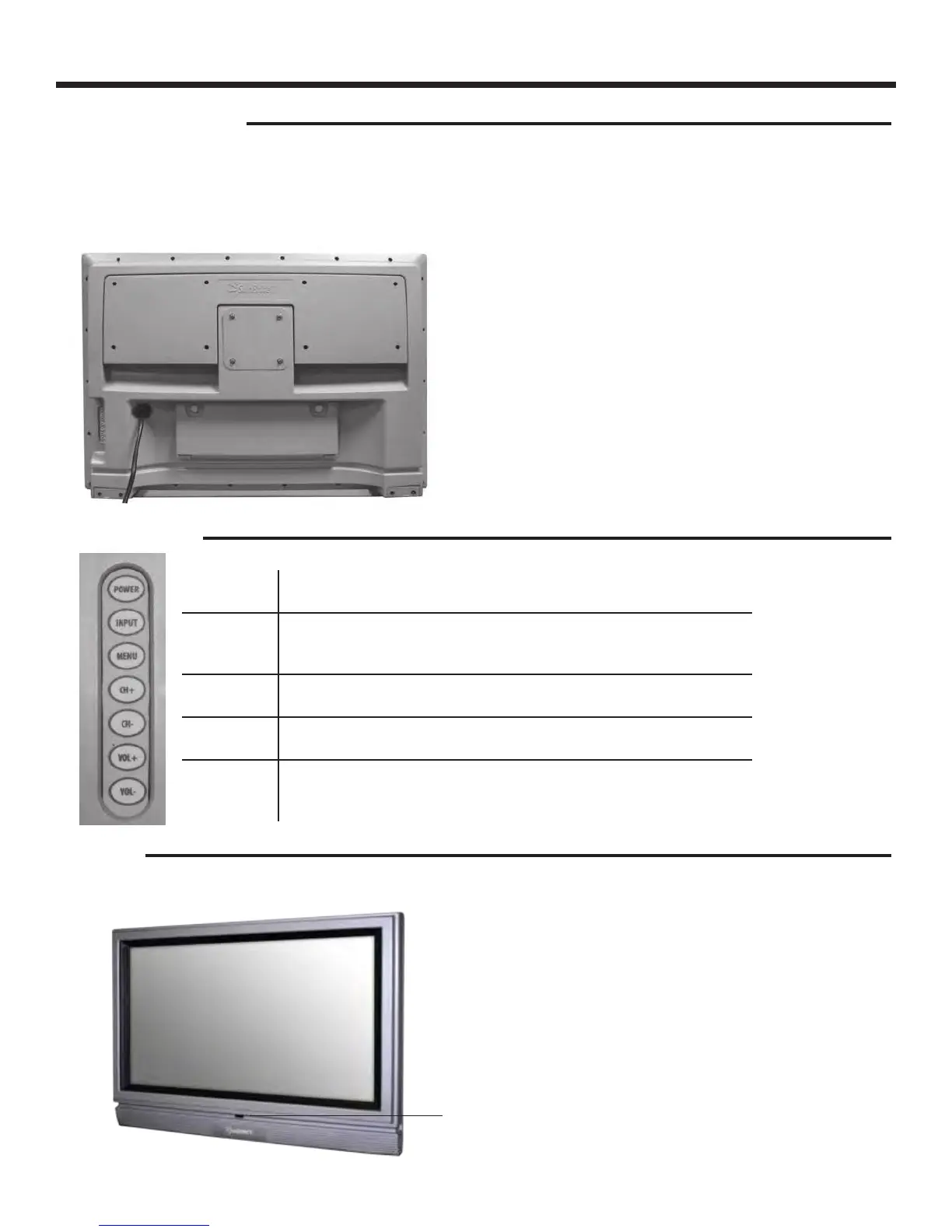
TV Installation - Connecting the Power Cord
Power Turn on the TV by pressing the button once. Press the button again to
turn o the TV.
Input This button switches between the dierent sources of the TV. When the
On-Screen Display (OSD) is active, this button acts as the enter button
and conrms the menu selection.
Menu This button activates the OSD. If a sub-menu is active, pressing this
button will return selection to the previous menu level.
CH+/CH- These buttons change the TV channel up or down. If the OSD is active,
these buttons function as up or down controls for the menu.
Vol+ /Vol- These buttons increase or decrease the volume. If a sub-menu is active,
pressing these buttons will move the selection left or right. If the OSD is
active, Vol+/Vol- is used to select the highlighted options.
IR Sensor
Connect the power cord to a GFCI-protected AC outlet
with “in-use” waterproof cover.
Warning: TV must be installed at least 5 feet away from
standing water, such as (but not limited to) a pool or
spa.
Connecting the Power Cord
WARNING:
TV AND GFCI RECEPTACLE MUST BE INSTALLED AT LEAST 5 FEET AWAY FROM STANDING WATER , SUCH AS (BUT NOT LIMITED
TO) A POOL OR SPA.
Connect the power cord after you have made connections to your video equipment.
Side Panel Controls
Front Panel


 To Next Page