EasyManua.ls Logo

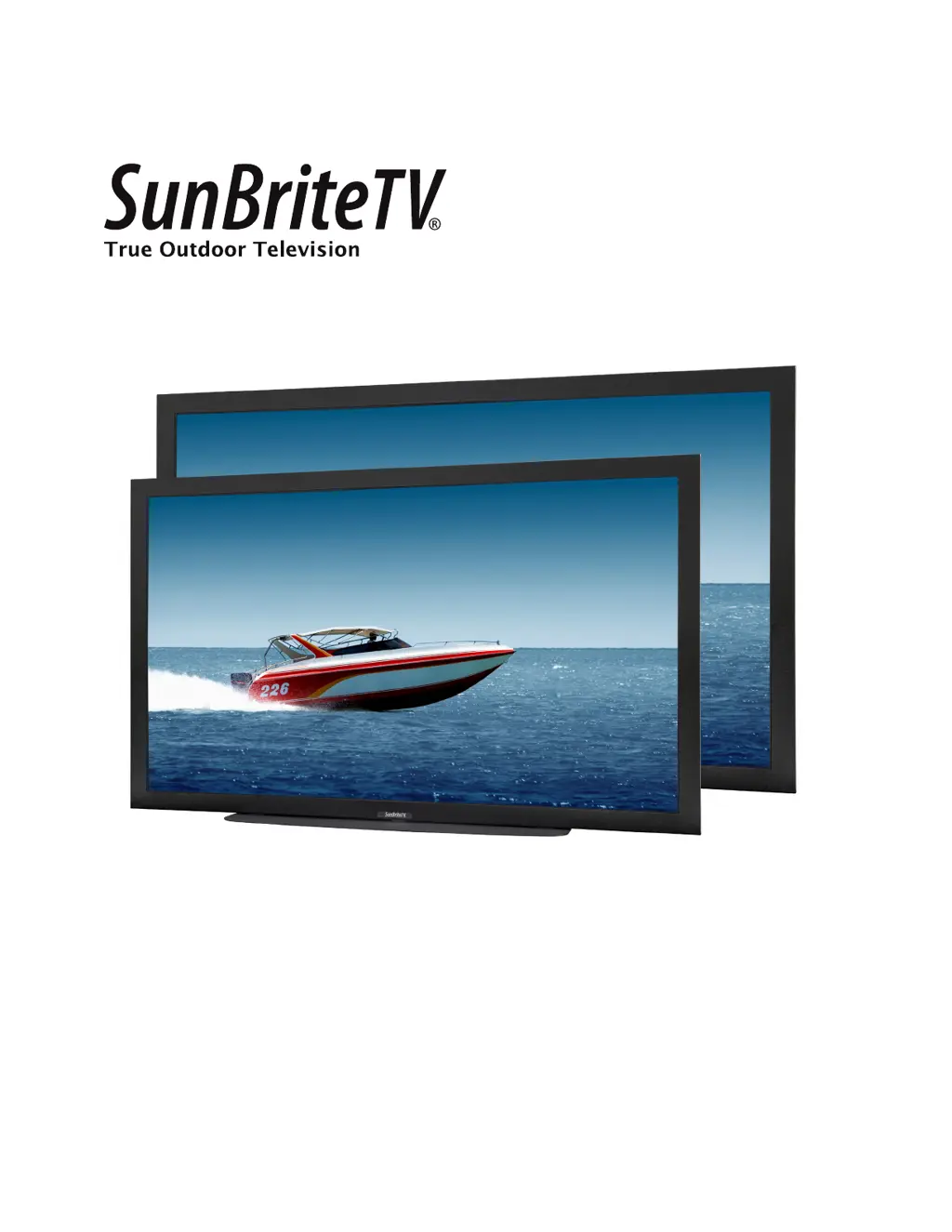
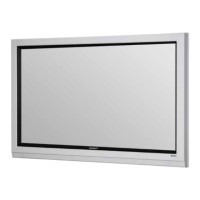
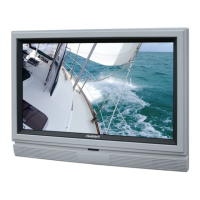
SunBriteTV SB-5570HD - User Manual

SunBriteTV SB-5570HD
42 pages
Print Icon
To Next Page IconTo Next Page
Loading...
Operator’s Manual
Model SB-5570HD
Model SB-6570HD
Revision 339-140617
PN: M55-065-00

Questions and Answers

  • T
    Timothy WilliamsSep 8, 2025
    How to unblock channels on SunBriteTV SB-5570HD LCD TV?
    • J
      Jordan McphersonSep 8, 2025
      If TV channels are blocked on your SunBriteTV LCD TV, check the Auto Lock function settings on the OSD. Channels may have been locked previously.
  • S
    Stephanie RoblesAug 23, 2025
    How to fix SunBriteTV LCD TV remote control not working?
    • E
      Eric SparksAug 23, 2025
      If your SunBriteTV LCD TV remote control isn't working, try these steps: First, turn off the TV and unplug it. Remove the batteries from the remote for 30 minutes. Then, press the remote buttons and the power button randomly for 2 seconds each, and reinstall the batteries. Ensure there's a clear line of sight between the remote's sensor and the TV's remote sensor, which is located where the power indicator light is.
  • T
    tiffanyandersonAug 25, 2025
    What to do if SunBriteTV SB-5570HD has no picture?
    • L
      Lynn StricklandAug 25, 2025
      If your SunBriteTV LCD TV has no picture, check that the power cord is correctly connected and the power is on. Also, verify that the video cable is properly connected and that you've selected the correct input signal source. If these steps don't resolve the issue, unplug the TV for at least 1 hour to perform a hard reset.
  • H
    heathermunozAug 26, 2025
    Why does my SunBriteTV SB-5570HD have picture but no audio?
    • D
      Dale LawrenceAug 27, 2025
      If your SunBriteTV LCD TV has picture but no audio, ensure the audio cable is connected correctly. Readjust the volume using the remote control. Also, make sure the TV tuner signal isn't lower than 65 percent.
  • M
    Maria GrossAug 27, 2025
    How to fix abnormal colors on SunBriteTV SB-5570HD LCD TV?
    • H
      Harold PattersonAug 28, 2025
      If your SunBriteTV LCD TV displays abnormal colors, ensure that you match the colors on the cable to the corresponding connector colors (e.g., red cable to the red port).
  • B
    Brandi SimpsonSep 22, 2025
    How to fix SunBriteTV LCD TV picture that doesn't cover the entire screen?
    • C
      Charles SmithSep 22, 2025
      If the picture on your SunBriteTV LCD TV doesn't cover the entire screen, and you're using HDMI or a TV digital channel, use the Aspect button to switch to 16:9 format. If you're using VGA, use the computer’s video controls to adjust the image to the screen. Note that when watching regular 4:3 TV or 4:3 signals from a VCR or DVD player in 480i resolution, switching to 16:9 will fill the screen but may distort the picture.
  • J
    Jason McdonaldSep 16, 2025
    Why can't I get 1920x1080 from PC VGA on SunBriteTV LCD TV?
    • R
      Robert AverySep 16, 2025
      If you cannot get 1920 x 1080 resolution from PC VGA on your SunBriteTV LCD TV, note that the screen’s maximum resolution is 1920 x 1080. Your video card may not support this resolution. Check your video card’s maximum resolution and use that setting.
  • S
    Stephanie MorrisSep 18, 2025
    Why SunBriteTV SB-5570HD LCD TV picture is distorted?
    • D
      Dylan WilliamsSep 18, 2025
      If the picture is distorted or has an abnormal sound on your SunBriteTV LCD TV, it might be due to interference from large electrical appliances, cars, motorcycles, or fluorescent lights. If the TV is close to the wall, try moving it to another location to see if the problem persists.
  • L
    Lawrence HoodSep 7, 2025
    How to fix no color on SunBriteTV SB-5570HD?
    • T
      Thomas PrinceSep 7, 2025
      If your SunBriteTV LCD TV has no color, adjust your picture setup and ensure the color saturation isn't turned all the way down.
  • D
    Dennis NavarroSep 4, 2025
    How to brighten the picture on SunBriteTV SB-5570HD?
    • C
      Courtney LunaSep 4, 2025
      If the picture on your SunBriteTV LCD TV is too dark, adjust your contrast, brightness, and backlight settings from the OSD menu.

SunBriteTV SB-5570HD Specifications

General IconGeneral
Screen Size55 inches
Display TypeLCD
Brightness700 nits
Contrast Ratio4000:1
Viewing Angle178 degrees
Response Time8 ms
Weatherproof RatingIP55
Water ResistanceYes
Resolution1920 x 1080
Operating Temperature-24 to 122 degrees Fahrenheit
InputsHDMI, USB, Component, Composite, RF
OutputsDigital Audio
Speakers20W

Related product manuals