User Manual
_______________________________________________________________________________
SunComm Technologies Co., Ltd.
9
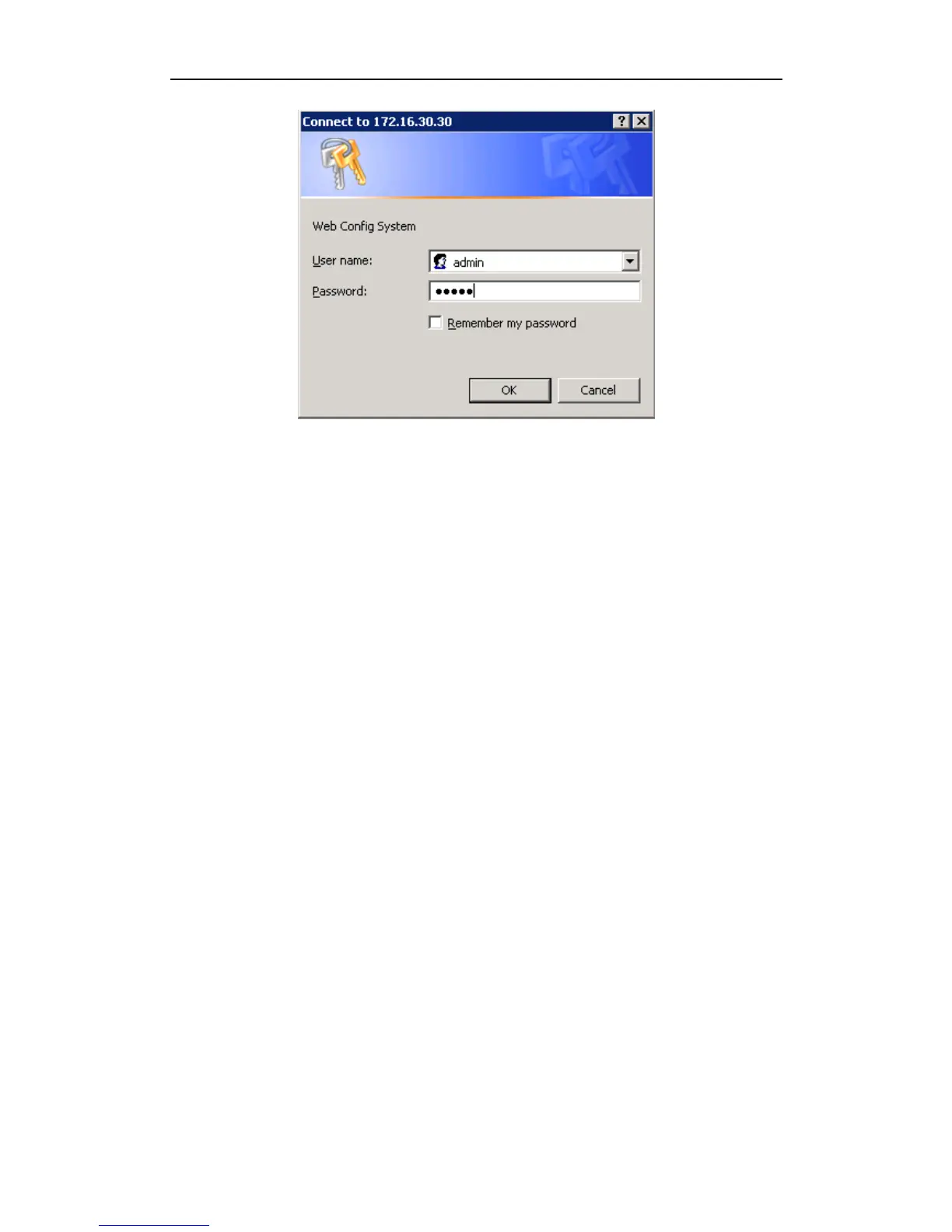
Enter username and password and then click “OK” in configuration interface. The default
username and password are “admin/admin”. It is strongly recommended, change the default
password to a new password for system security.
4.2 WEB Configuration
SC-1695 WEB configuration interface consists of the navigation tree and the detail configuration
interfaces.
Go through navigation tree, user can check, view modify, and set the device configuration on the
right of configuration interface.
4.3 System Information
System information interface shows the basic information of status information, Mobile


 To Next Page