Instruction of SR81 Split Pressurized Solar Hot Water System
Page 41 of 48
►Press “SET”, “OFF” blinks
►Press “+/-”, to activate this function, “FS ON” displays
►Press “SET” or “ESC” to save the setting
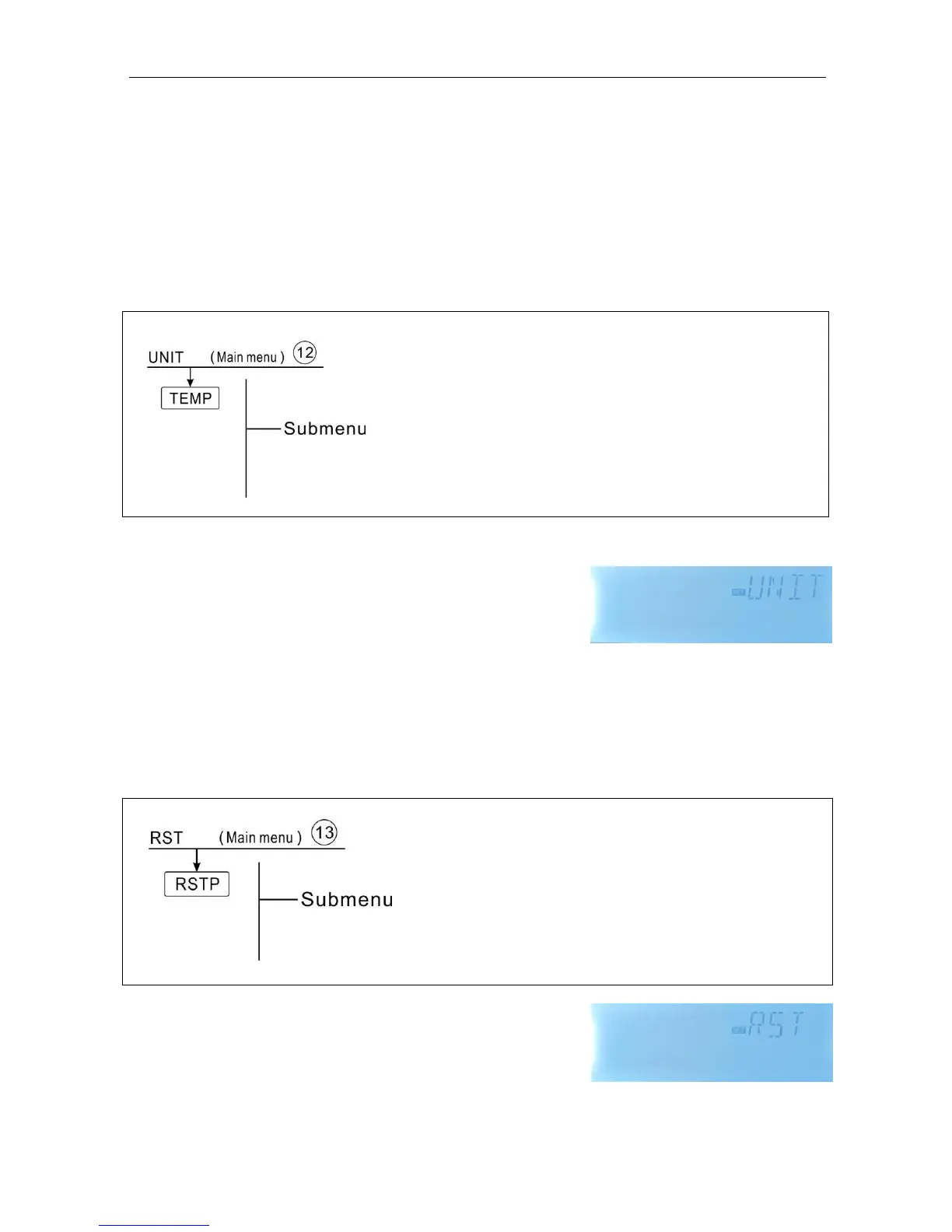
8.10 UNIT C-F Switch
Under this menu, below unit can be set:
Unit of temperature can be switched between Celsius and Fahrenheit
Function setting
►Select UNIT menu
►Press “SET”, “TEMP
o
C” displays on the screen
►Press “SET”, “
o
C” blinks
►Press “+/-”, to select temperature unit
►Press “SET” or “ESC” to save the setting
8.11 RET Reset
RSTP (Menu parameters): through reset function, all parameters can be reset to factory
setting



 To Next Page