User Manual 5 Mechanical Installation
15
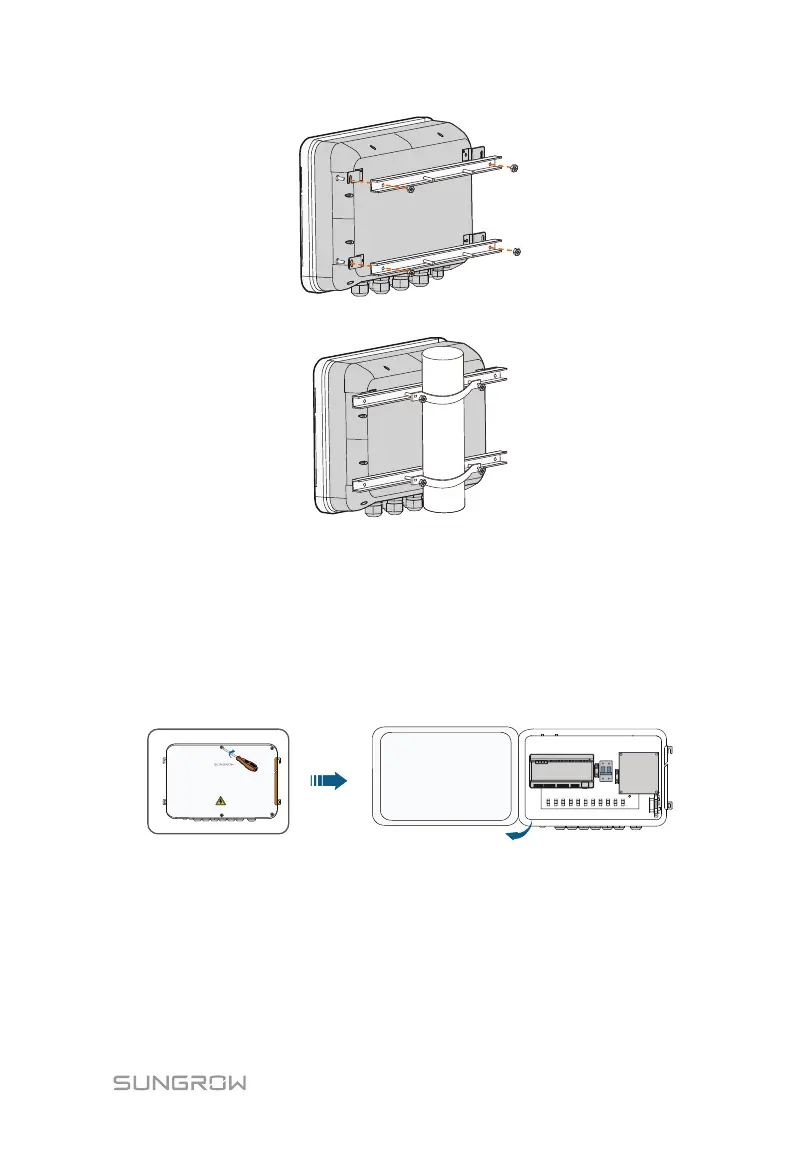
Step 2 Fix the mounting-brackets with the clamps by using the nuts.
5.5 Antenna Connection (Optional)
The COM100 comes standard with a antenna. If the COM100 is to be installed
in a container, purchase a sucker antenna.
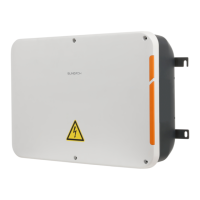
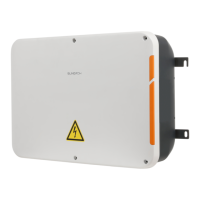
Step 1 Release the 4 screws on the front side of the COM100 and open the
front cover of the cabinet.
Step 2 Loosen the "RF" waterproof terminal on the bottom of the COM100.
Step 3 Lead the antenna through the "RF" waterproof terminal, and secure
clockwise the nut at the end of the antenna to the corresponding terminal
on the bottom of the Logger1000.


 To Next Page