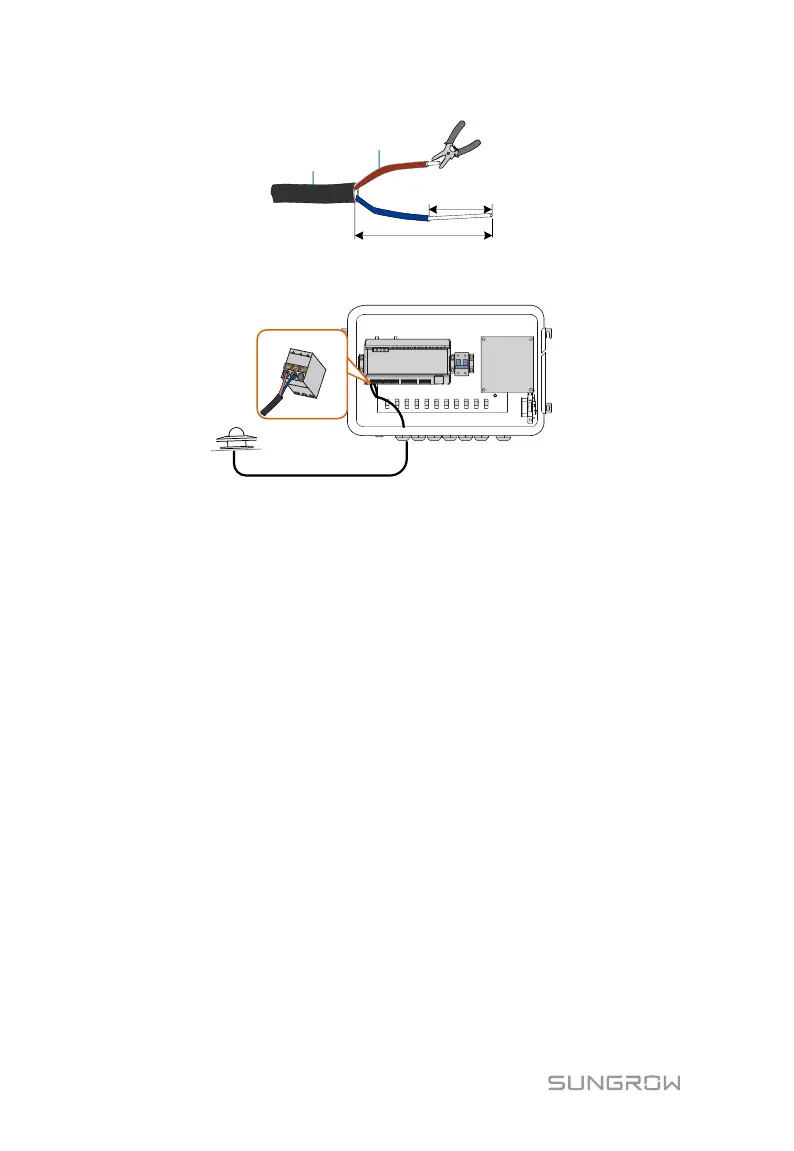
Step 4 Fasten the waterproof terminal.
6.9 Inspection after Cable Connection
Conduct the following operations after finishing electrical cable connection:
Check that all cables are correctly connected.
Gently pull the cables backwards to ensure they are firmly in place.
Fasten all the waterproof terminals and seal gaps at the bottom of the
terminals with fireproofing mud.
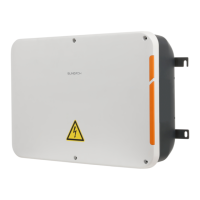
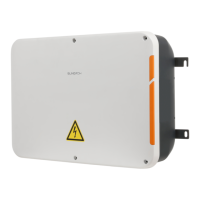
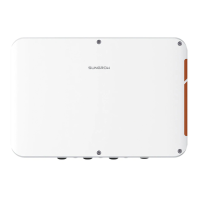
Close the front cover of the COM100 and tighten the screws.


 To Next Page