36
2 (Optional) Switch menu language.
i. Open the App, tap
in the upper right corner.
ii. Tap Language to select the desired language.
iii. Tap Confirm.
3 Tap Local Access in the lower right corner.
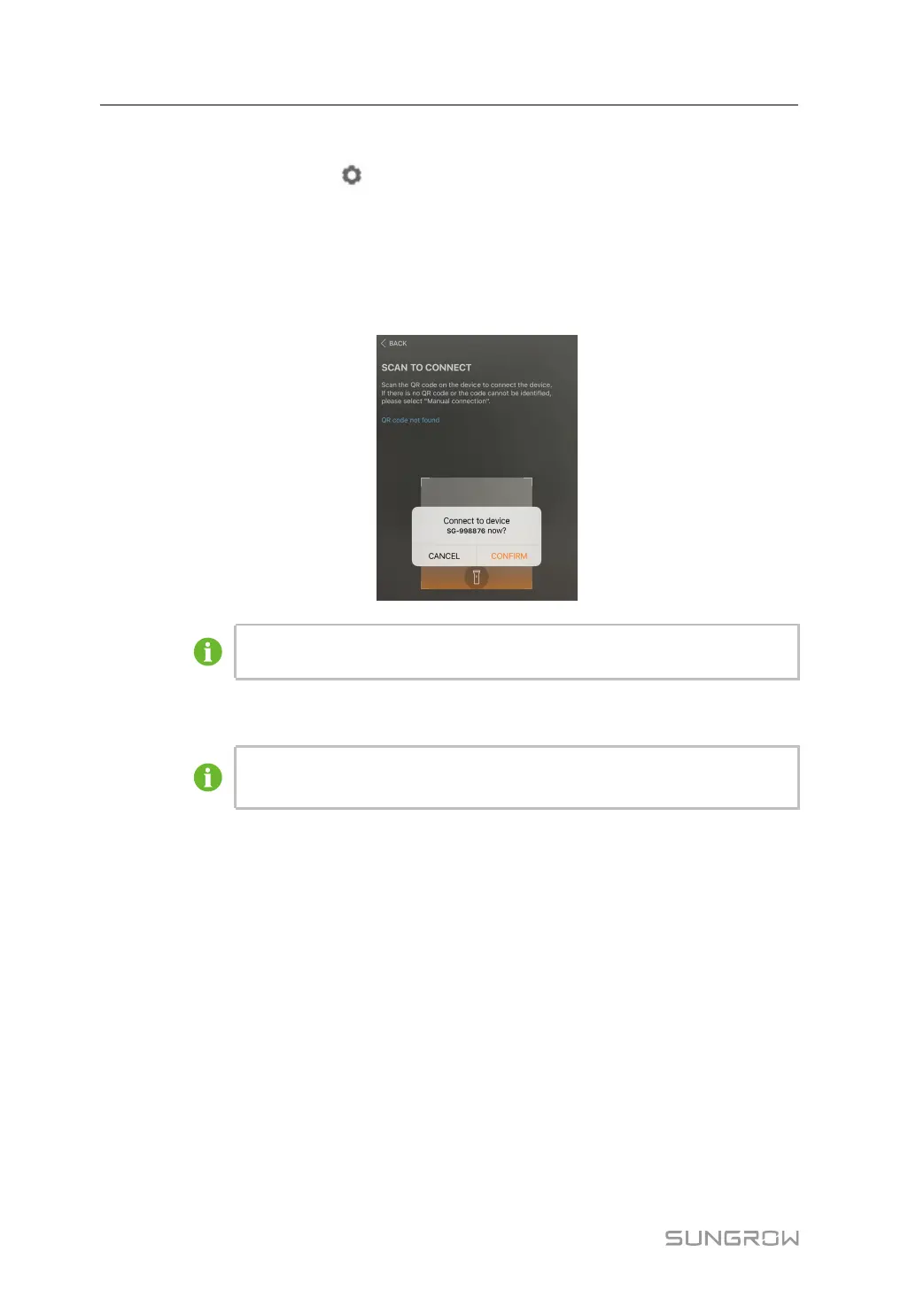
4 Tap Confirm in the pop-up dialog box.
The figure is for reference only. The actual interface may be different and shall
prevail.
5 Enter the password in the dialog box and tap Login.
The default username is user and the initial password is pw1111. Please
change the password as soon as possible to ensure account security.
2.3 Homepage Information
After logging in, enter the home page to view the detailed information of the plant. The
information on the home page is as follows.
2 WLAN Login (Near End) User Manual



 To Next Page