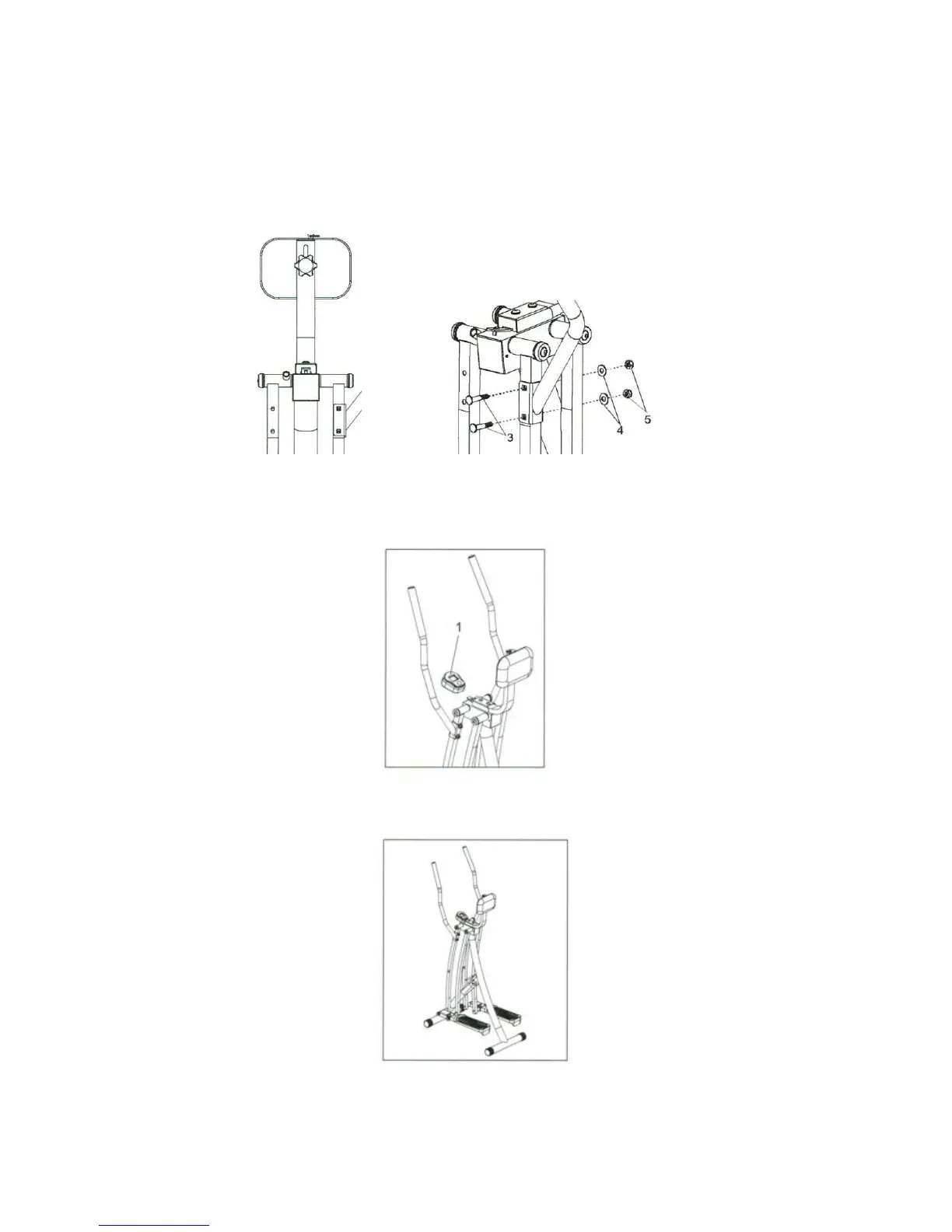
3) Attaching the Handlebars
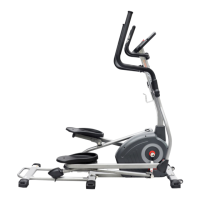
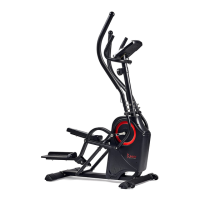
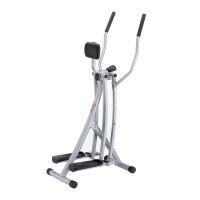
Make sure the square holes on each handlebar are facing outward as shown below. Insert two
Carriage Bolts (3) making sure the square part of the bolts lock into the square holes. Place a
Washer (4) and a Nylon Nut (5) on each bolt and use the Wrench (B) to secure the Handlebar (2).
Repeat to attach the other Handlebar (2) onto the Main Frame (7).
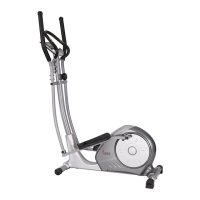
4) Attaching the Monitor
Slide the Monitor (1) onto the bar located behind the Abdominal Support (8).
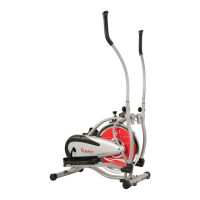
5) Assembly is complete.
5


 To Next Page