18
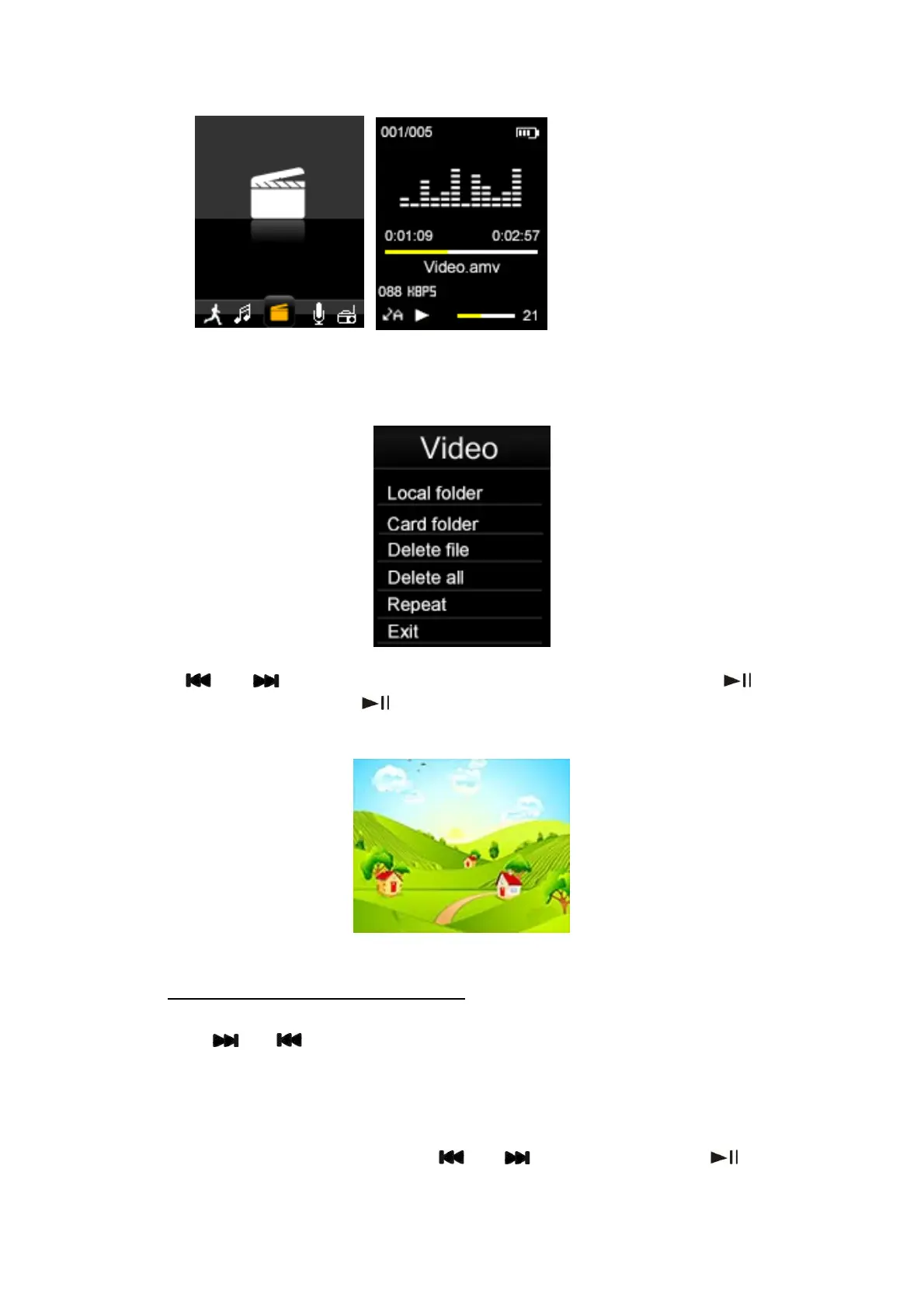
Then press “Menu” key to select the memory from “Local folder” or “Card folder” which
you would like to browse, delete or Repeat files.
Use the “
” or “ ” keys to browse through the available video files and “ ” key to
select a file or folder. Press the “
” key to Play / Pause the currently playing video; Press
the “+” or “-“ keys to adjust the volume.
6.2.1
When a video is playing, you can fast forward or fast rewind the video, by pressing and
holding the “
Fast Forward / Fast Rewind Video
” or “ ” keys.
6.3 Record
Select “Record” in main menu using the “
” or “ ” keys and then press “ ” to enter
the voice recording mode where the recording mode screen below will be shown.



 To Next Page