26
Note: This software only works on Windows XP/Vista/7 OS.
1. Turn on your computer, After your version of Windows® has loaded, connect your player
with your computer. Then you can find the AMV Converter driver in your PC driver list.
2. In AMVConverter driver,
please select “ Setup.exe ” file and double click it to start
installation.
3. Click “Next” to continue.
4. Click “Install” to continue.
5. Click “Finish” to finish the installation. The AMV Converter wizard
“amvtransform” will appear on your desktop.
7.2 Using the AMV Converter
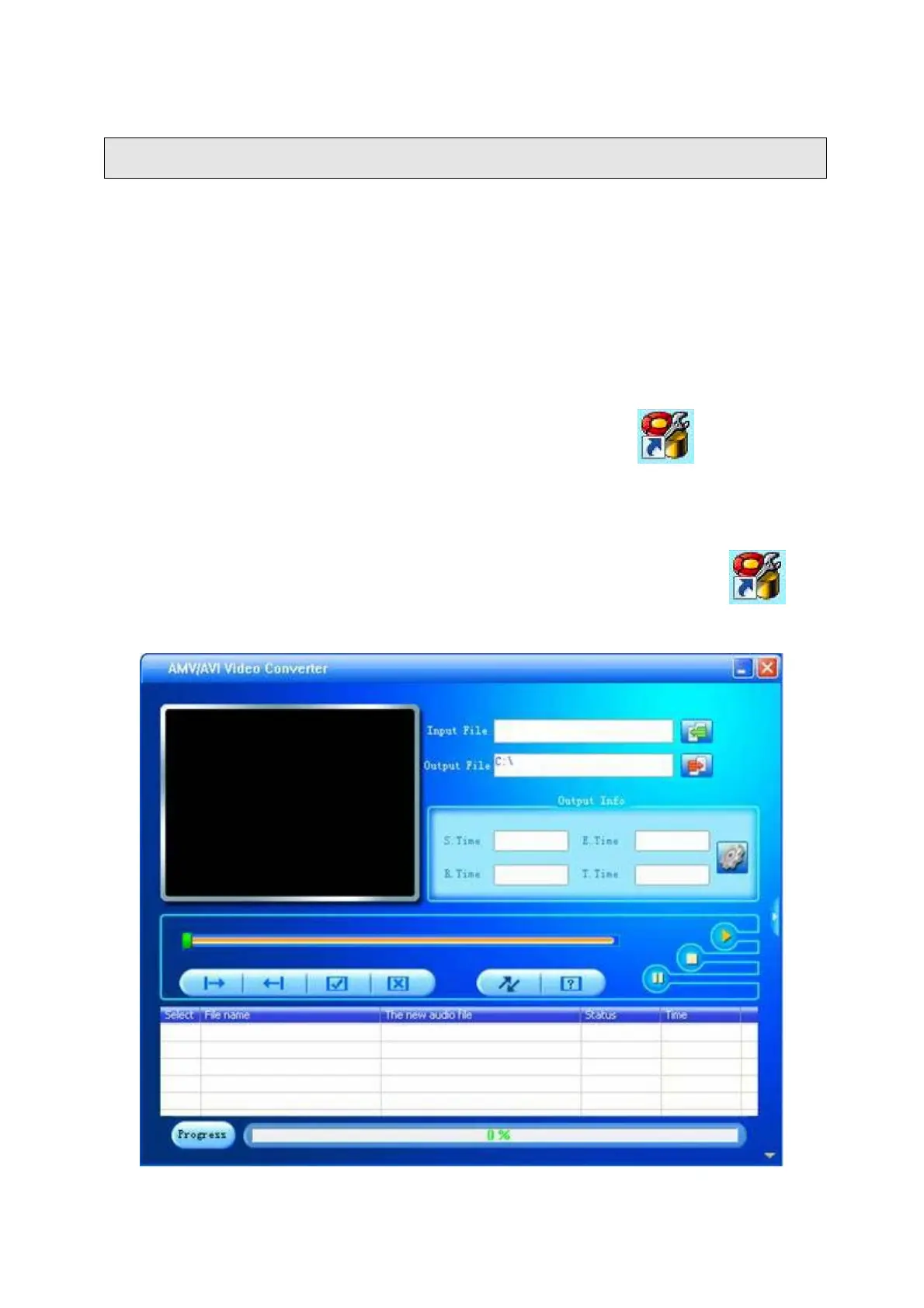
1. Turn on your computer. After Windows® has loaded; double click the wizard on
your desktop to start AMV convert software.



 To Next Page