24
6.7.3
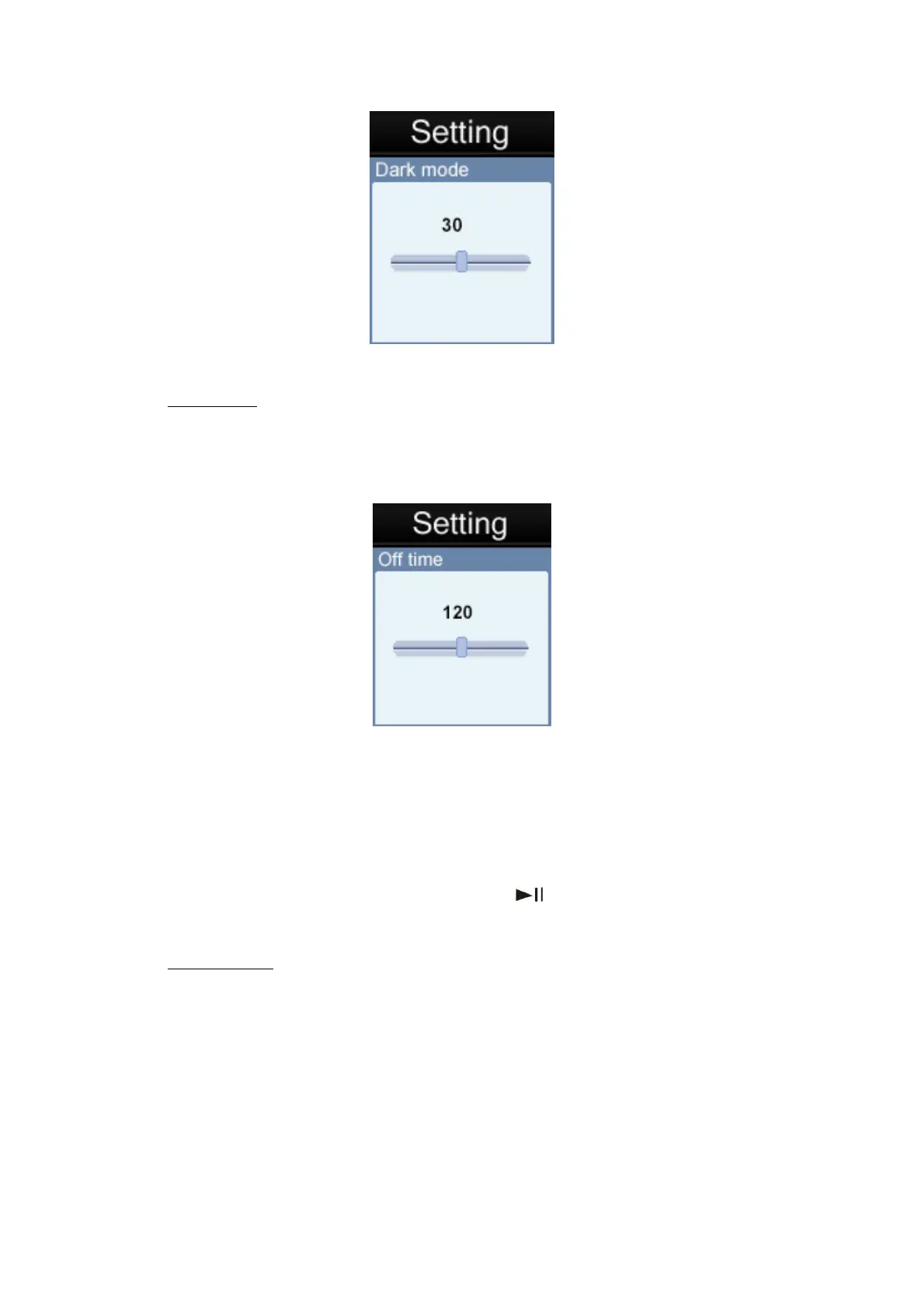
The auto power off feature is a useful feature to help conserve power when not in use for a
set period of time. When you select this option, the unit will automatically power off the
unit after the selected time frame.
Power Off
There are 20 selectable options: OFF, 10, 200 seconds to choose from for the auto power
off time. The tiem 0 option if selected will disable the auto power off function. The other
time length options, when selected, will determine the idle time which needs to elapse
before the unit will auto power off to conserve power.
If a unit is powered off automatically by the auto power off function after the idle time,
users can restart this unit, by pressing and holding “
” key for 2 seconds to turn the unit
back on.
6.7.4
1) Memory Info: This displays Memory capacity.
System info



 To Next Page