22
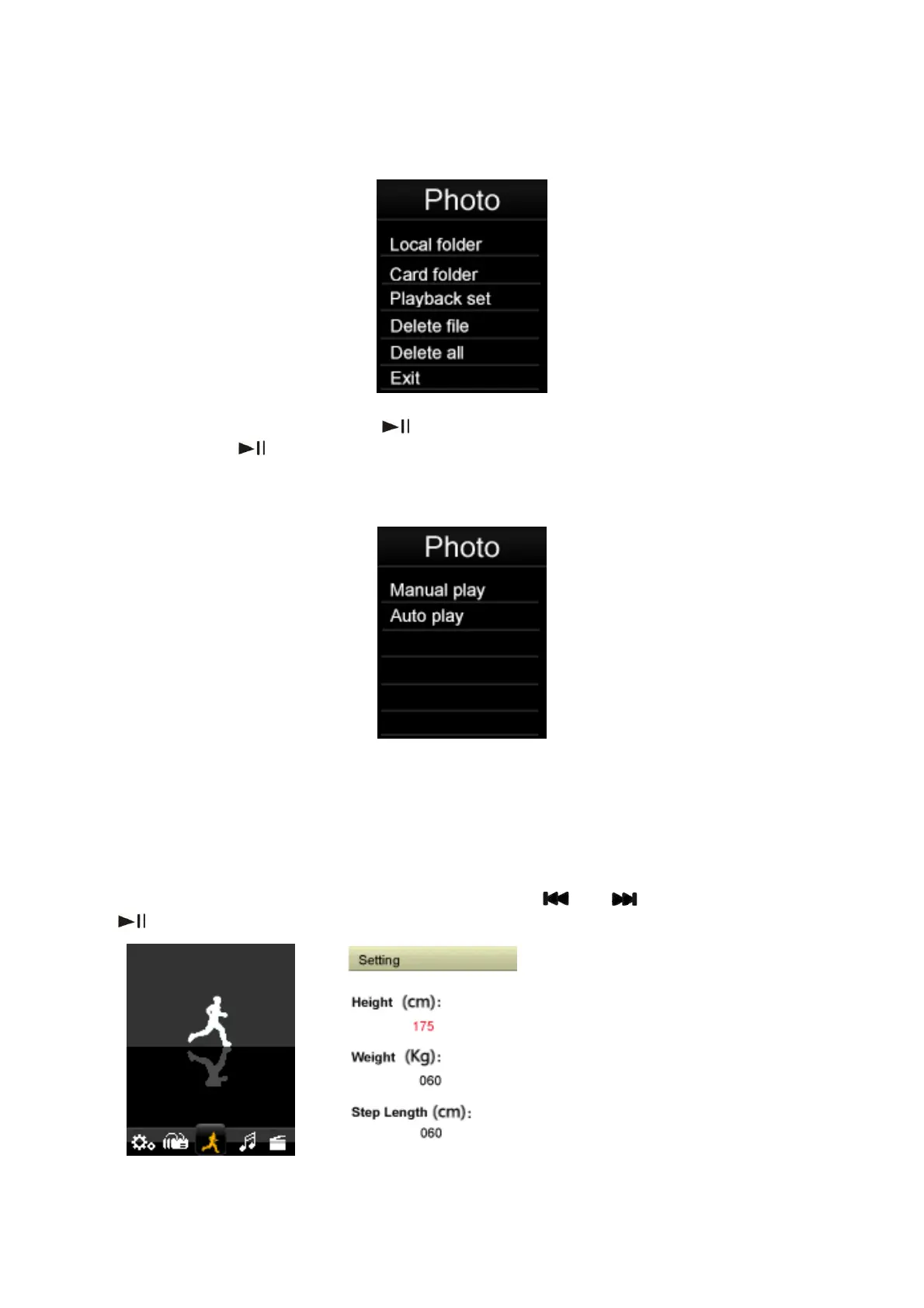
In the photo browser mode, Press “Menu” key to display the Photo submenu. Then select
the memory from “Local folder” or “Card folder” which you would like to browse, or delete
files and Playback set.
Select Playback set and press the “
” key to enter. You can choose Manual play or Auto
play. Press the “
” key to activate the photo Auto play function. Once this function is
activated the player will play through the photos present in the currently selected folder.
While the photo slideshow function is active.
You can adjust the slideshow time. There are 9 selectable time periods ( 2, 3, 4, 5, 6, 7, 8, 9,
10 seconds) to choose the photo slideshow period.
6.6 Pedometer
Select “Pedometer ” from the main menu using the “ ” or “ ” keys and then press
“
” to enter the Pedometer mode.



 To Next Page