20
Note: When recording, you may wish to disconnect your earphones to improve the
recording quality.
6.4 Radio
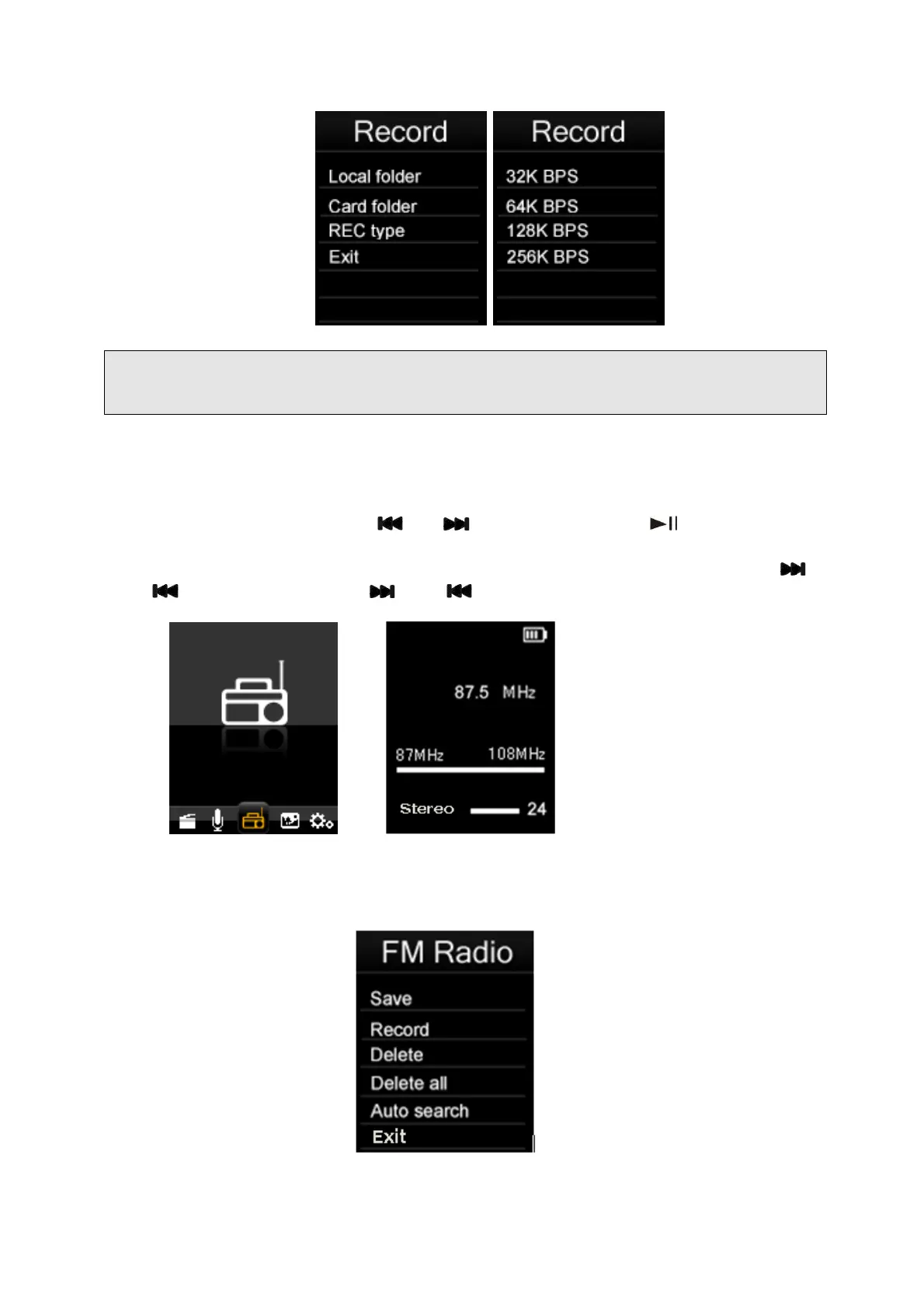
Select “FM” in main menu using “ ” or “ ” keys and then press “ ” to enter the FM
radio mode.
Then you can manually scan the radio frequencies for radio stations by pressing the “
”
and “
” keys. If press and hold “ ” and “ ” keys, fast sanning will start.
From the FM mode screen, Press “Menu” key to display the FM submenu, FM submenu
includes the setup options: Save, Record, Delete, Delete all, Auto Search,Exit.



 To Next Page