1. Long press the [TIME] button until you see the hour
flashing. Rotate the [TUNING] knob to set the correct
hour, then short press the [TIME] button and notice the
minutes are flashing.
2. While it's flashing turn the [TUNING] knob to set the
correct minutes, then press [TIME].
Note: You can also directly key-in the numeric key instead
of rotating the [TUNING] knob to set the correct clock.
RP-DS800 ENGLISH MANUAL
SLEEP FUNCTION
13
With sleep function, you can adjust the length of time for
the radio to turn off automatically.
The default setting for the auto-turn off time is 30 minutes if
the radio being turned on by short pressing the [POWER]
button.
To change the sleep timer, long press the [POWER] button
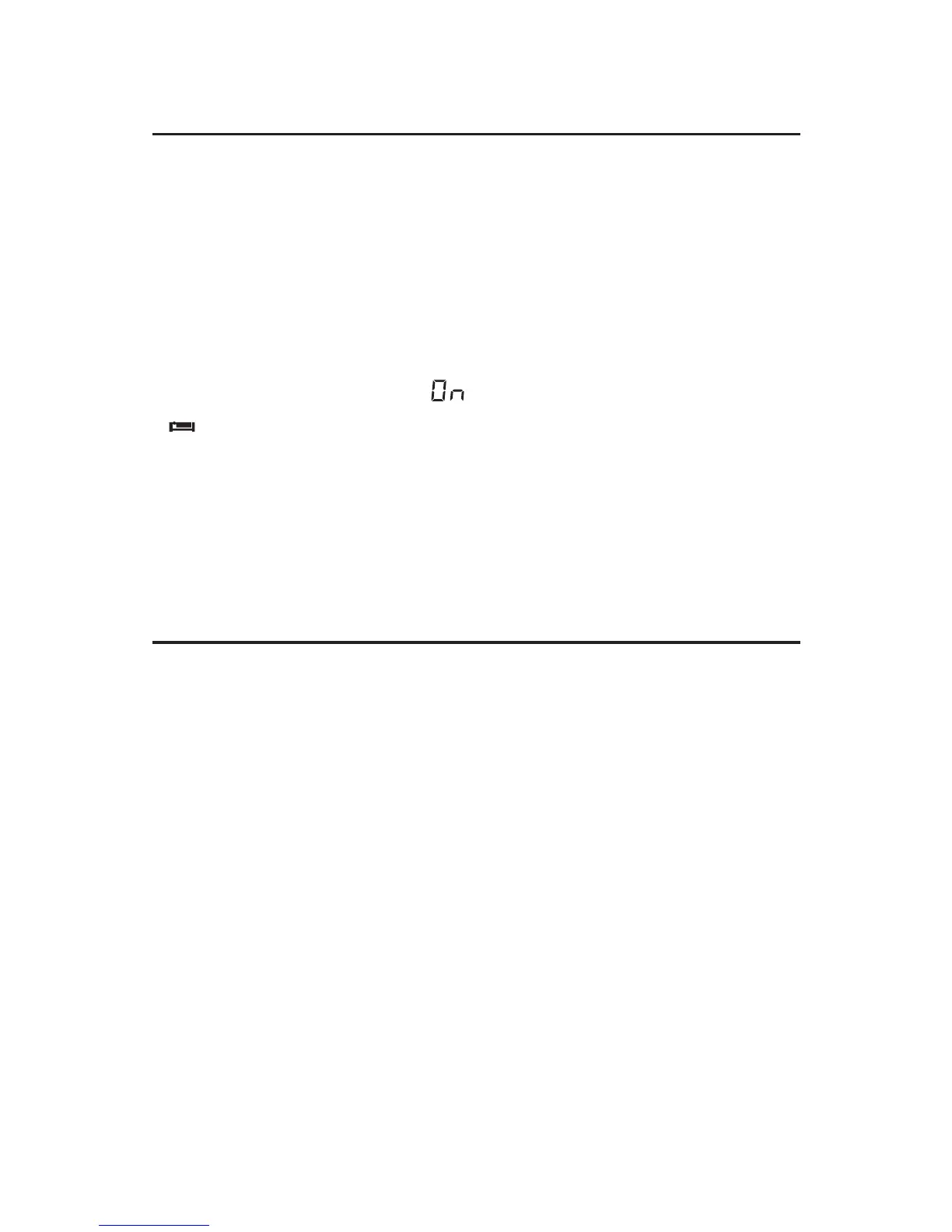
with [ON / 01~120] & [SLEEP] appear on the display, rotate
the [TUNING] knob to select sleep timer from 1 ~ 120
minutes or permanently " " Wait for 3 seconds until
" " symbol stops flashing to confirm.
Note: Short press the [POWER] button to directly turn on
the radio with previous preset sleep timer; long press it to
change the timer.
SLEEP
SETTING THE CLOCK


 To Next Page