BASIC OPERATION
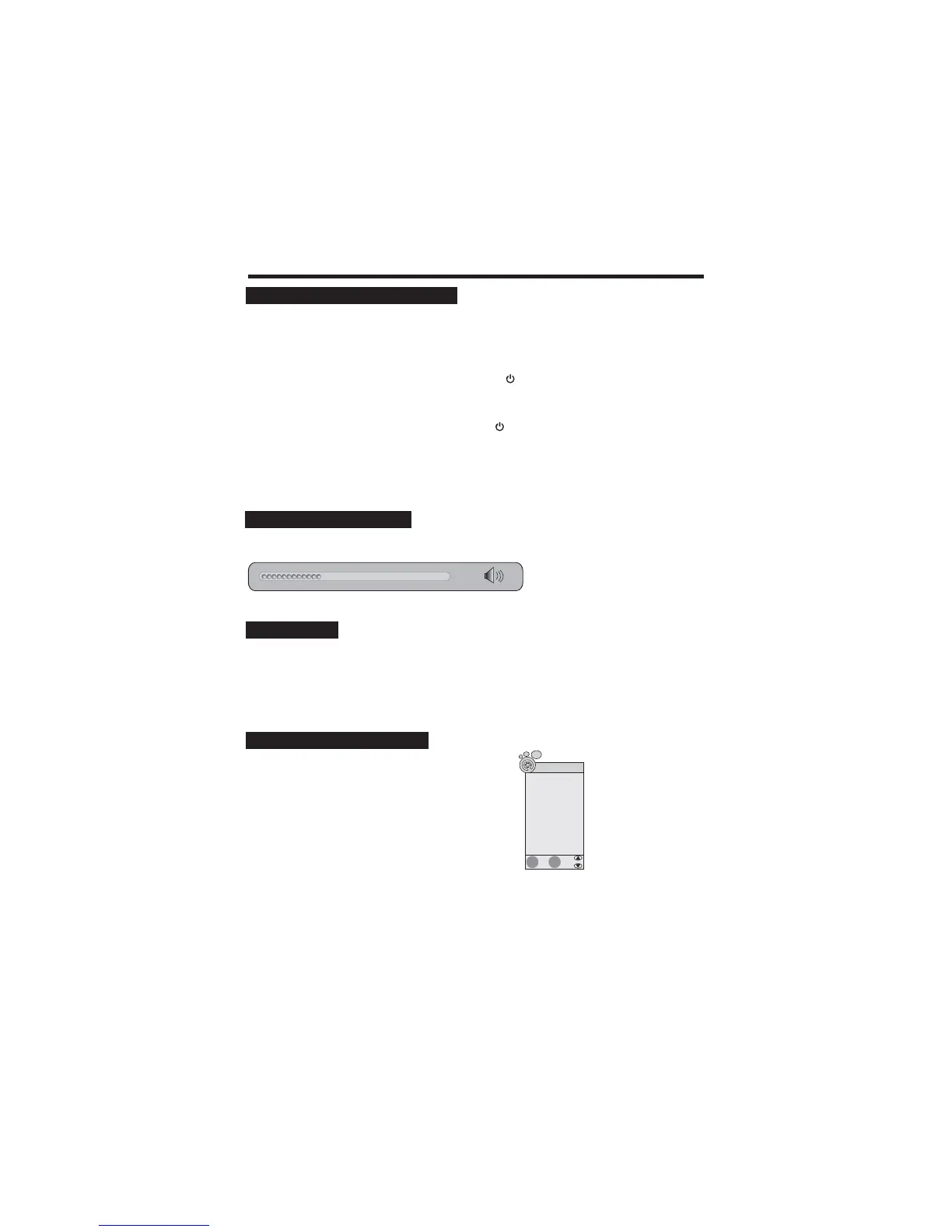
Press the VOL+/- button to increase or decrease the volume.
SELECTING INPUT SOURCE
1. Press the SOURCE button on the remote control or
press INPUT button on the rear panel of the LCD TV
to display the “ Input Source” menu.
2. Press the button to select the input signal.
3. Press button to confirm your selection.
pq
tu
/
/
At any time, you can temporarily cut off the sound using the MUTE button.
1. Press the MUTE button and the sound cuts off.
2. Press the MUTE button again or press VOL to turn mute off.+ button
USING MUTE
To switch the LCD TV on:
To switch the LCD TV off:
1. Connect the power cord to the LCD TV. Then the LCD TV switches itself to standby mode and the
power indicator on the front of the LCD TV lights up in red.
2. To switch on the LCD TV from standby:
Press the POWER button on the remote control or the button on the front panel of the LCD
TV, the LCD TV switches on and the power indicator lights up in green.
Press the POWER button on the remote control or the button on the front of the unit again, the
LCD TV switches to standby mode and the power indicator lights up in red.
10
36
SWITCHING THE LCD TV ON/OFF
ADJUSTING THE VOLUME
EXIT
ENTER
Input Source
DTV
ATV
AV
SCART
YPBPR
PC-RGB
HDMI
Media Player
DVD
Quit
Select



 To Next Page