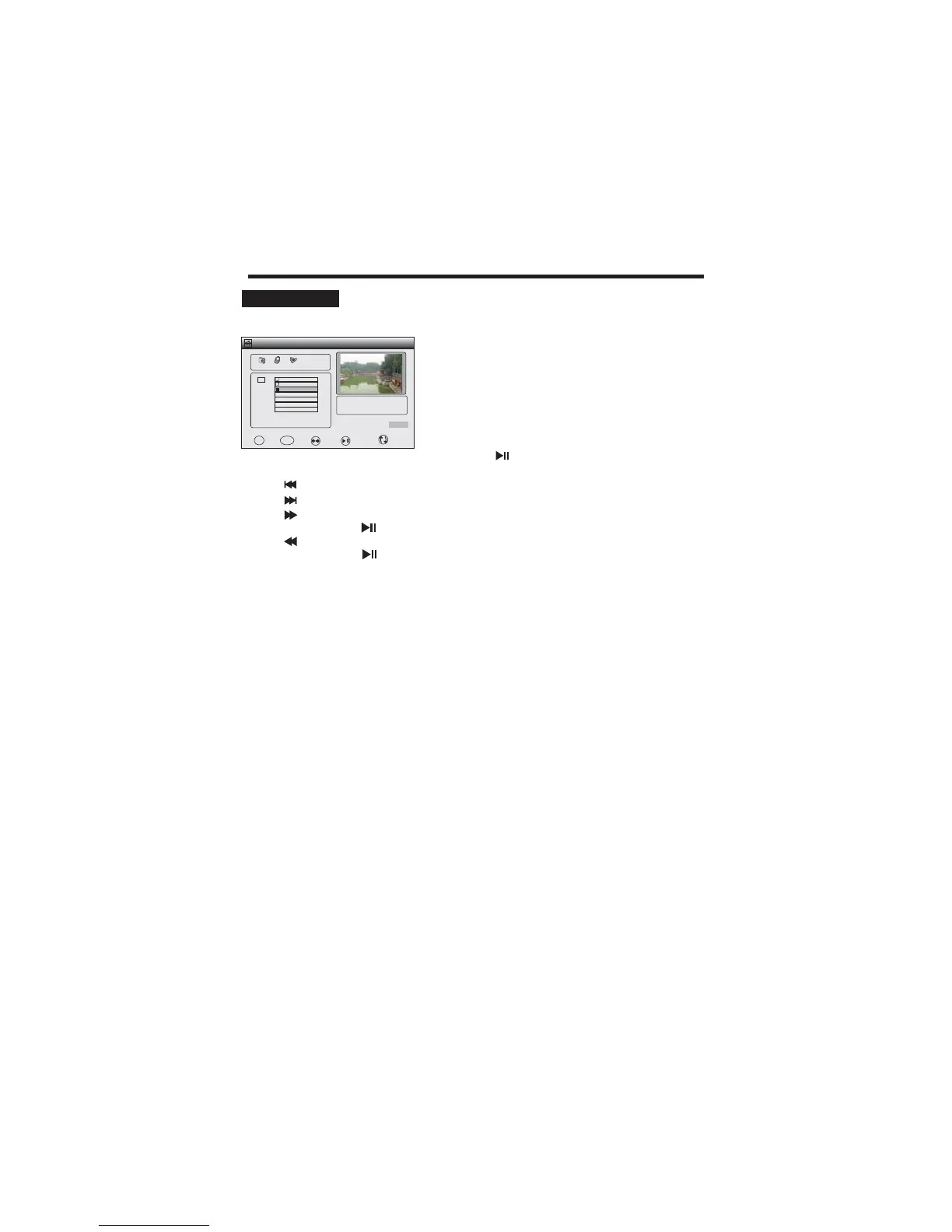
USB FUNCTION
PLAY MOVIE
The file format supported include .mpg, .vob, .avi, .mp4 and .dat.
22
1. Insert the USB to the USB connector.
2. Press the / button on the remote controller to select
the MOVIE.
tu
3. Press the ENTER button to enter the sub menu.
4. Press the / button to select each item. if you want
the movie around-the-clock play please press the
ENTER button to mark the movie
5. Press the button to play.
(
,
.)
pq
6. Press button to play to the last chapter
7. Press button to play to the next chapter
.
.
8 the fast
Press to resume normal playback.)
9
(Press to resume normal playback.)
10. Press REPEAT select repeat mode
11. Press the EXIT to exit.
.
. Press button to fast forward. Each time pressed, forward motion
speed changes.(
. Press button to fast reverse. Each time pressed, the fast reverse motion
speed changes.
C:
USB 2.0
PHOTO
MUSIC
MOVIE
Path
\
File
ABCD 0731.MPG
:Size 12900Bytes
1/1
A
MEDIA
BACK
EXIT MARK
ENTER
Play/Pause
/
Repeat



 To Next Page