USING THE MENUS
12
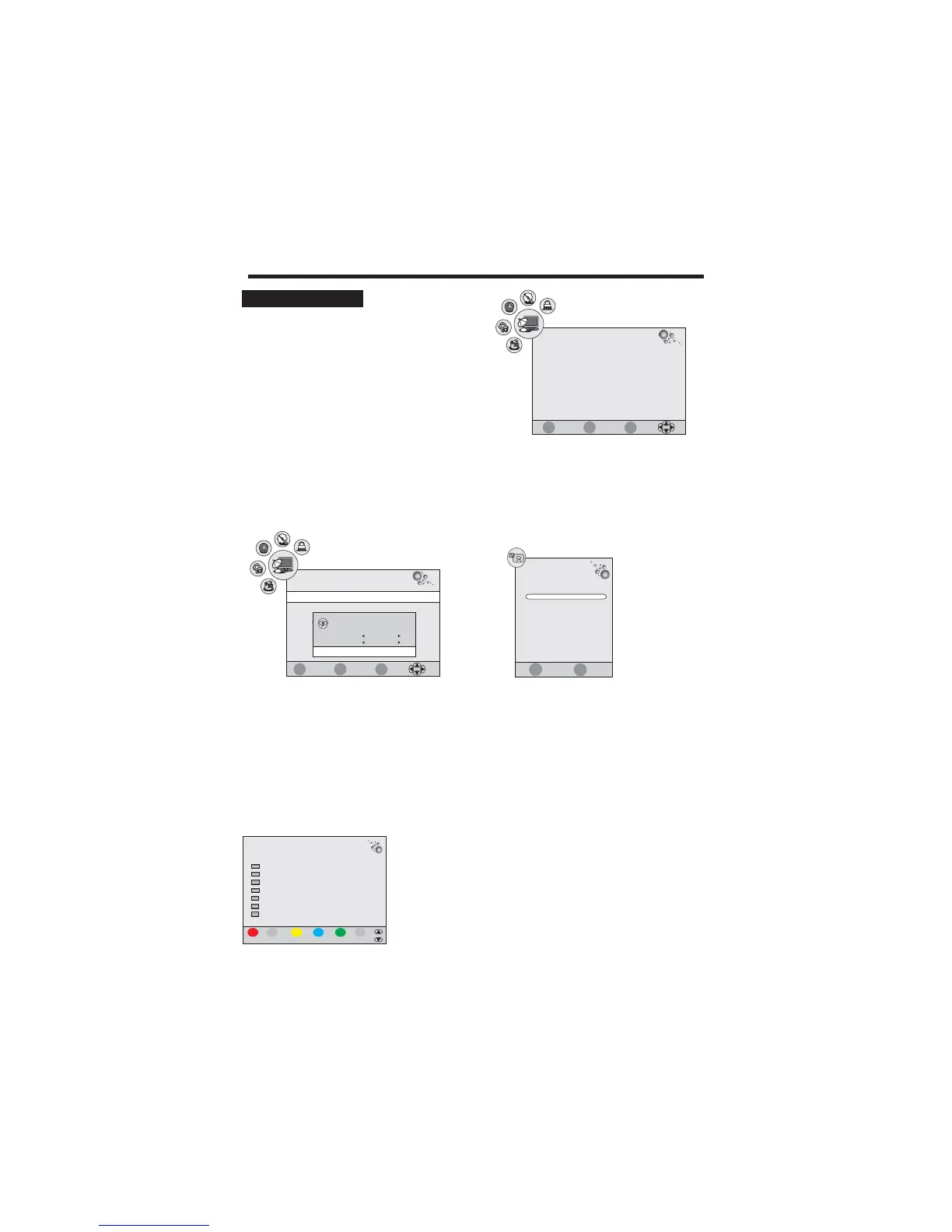
CHANNEL SETUP
1. Press the TV-MENU button on the remote
controller to display the OSD main menu.
2. Press / button to select the CHANNEL menu.
3. Press / button to select each item.
4. Press the TV-MENU or EXIT button to exit from the menu.
tu
pq
CHANNEL
Auto Tuning
DTV Manual Scan
ATV Manual Scan
Program Edit
Signal Information
CHANNEL
ATV Manual Scan
Program Edit
Signal Information
CI Information
Auto Tuning:
This option allows you to tuning theATV and DTV channels stations that can be received automatically.
1. Press prompt menu.
2. Use button to select a country.
3. Select Start to start tuning.
u
tu
button to display the
/ corresponding
4 Press the MENU or EXIT button to .. exit the tuning
DTV Manual Tuning
A
Programme Edit
:
This option allows you to tuning the DTV channels stations that can be received by manual.
:
This function allows you to delete, rename, swap, skip and FAV for a selected channel.
TV Manual Tuning:
This option allows you to tuning theATV channels stations that can be received by manual.
Delete
Program Edit
Delete Channel
1. In Program Edit, move the / button to select a channel
which you want to delete.
2. Press the RED button twice to perform the deletion function.
pq
Set FAV Channel
1. Press the / button to select a channel which you favorite.
2. Press the FAV button to perform the favorite function.
pq
Please select country first,
Then select Start to update info.
Country selection
Spain
Tune Type
ATV
FAV
Favorite
MOVE SKIP Rename EXIT
MENU
TV
37 S-35
TV
36 S-32
TV
35 S-31
TV
34 X-30
TV
33 S-28
TV
32 S-27
TV
31 S-26
DTV Manual Scan
Cancel
Start
Auto Tuning
EXIT
MENU
ENTER
CI Information
Quit Back Select
EXIT
MENU
ENTER
Quit Back Select
S.NO CH.NAME FAV SKIP LOCK
EXIT
MENU
Auto Scan
1 %... 77.25 MHz (ATV)
TV : 0 Programme(s)
Press <Menu> to skip.
Press <Exit> to exit.
DTV : 0 Programme(s)
Radio : 0 Programme(s)
Data : 0 Programme(s)
Quit
Skip



 To Next Page