18
USING THE MENUS
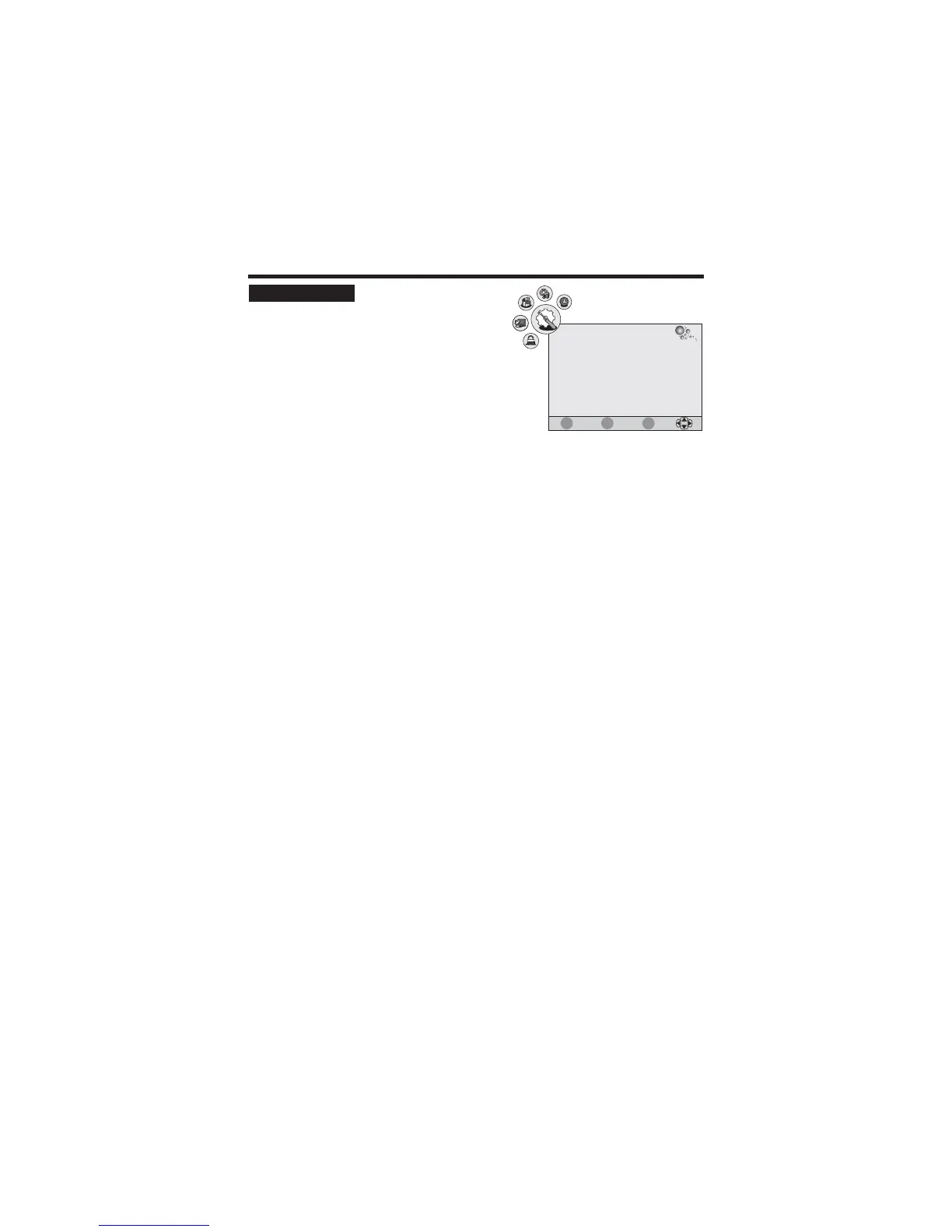
1. Press the TV-MENU button on the remote
controller to display the OSD main menu.
2. Press / button to select the OPTION menu.
3. Press / button to select each item.
4. Press the TV-MENU or EXIT button to exit from the menu.
tu
pq
Language
Note
Audio Languages (for DTV)
Note
Subtitle Language (for DTV)
Note
Country:
Restore Setting
:
Selects your desired language for the OSD menu.
: If your unit does not support multi-language, this
item may not be selected by pressing / button.
:
Selects your desired language for the audio.
: If your unit does not support multi-language, this item may not be selected by pressing
/ button.
:
Selects your desired language for the subtitle.
: If your unit does not support multi-language, this item may not be selected by pressing
/ button.
This item is disabled.
:
This function allows you to replace the settings with the factory default values.
tu
tu
tu
OPTION SETUP
Language
Audio Languages
Subtitle Language
Country
English
English
English
OPTION
Restore Setting
Spain
EXIT
MENU
ENTER
Quit
Back
Select



 To Next Page