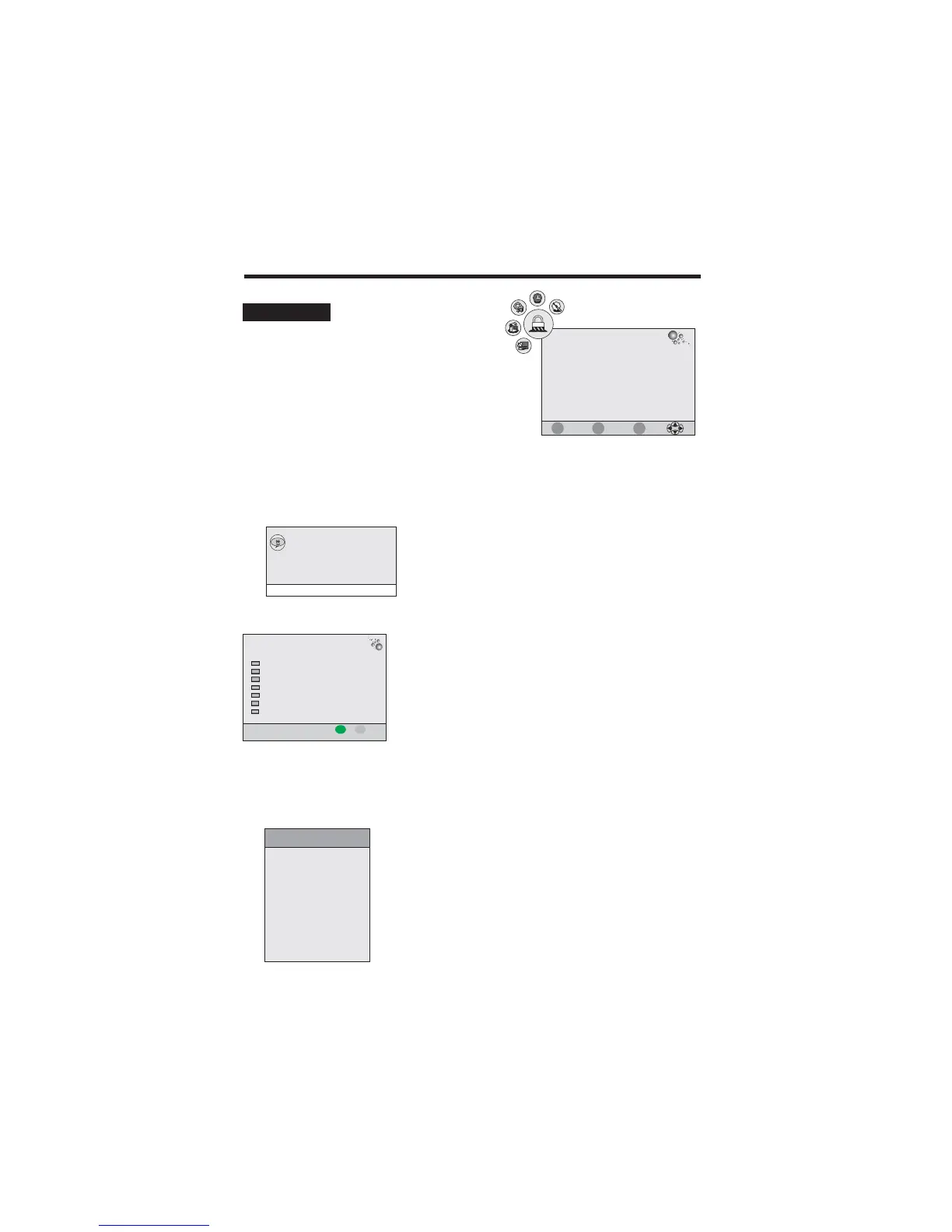
USING THE MENUS
Lock Channel:
Press tu
tu
/ button to select On or Off.
:
It allows you to change the LOCK menu access password.
:
It allows you to block some program.
:
Press / button to select the different block rating or select no block item to ignore this function.
Channel Password
Block Program
Parental Guidance
Please enter password
New
Confirm
- - - -
- - - -
1. Enter a new 4-digital number as a code using 0-9.
2. Enter the same 4-digital number to confirm.
1. Press the / button to select a channel which you want
to block.
2. Press the GREEN button to perform the block function.
pq
19
1. Press the TV-MENU button on the remote
controller to display the OSD main menu.
2. Press / button to select the LOCK menu.
3. Enter the password to enter the menu (The factory
initial password is “0000”)
4. Press / button to select each item.
5. Press the TV-MENU or EXIT button to exit from the menu.
tu
pq
LOCK SETUP
Lock Channel
Change Password
Block Program
Parental Guidance
Off
Off
LOCK
Hotel Mode
Hotel Mode:
Press / button to select Hotel Mode, then press ENTER to enter.pq
Hotel Setting
Hotel Lock
Lock Channel
Set Source
Channel Number
Picture Lock
Key Lock
Max Volume
ON
OFF
OFF
2
Source Lock
EXIT
MENU
ENTER
Quit
Back
Select
Cancel
Clear Lock
ON
100
Block Program
Lock EXIT
MENU
TV
37 S-35
TV
36 S-32
TV
35 S-31
TV
34 X-30
TV
33 S-28
TV
32 S-27
TV
31 S-26
S.NO CHANNEL FAV SKIP LOCK
1. Use / button to select each item.
2. Use / button to adjust value or select options.
3. Press TV-MENU button to exit.
pq
tu



 To Next Page