USING THE MENUS
4. Press / / / button to select or adjust.
5. When you are satisfied with your adjustment, press
ENTER button to begin record .
pqtu
Title
Mode
Start Date
Start Time
End Date
End Time
The Weakest Link
17:15
AUTO
31 Jan 2008
31 Jan 2008
18:00
31 Jan 2008 18:07
RECORDER
record button
time shift button
Time Shift
[-00:00:21/00:04:00]
18:07
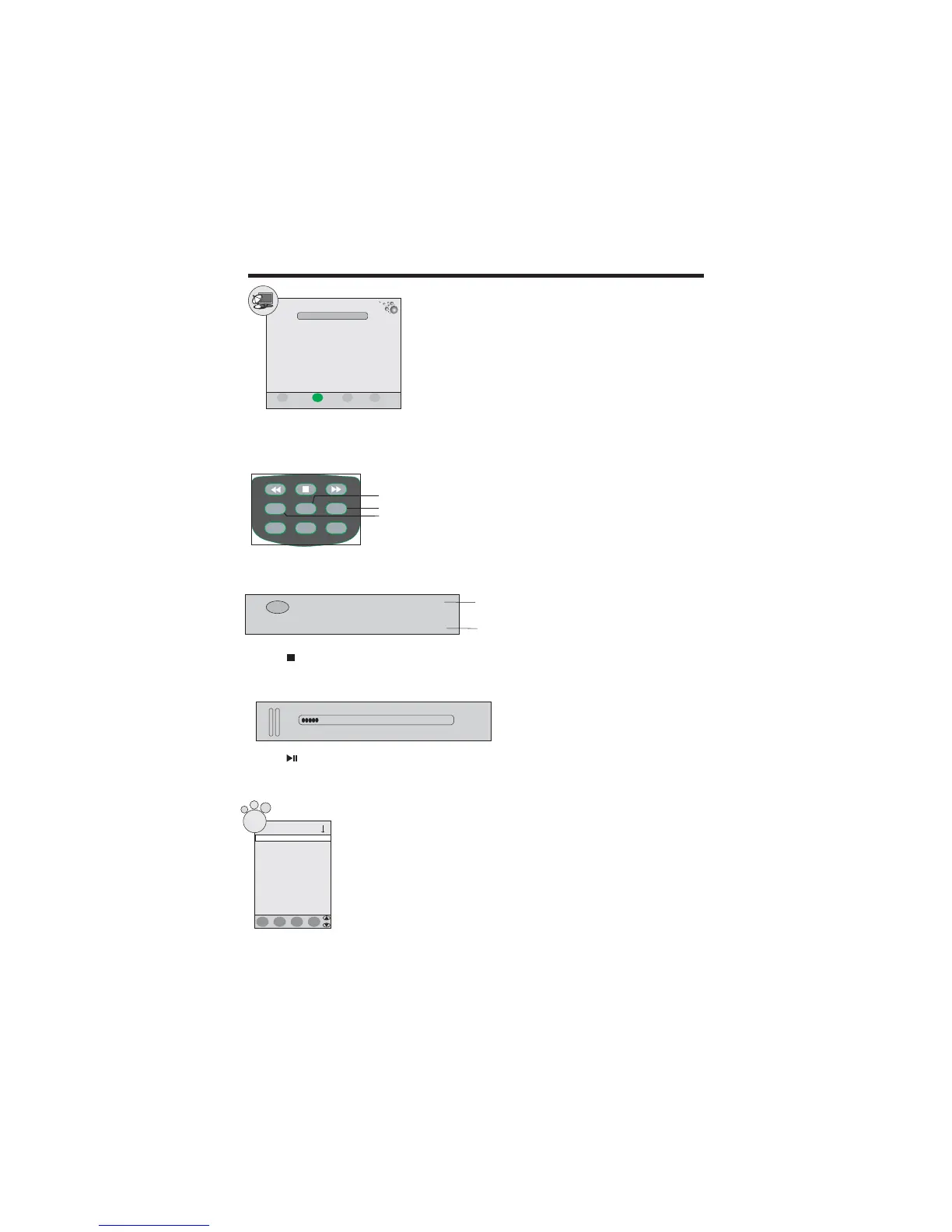
Press the TIME SHIFT button to execute the time shift function:
PVR recorded program
list shortcut button
Press the button on the remote control to play continue.
Press button to select recorded programme.
Press ENTER button to play the recorded programme.
Press red color button on the remote control to delete recorded programme.
Press INFO button on the remote control to display programme information.
pq/
Recorded List-Programme
J.S.G. SongVideo Cor...
J.S.G. SongVideo Cor...
i
J.S.G. SongVideo Cor...
u
Press the REC.LIST button on the remote control to display Recorded List- Programme menu.
Press the REC button on the remote controller to begin record.
Press the button on the remote controller to stop record.
Recording
18:07
REC
[ 00:11:03]
[ 64:11:07]
current time
surplus time of
USB/hard disc
85 High Definiti..
SIZE
HOLD/A B
REC LIST
-
.
REC TIME SHIFT
SUBTITLEEPG INFO
Free Disk Space 1216MB
ENTER
Confirm
Schedule Back Quite
EXIT
MENU
Buttons for record:
Delete
INFO
ENTER
Index
14



 To Next Page