USING THE MENUS
16
Auto Adjust:
Horizontal Pos.:
Vertical Pos.:
Size:
Phase:
Adjusts the screen position automatically, it is recommended you use this option for optimum
adjustment.
Adjusts the screen horizontal position.
Adjusts the screen vertical position.
Removes any vertical interference.
Removes any horizontal interference.
S
S
S
S
PICTURE
PC Setup
50
50
0
60
PC Setup
Auto Adjust
Horizontal Pos.
Vertical Pos.
Size
Phase
EXIT
MENU
ENTER
Quit
Back
Select
EXIT
MENU
ENTER
Quit
Back
Select
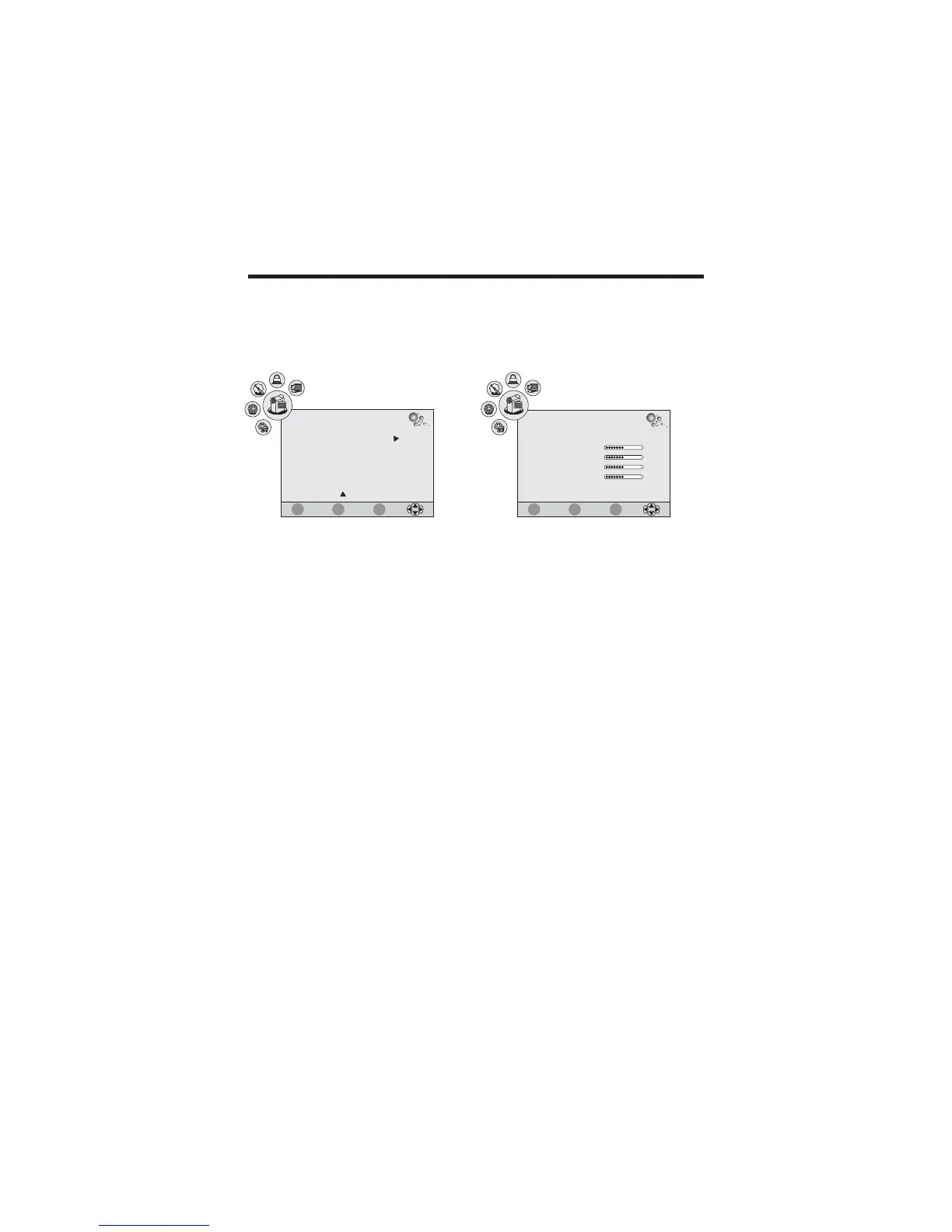
PC Setup (for PC-RGB mode only):
This function allows you adjust the screen position .
1. Press / button to select PC Setup in PICTURE menu.
2. Press ENTER button to enter:
pq



 To Next Page