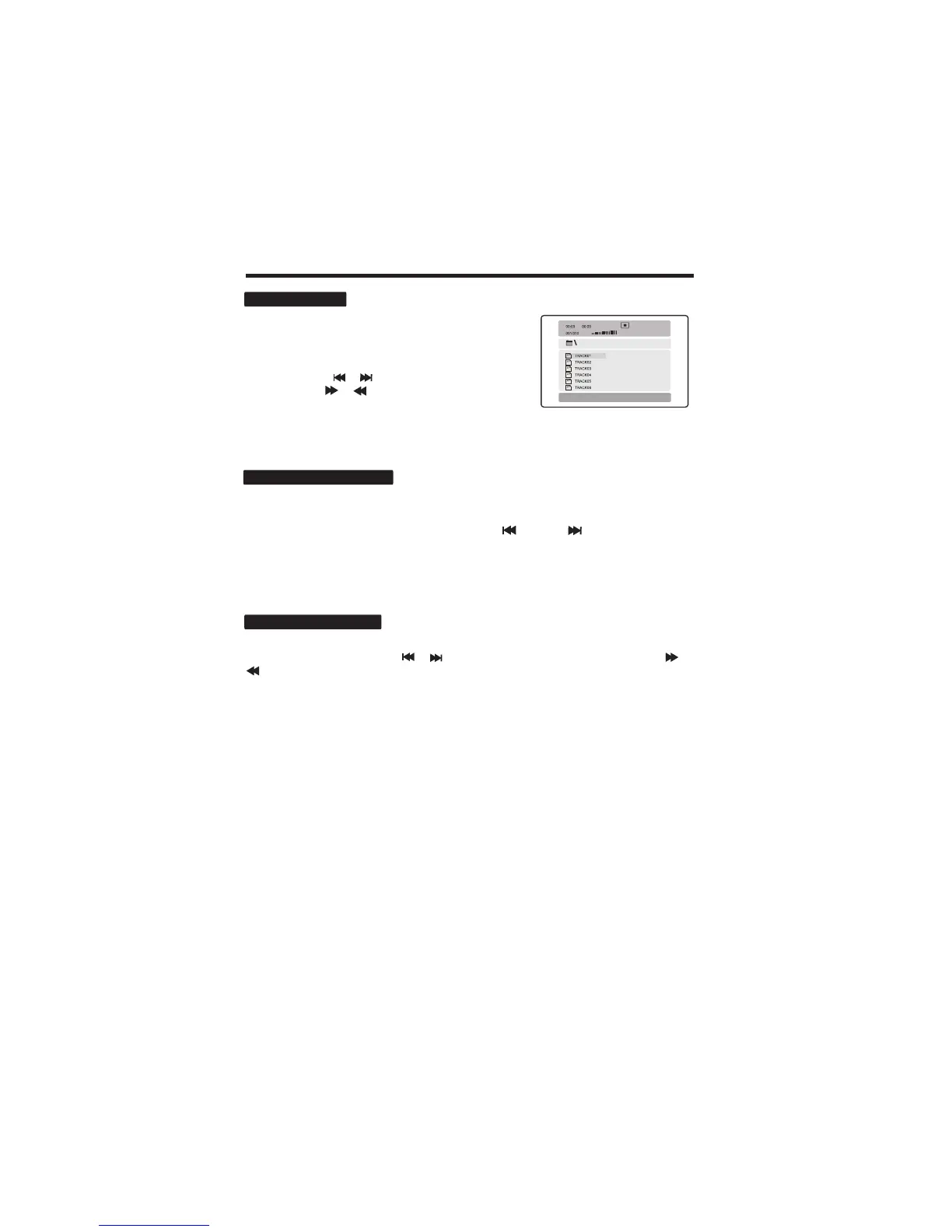
Mp3 PLAYBACK
When playing Mp3 disc, a navigation menu will be
automatically if the disc is loaded in succession.
In the menu, use button in the cursors to select the
file, then press ENTER button to play this file.
In this page, p
displayed
▲/▼
ress or , you can select the previous or
next page. Press or , you can select the fast forward
and fast reverse.
When playing JPEG disc a navigation menu will be displayed automatically if the disc is
succession In the menu use
,
.,
loaded
in ▲ / ▼button in the cursors to select a file, then press ENTER,
the file will be play with a slide-show. press PREVIOUS( or NEXT( ) to select the previous
or the next picture. Press PLAY/PAUSE to pause the current picture for enjoying, when press
PLAY/PAUSE or ENTER, it will return to normal playing.
)
JPEG DISC PLAYBACK
AUDIO CD PLAYBACK
When playing disc, a navigation menu will be automatically if the disc is loaded
in succession. In the menu, p
audio CD displayed
ress or , you can select the previous or next file. Press or
, you can select the fast forward and fast reverse.
DVD BASIC PLAYBACK
Mp3
Mp3
Mp3
Mp3
Mp3
Mp3
26



 To Next Page