Setting Up the System
Installing the software
The AccuWin Pro v3 Software components include:
• AccuWin Pro v3 User’s Guide
• AccuWin Pro v3 CD
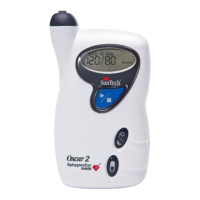
• Oscar 2 USB cable
Place the installation CD in the CD drive located on your computer and follow the
instructions appearing on the screen if CD autoplay is enabled on your computer.
If autoplay is not enabled, follow these steps:
1. OpenWindowsExplorerorWindowsNTExplorer(PresstheWindows“Start”
buttonandfind“MyComputer”)
2. Click on the CD drive
3. DoubleclicktheAUTORUN.EXEfile
4. Follow the instructions on the screen
NOTE: The USB cable should not be connected to the computer before
AccuWin Pro is installed.
12


 To Next Page