16
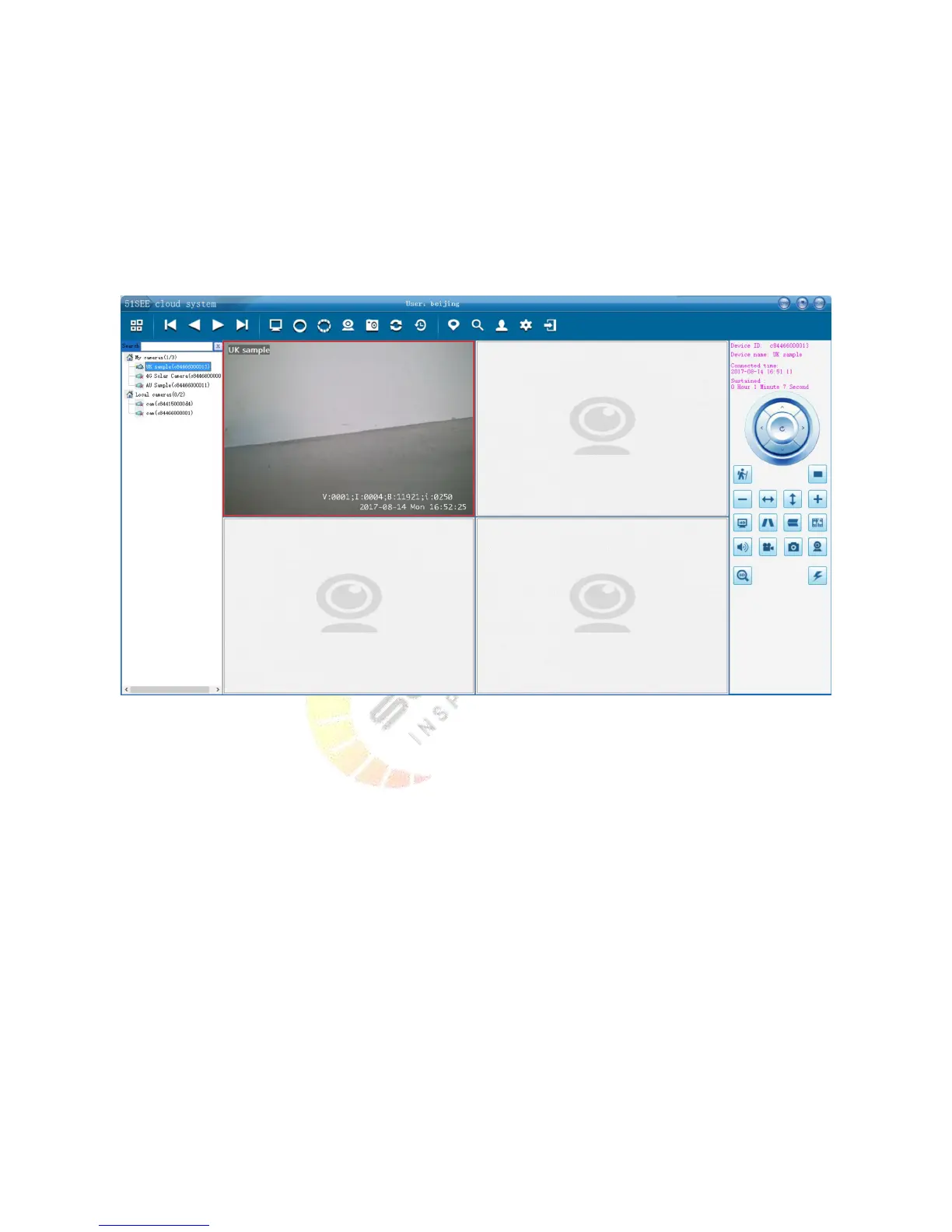
You can watch video whenever and wherever with a computer or mobile phone as long as you log in the account
through the clients.
For the PC client, the function is more powerful. You should pay attention to the following two points
1. Local device can be watched only when CAM and computer are in the same LAN, and high-definition video are
also available to watch.
2. Remote device can be watched wherever.
Above is the installation instructions through the example of PC client. Installation settings can also be conducted
for iPhone and Android client.
5.3.Installation of RFID accessories (optional)
1) The camera can accept any RFID accessories installation by the code. The code will be invalid after half an hour.
2) After the code matching, please conduct RFID settings through PC client to change the name of the RFID so that
you will know which alarms when the alarms occur. Please refer to Section 4.8 ‘RFID Accessory Settings’.
3) When the RFID codes successfully match, the camera system indicator will quickly flash for 4 seconds.
4) The SOS buttons of remote control in the RFID accessories have the function of highest level. The fortification
will automatically start after press, and it will trigger the alarm.
5) For 3G, 4G equipment with RFID, you can set the phone number for alarm.
5.4.Camera advanced parameter setting
5.4.1. The parameter settings for 3G, 4G version


 To Next Page