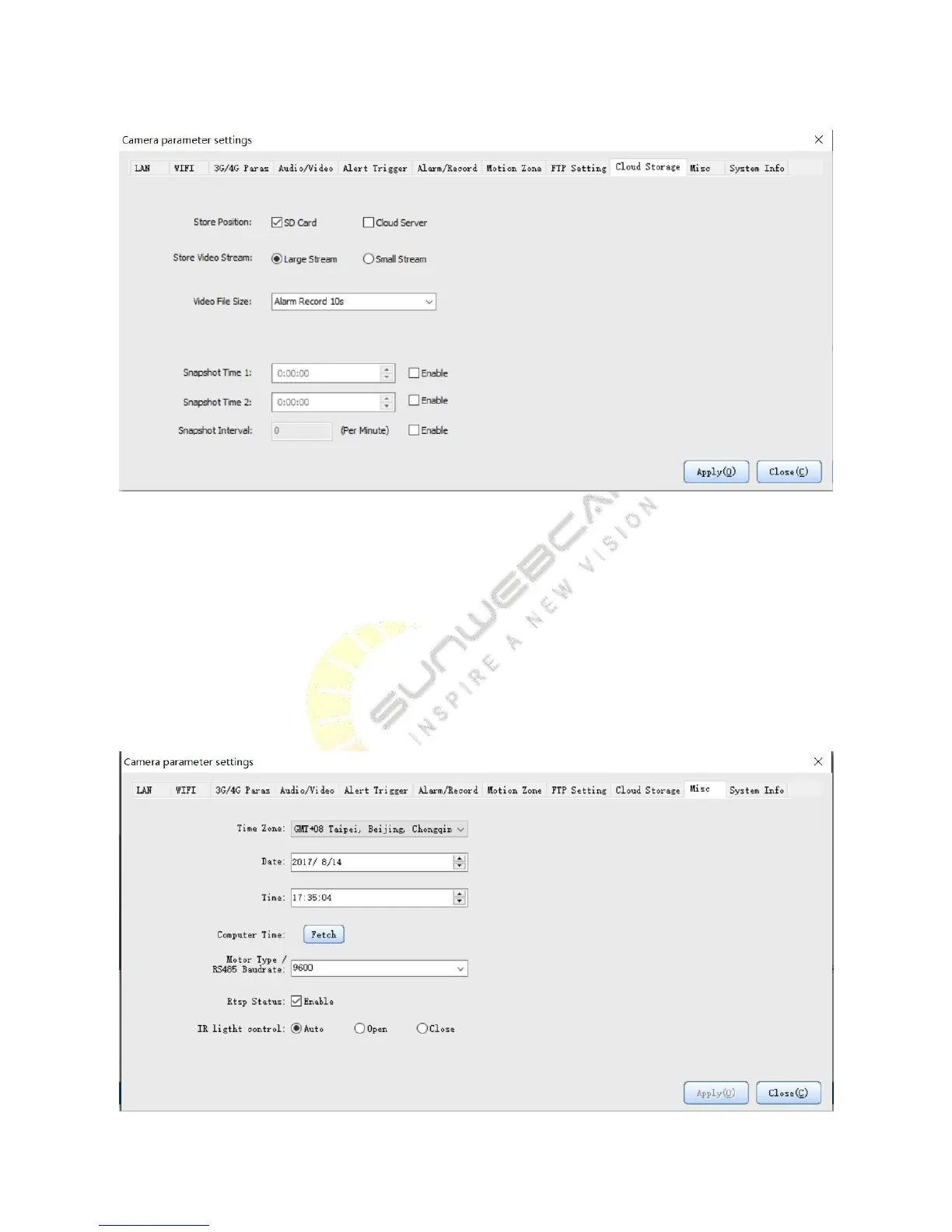
Description of cloud storage settings:
1) Select the SD card video recording, and then the SD card will be the only place for recording. If there is no SD
card, storage space about 40MB inside the camera can be used for cycle video.
2) Cloud storage server provides each user with 500MB storage space in default, which will be automatically
replaced when the recording space is full.
3) For video file size, you can choose large or small bit stream.
4) You can determine how many seconds to save for each trigger.
5) The video format is MP4.


 To Next Page