1
Functional Description
1-1. Functional Description
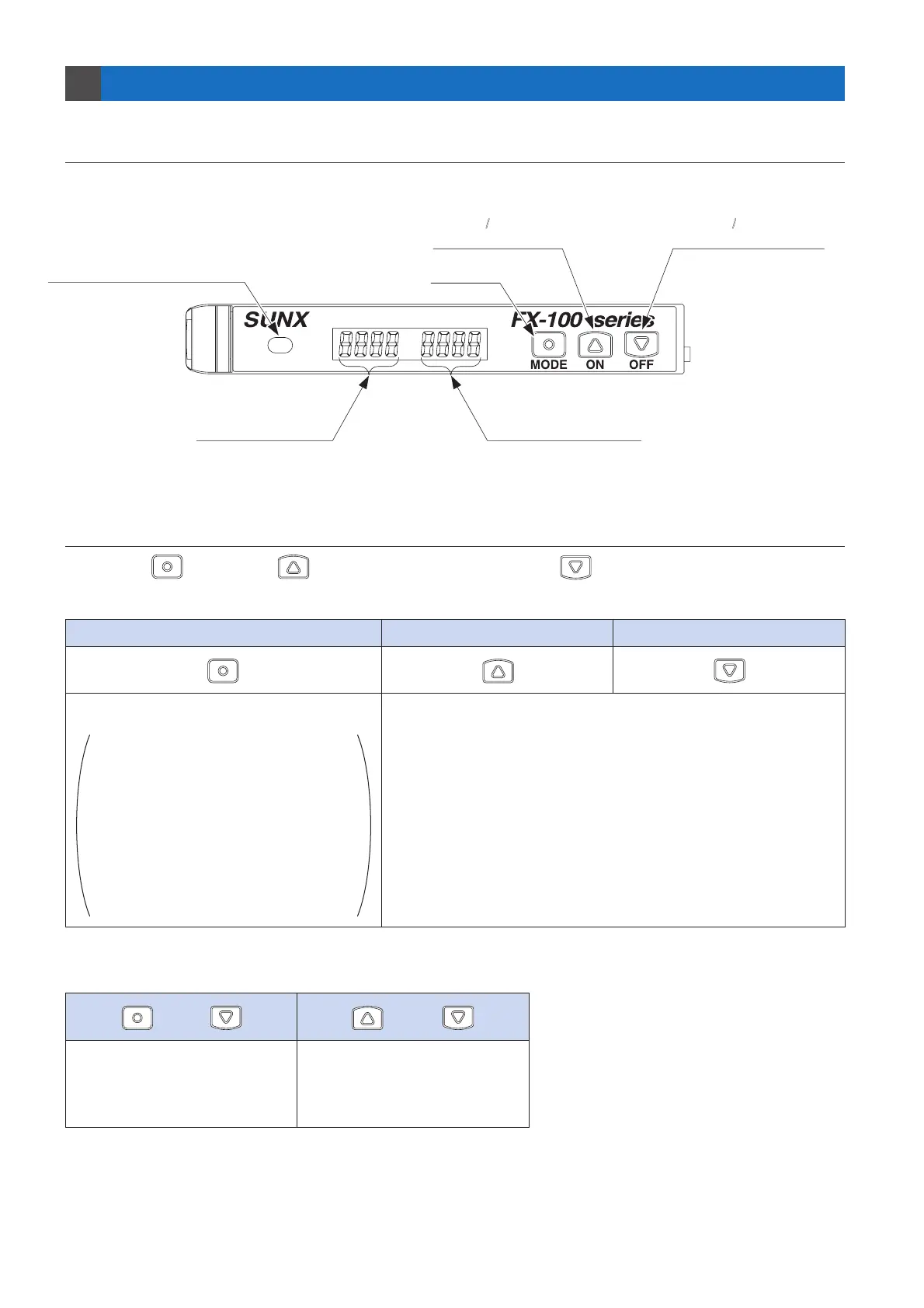
1-2. Operating Portion
1
Three keys [ (MODE key), (ON key / setting value UP key) and (OFF key / setting value DOWN key)]
are used to carry out all settings.
In addition, the keys can be used in combination to carry out the following.
and
and
MODE key
· Selection of setting items
· Confirmation of set contents
· RUN Mode
Press for 2 sec.: To SET mode
Press for 4 sec.: To PRO mode
<When using the GETA function (Refer to p.20)>
Press once (1 sec. or less):
The incident light intensity before
the GETA function is set is indicated
for approx. 2 sec.
· Other than RUN mode
Press for 2 sec. or more: To RUN mode
or Cancel
· Key lock setting / release
(Refer to p.4)
Press simultaneously for 2 sec.
· Quick setting function (Refer to p.25)
Press simultaneously for 2 sec.
· Code setting function (Refer to p.26)
Press simultaneously for 4 sec.
ON key / Setting value UP key
OFF key / Setting value DOWN key
· Selection of setting contents
· Threshold value settings in teaching mode
· Fine adjustments to the threshold value
(When pressed and held, the value will change more rapidly.)
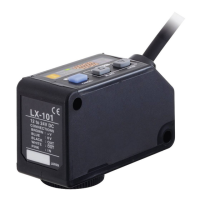
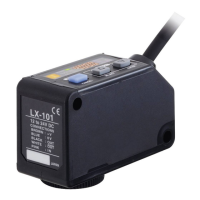
Digital display (Red)
(Incident light intensity)
Digital display (Green)
(Threshold value)
Operation indicator (Orange)
(Lights up when the output is ON)
OFF Key /
Setting value DOWN key
MODE key
ON Key /
Setting value UP key


 To Next Page