3
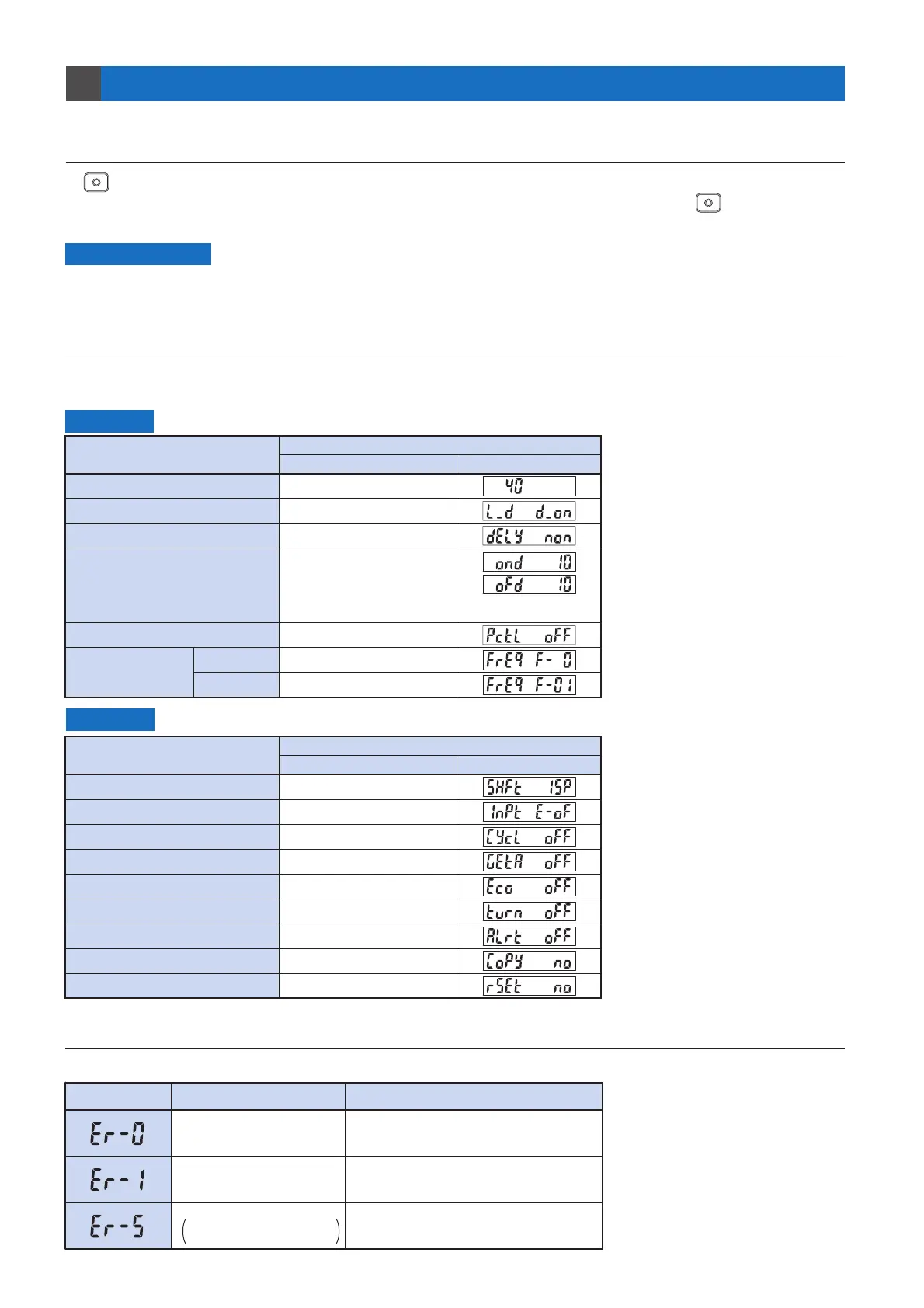
3-2. Factory Settings
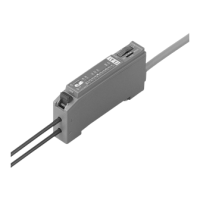
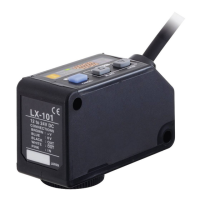
Factory settings for the FX-100 series are indicated below:
If the unit is reset using the ‘Reset’ from ‘PRO Mode’ on p.24, the resulting settings will be those indicated below:
Settings
Item
SET Mode
PRO Mode
Digital display
*When timer is not set,
this mode is not displayed.
Settings
Item
40
Dark-ON
Without timer
ON-delay timer : 10 ms
OFF-delay timer : 10 ms
OFF
0 (Response time: 250 !s or less)
1 (Response time: 2.5 ms or less)
Threshold value
Output operation setting
Timer operation setting
Timer period setting
Light-emitting amount selection setting
Shift amount 15 %
Emission halt
OFF
OFF
OFF
OFF
OFF
NO
NO
Shift setting
External input setting
Threshold value follow-up cycle setting
GETA function setting
ECO setting
Digital display inversion setting
Threshold value margin setting
Setting copy
Reset
Digital display
Factory Setting
Factory Setting
3-3. Error Display Indicator Readings
In case of errors, attempt the following measures:
Digital display Error description Measures
The load has short-circuited
and excess current is flowing.
Communication error.
Disconnection, connection
failure, etc.
EEPROM writing error Contact our office.
Turn off the power, then check the load.
Turn off the power, and then check the
wiring for using the setting copy function.
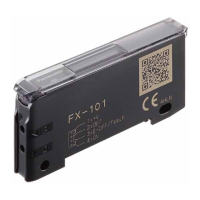
FX-101:
FX-102:
Emission frequency
setting
Others
3-1. Precautions When Selecting Settings
3
You can use the ‘key lock function’ to protect settings. (Refer to p.4)
Key lock function can be used to prevent the operator from accidentally changing the sensor settings.
Setting protection
If (MODE key) is pressed for 2 sec. while setting is in progress in a mode other than RUN mode, the mode
will switch to RUN mode. When this occurs, the settings which had been changed before (MODE key) was
pressed for 2 sec. will be confirmed.


 To Next Page