14
SuperServer E50-9AP-N5 User's Manual
1.6 Installation
This section provides advice and instructions for mounting the E50-9AP-N5.
Unpacking the System
Inspect the box in which the system was shipped and note if it was damaged. If the system
Warnings and Precautions
Review the electrical and general safety precautions in Appendix B.
Installing Components to your System
• Memory: If your system is not already fully integrated with system memory, refer to Chapter
2 for details on compatible types of memory and the installation procedure.
• Drives and Storage: Refer to Chapter 2 for instructions on installing drives.
• Input/Output: Refer to Chapter 3 for information about I/O ports.
• Software: Refer to Chapter 4 for software installation information, including drivers and
monitoring programs.
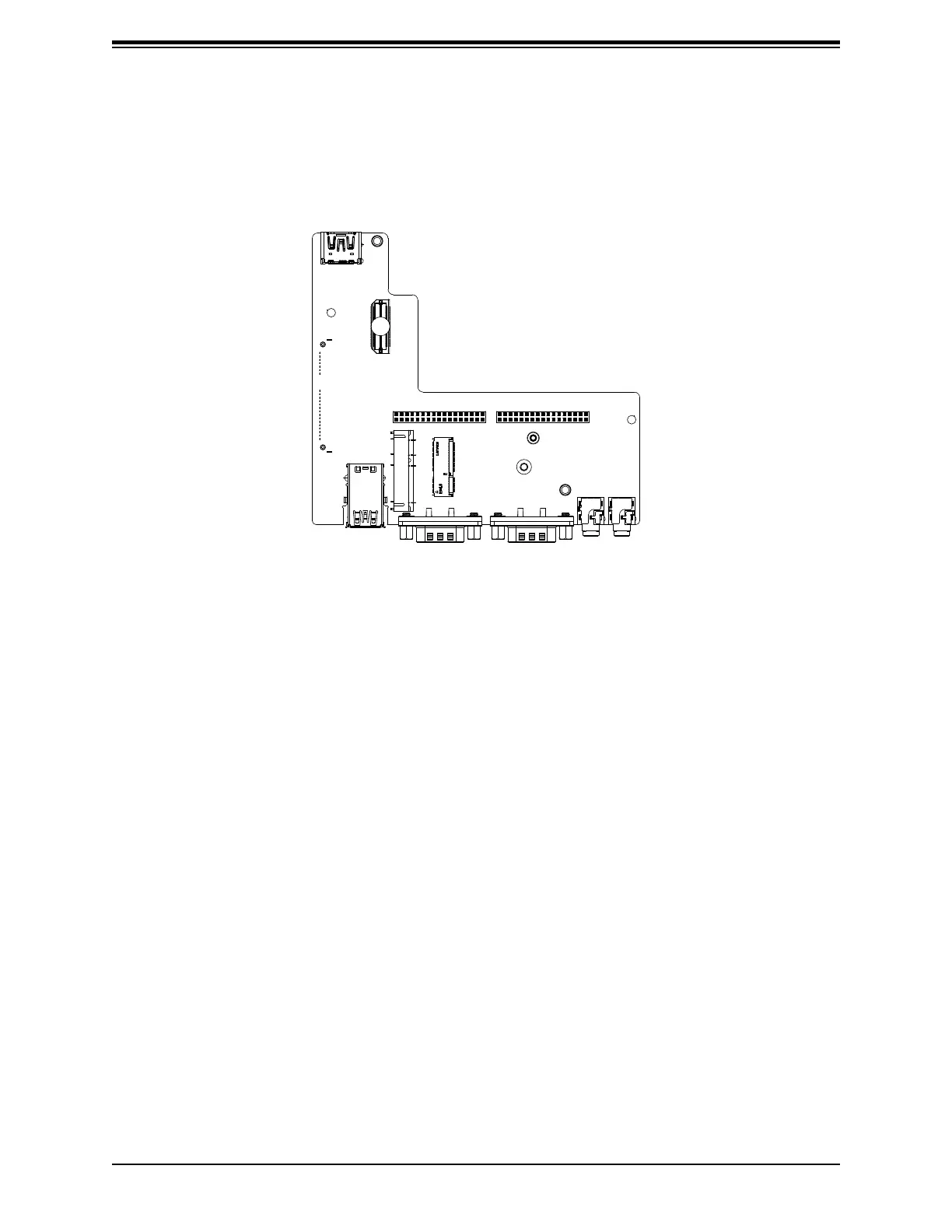
Figure 1-5. AOM-PICO Module
1.5 AOM-PICO Card
One M.2 (M-key) connector is supported by the AOM-PICO-3L add-on module. M.2 devices
are used for solid state storage and internal expansion. See Section 2.3 for the procedure
to install an M.2 device.



 To Next Page