Controls, Features and Options
8-9
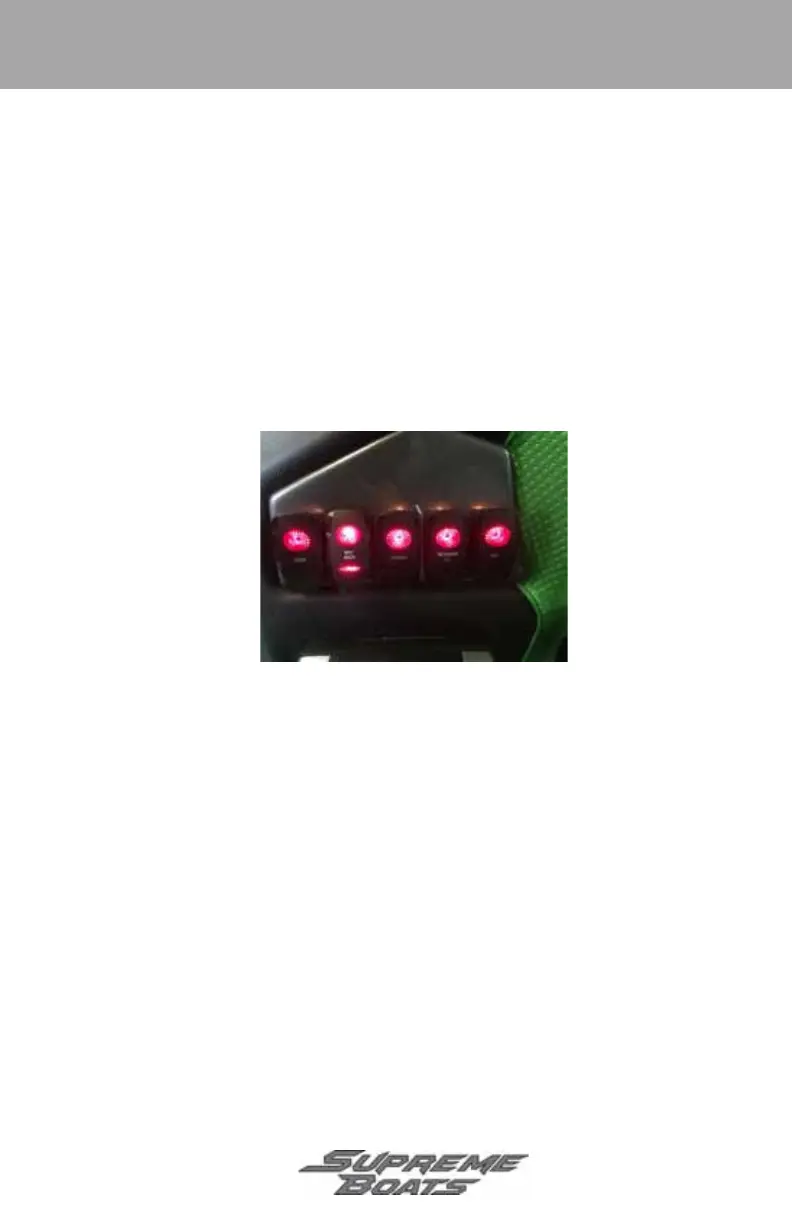
Port Switch Panel
• Horn - press and hold to activate horn.
• Blower - press and release to activate blower. Press and release again to turn
blower off.
• Bilge - press and release to activate bilge pump. Press and release again to
turn pump off.
• Nav/Anch - press and release once to activate anchor light, twice to activate
navigation lights, and three times to turn off lights.
• ACC - used to control power to an added accessory. Press and release to
power accessory. Press and release again to turn power off.
Figure 10Typical Port Switch Panel
Figure 8-10
Supreme_2018.book Page 9 Wednesday, January 31, 2018 9:30 AM



 To Next Page