Controls, Features and Options
8-11
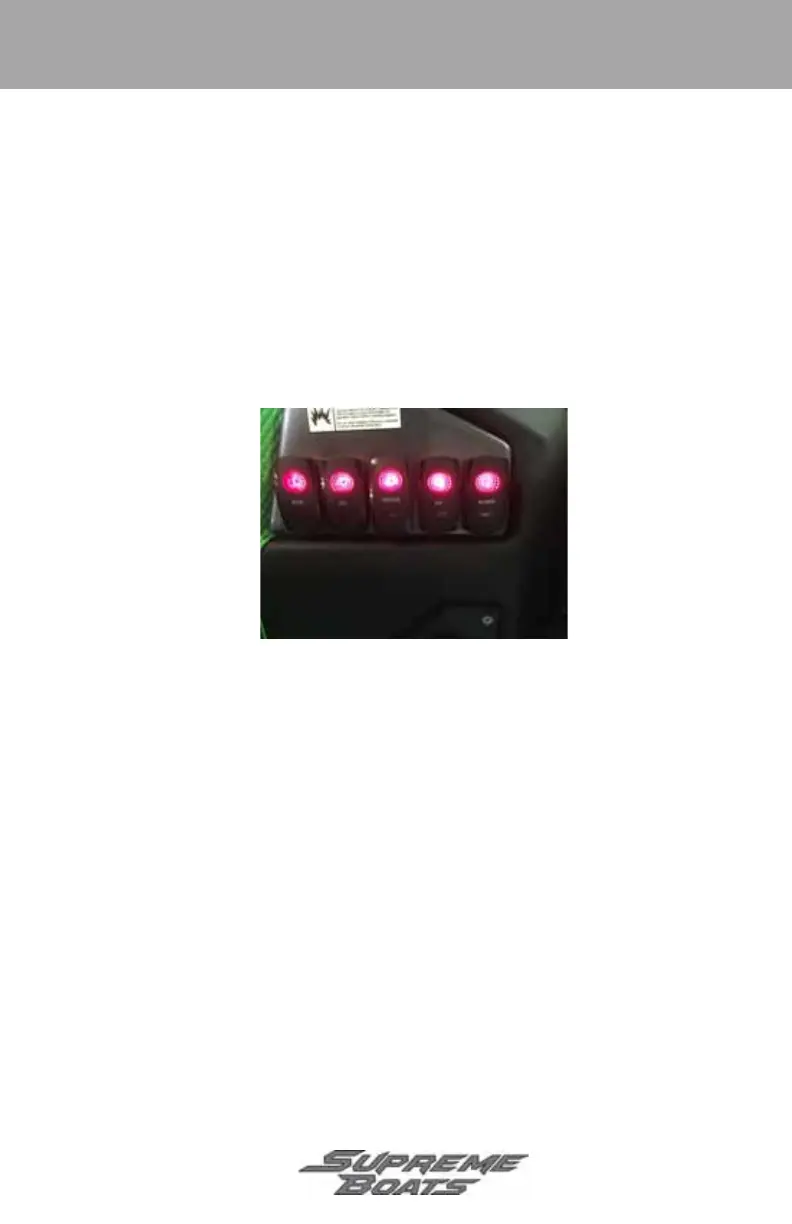
Starboard Switch Panel
• Start - press and hold to start engine.
• Eng/Off - press and release to stop engine.
• Ignition - press and release to power the Touch Vision side-by-side displays.
Press and release again to turn displays off.
• Radio - press and release once to power radio. Press and release again to turn
radio off.
• ACC - used to control power to an added accessory. Press and release to
power accessory. Press and release again to turn power off.
Figure 12Typical Starboard Switch Panel
Figure 8-12
Engine Emergency Stop Switch and Lanyard
The engine emergency stop switch controls the engine ignition ON/OFF. This
safety device shuts the engine off immediately and prevents the boat from
becoming a runaway if the operator is accidentally thrown from the seat or away
from the helm.
Supreme_2018.book Page 11 Wednesday, January 31, 2018 9:30 AM



 To Next Page