Connect ICP3
State of SW on ICP3 Function
PROGRAM
REMOTE
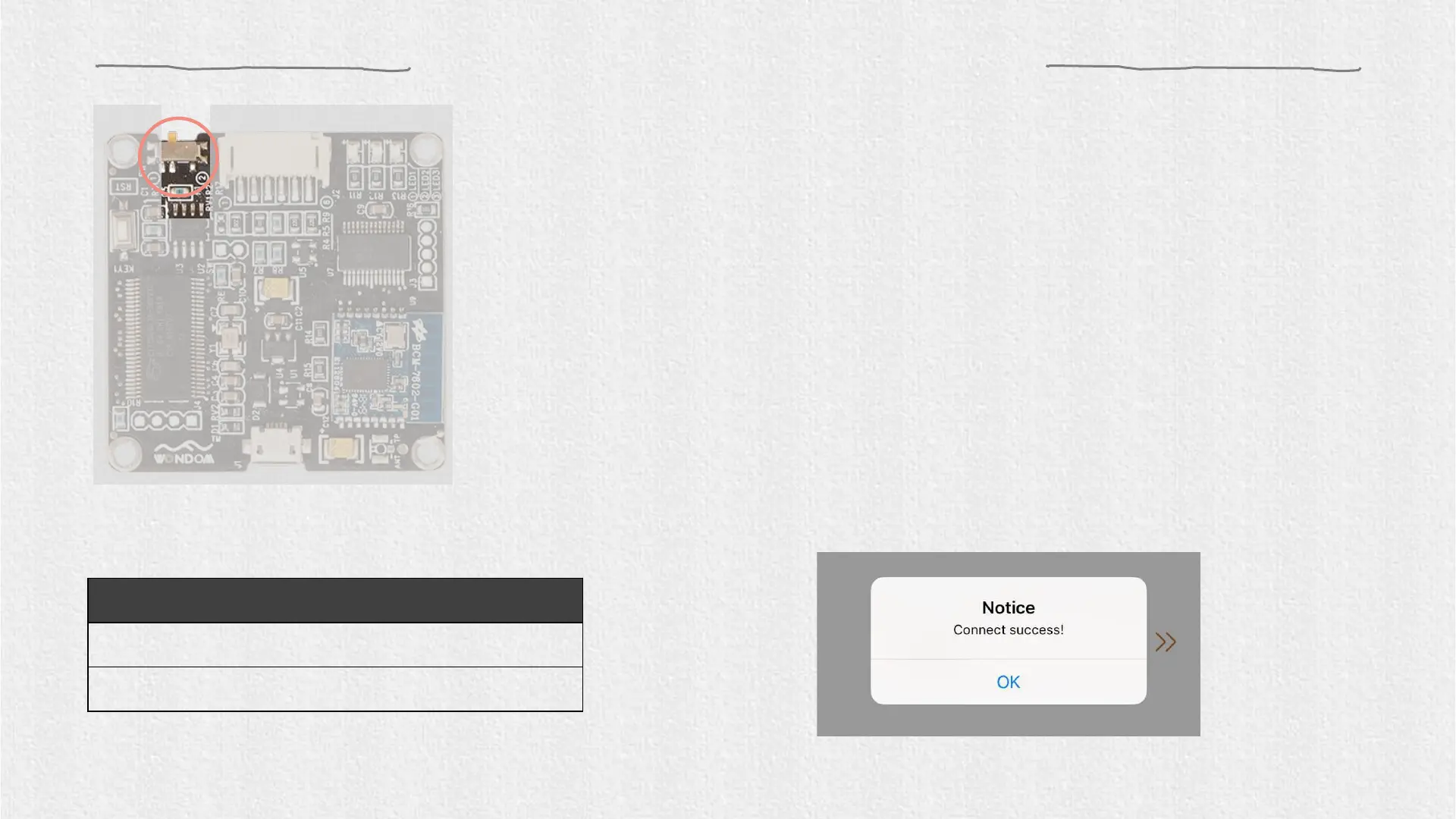
2. Set SW of ICP3 at (REMOTE) before running “Miumax” APP.
3. Make sure the Bluetooth of your device is on and click “Miumax”
APP and they will pair automatically within several seconds. When
the connection succeeds, you can see the prompt box.
4. Click “OK” and choose your operation mode to start.
Note: The picture above is only for demonstration.
SW1 should be set at ②.
Turn the main volume to minimum through the potentiometer on board for
the first time to use ICP3 with APM2 / JAB3.


 To Next Page