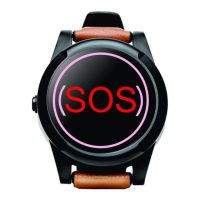
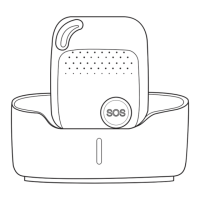
SureSafeGO 24/7 Monitored
5. Low battery alarm
When the SureSafeGO’s battery is less than 20%, it can send an SMS alarm “BAT: LOW!” to all authorized numbers. Please note that each low battery
notification will use send 3 text messages. We recommend where possible that the alarm is charged overnight, in reach next to the user’s bed, and is worn
whenever the user is out of bed.
Command: Low0
The default is OFF
To turn on this function, please text Low1 the device.
NOTE: If the battery is less than 20%, the BLUE LED will also flash rapidly to warn the user to charge the device as soon as possible. This cannot be switched
off.
6. Set Number for Normal Telephone Call (Side Button)
Command: X1 / X2 / X3
Example: X1
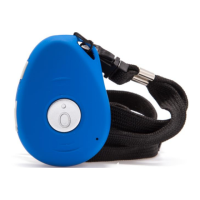
The side button can be configured to call any of the 3 authorised numbers. Send X1 to have the side button call the A1 number, X2 to call the B1 number and
X3 to call the C1 number.


 To Next Page