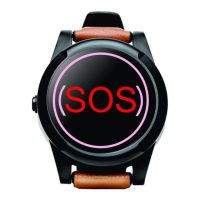
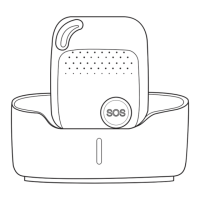
SureSafeGO 24/7 Monitored
Programming the Authorised Numbers by Text Message
1. To Set the Authorized Number
※ It is not mandatory for all three of the authorised numbers to be programmed, however a minimum of one must always be set.
① Text Command: A1,phone number
Note: With no spaces in the text, case-insensitive. Remove the ‘0’ from the beginning of the authorised phone number and add +44 (for UK)
Example: A1,+447712345678
To set 07712345678 as the first authorised number, text: A1,+447712345678 to the SureSafeGO’s phone number.
※ When you have sent the text message, the SureSafeGO will reply: ·Set mobile number 1 OK!
※ To delete this number, you can send A0 to the SureSafeGO.
② Text Command: B1,phone number
Example: B1,+447712345678
The device will reply: ·Set mobile number 2 OK!
※ To delete this number, you can send B0
③Command: C1,phone number
Example: C1,+447712345678
The device will reply: ·Set mobile number 3 OK!
※ To delete this number, you can send C0


 To Next Page