38
MPC-325 SERIES OPERATION MANUAL – REV. 3.20F (20200303)
Extracting the MPC-200 Firmware Version Number: The firmware version number returned
by the ‘K’ command is encoded in BCD (Binary Coded Decimal) in two bytes, with minor
version byte first, followed by major version byte, each of which contains two digits with first
in the upper nibble and the next in the lower nibble. For example, if the complete version is
3.15, then the bytes at offsets 1 and 2 will show (in hexadecimal) as 0x15 0x03 (ret[1] and
ret[2] as shown in the following code snippets). The following code shows how to extract and
convert the 4 BCD digits into usable forms for later comparison without altering the original
command return data (written in C/C++ and easily portable to Python, Java, C#, MATLAB
script, etc.).
Minor version number as an int (e.g., 15):
// “ret” is the array of bytes containing
// the ‘K’ command’s return data
unsigned char verbyte; // temp work byte
verbyte = ret[1]; // get minor ver. digits
// get 1’s digit & then get & add 10’s digit
int minver = (verbyte & 0x0F) +
((verbyte >>4 & 0x0F) * 10);
Major version number as an int (e.g., 3):
verbyte = ret[2]; // get major ver. digits
int majver = (verbyte & 0x0F) +
((verbyte >>4 & 0x0F) * 10);
Complete (thousands) version as an int (e.g., 315):
int majminver = majver * 100 + minver;
Complete version as a floating-point number (e.g., 3.15):
float version = majminver * .01;
5.2.4 Get Current Position (‘C’) Command
This command is used to obtain the current position (X, Y, & Z coordinates) of the
manipulator or stage. The command sequence consists of one byte as shown in the following
table, followed by 12 bytes containing currently-active device number 1 – 4 (1 byte), X, Y, & Z
position values in microsteps (4 bytes each), and completion indicator (1 byte).
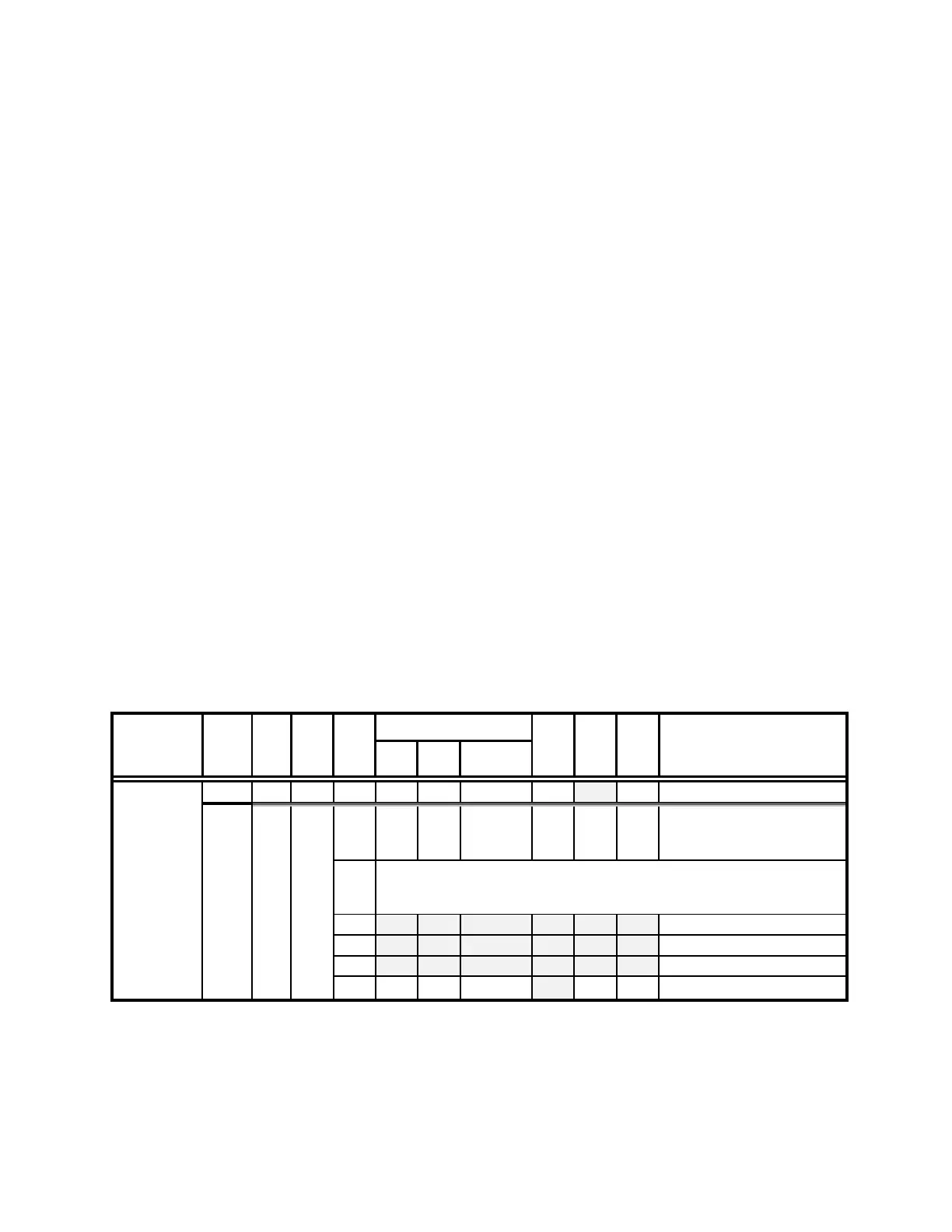
Table 5-8. Get Current Position (‘C’) command.
Get Current
Position (‘C’)
-
04
–
0000 0100
-
^D
-
<EOT>
Drive number (1 – 4) to
which the
current position
Three 4-byte (32-bit) values (current positions in µsteps of X, Y, & Z) + 1
byte for completion indicator. See
Ranges and bounds
table
for minimum
and maximum values.
5.2.5 Change Active Device (‘I’) Command
This command is used to change which device (1- 4) is currently active. The command
sequence consists of one byte as shown in the following table, and returns 1 (Ver. below 1.06)


 To Next Page