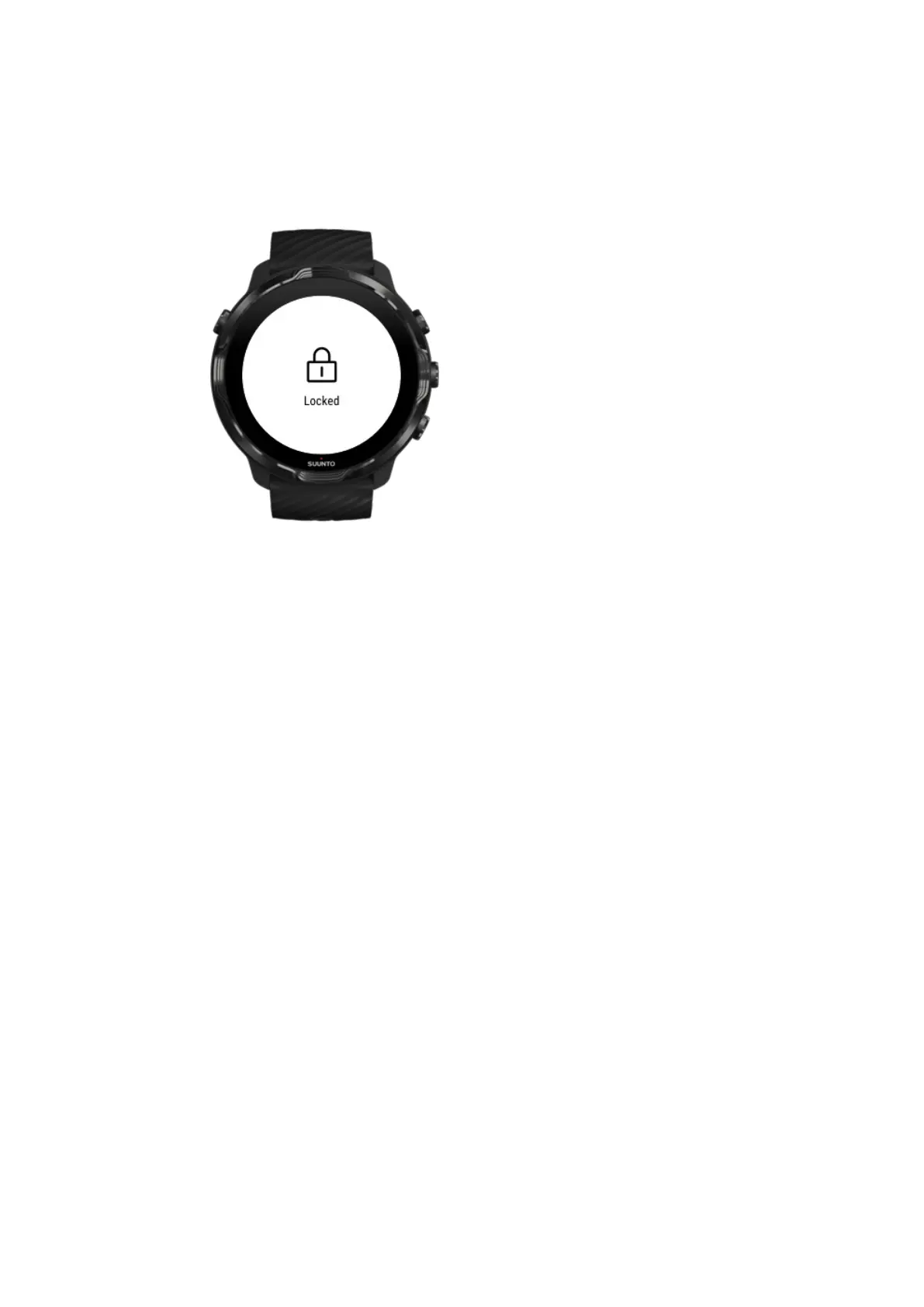
Avoid accidental touch and button actions during
exercise
Some movements and wet conditions such as rain drops or a wet sleeve, can
sometimes wake up your display repeatedly without you noticing, and drain your
battery faster than expected. To avoid accidental taps and button presses during
exercise, you can lock the touch screen and button actions.
Lock touch screen and button actions
Stay in Suunto Wear app during exercise recording
Suunto Wear app supports low-power mode during exercise. If you leave Suunto
Wear app during your exercise, keep in mind that some actions and apps can
consume a lot of battery, which may
aect how long you can record your exercise.
Use your watch to control music on your phone
Listening to music directly from your watch with Bluetooth headphones consumes a
lot of power and makes the battery drain faster. When you are planning to train longer
and want to listen to music, use your watch to control music that’s playing on your
phone.
Suunto 7
151



 To Next Page