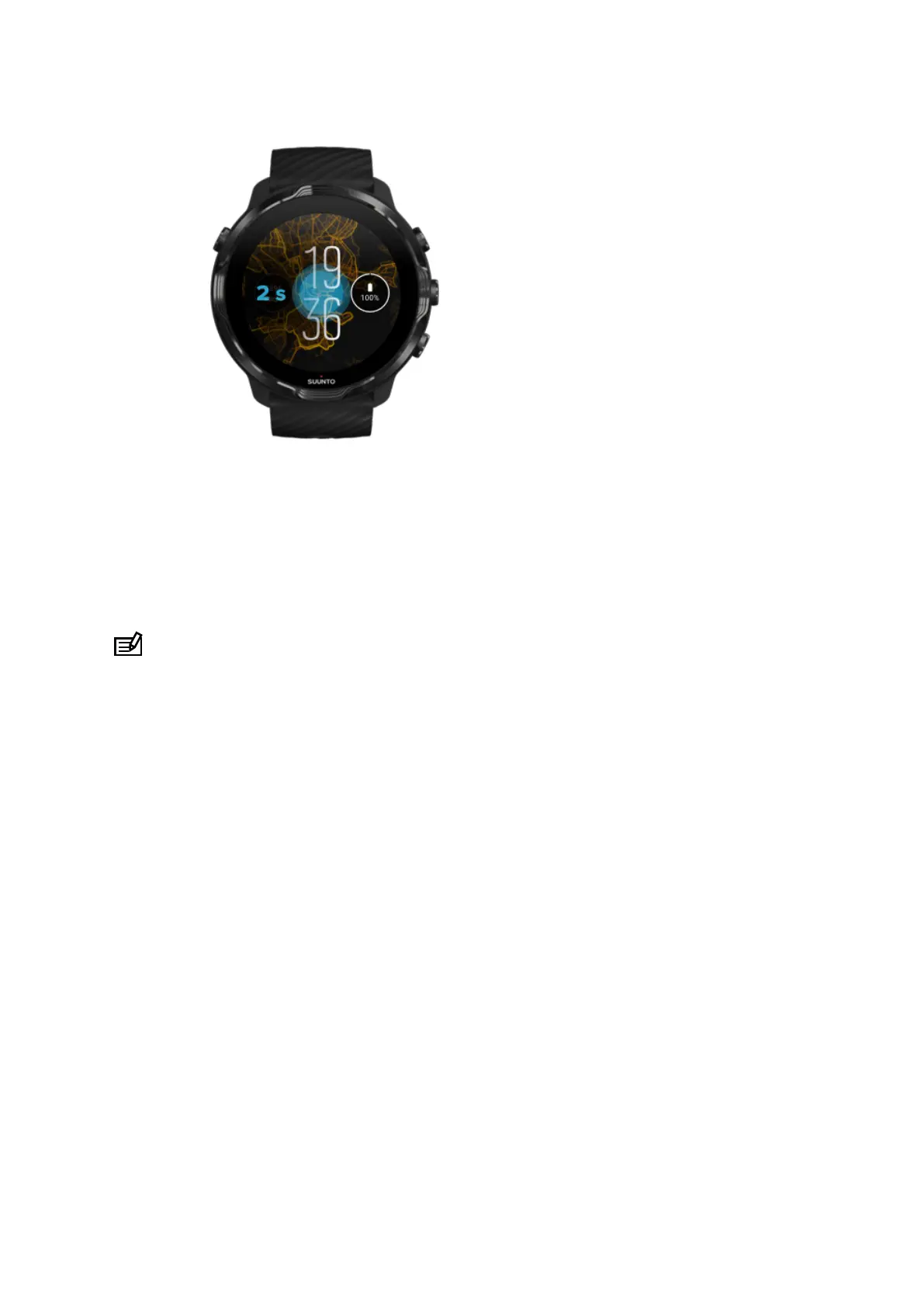
1. While on the watch face, touch and hold the middle of the screen to see a list of
watch faces.
2. Swipe left or right to browse watch faces.
3. Tap to select a watch face you want to use.
NOTE: You can also go to Settings » Display » Change watch face or change
your watch face in the Wear OS by Google app on your phone.
Add functions (or 'complications') to your watch face
With most watch faces, you can add additional functions to your watch face, such as
shortcuts to apps, weather information or daily steps. Dierent watch faces may have
a dierent set of complications available.
1. While on the watch face, touch and hold the middle of the screen to see a list of
watch faces.
2. Tap Settings at the bottom of a watch face.
Suunto 7
56



 To Next Page