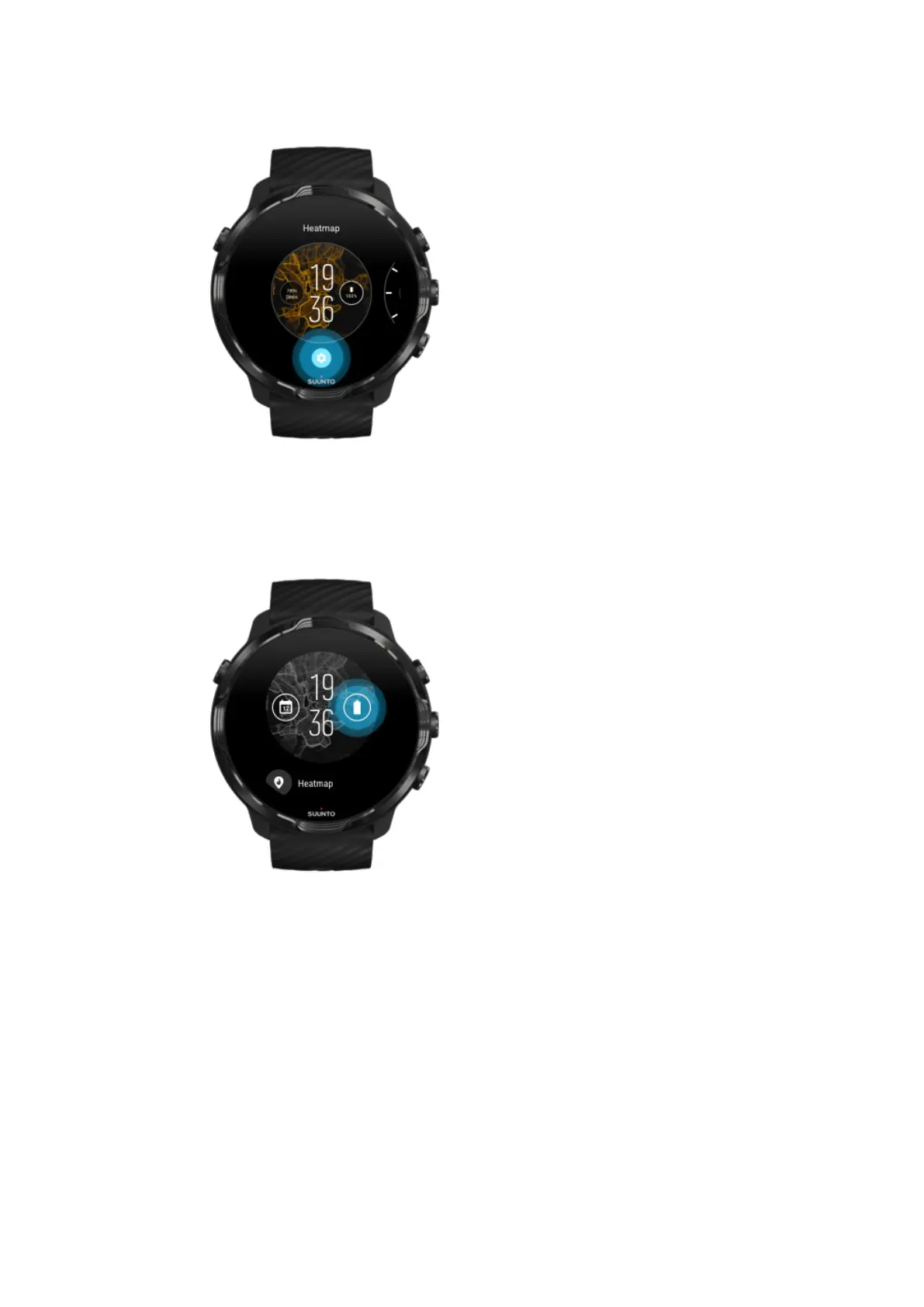
4. Tap the ‘complication’ on the watch face design that you would like to change.
5. Browse the list and tap to choose which complication you want to see on your
watch face. (To add a shortcut, tap General » App shortcut.)
Add a new watch face
All watch faces designed by Suunto are optimized to use a minimum amount of power
to provide you with the best possible day-to-day experience. When you add a new
watch face from Google Play Store, keep in mind that other watch faces might not be
optimized the same way.
Suunto 7
57



 To Next Page