Download a custom oine map
Connect to Wifi
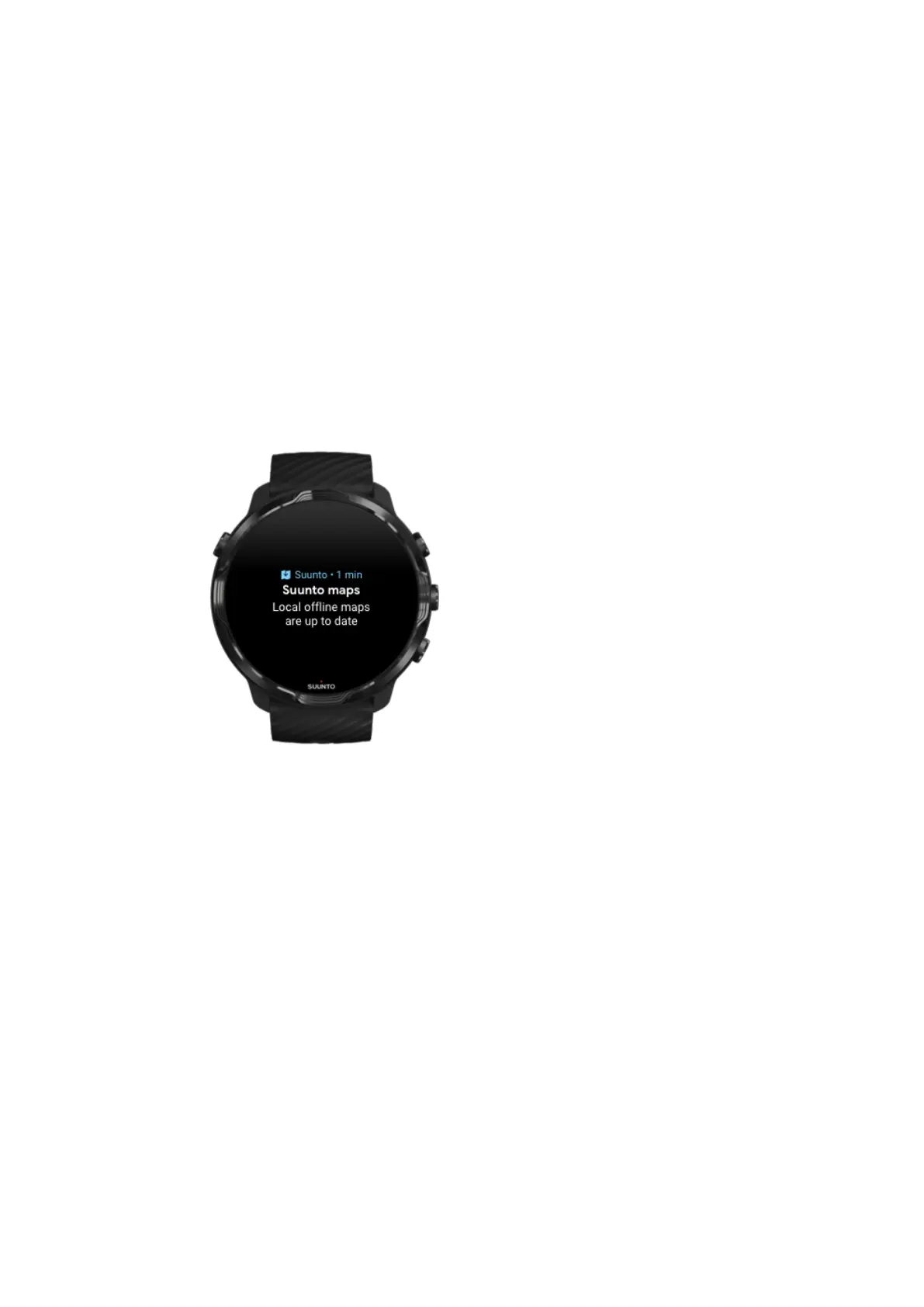
Get local oine maps automatically
Local oine maps and heatmaps are updated and downloaded automatically from an
area around when your watch is charging and connected to Wifi based on your last
known location. The downloaded map area varies from 35 km × 35 km to 50 km × 50
km (from 22 mi × 22 mi to 31 mi × 31 mi) depending on where you are located.
You will get a
notification on your watch when the map download is complete.
Can’t see the map?
Be patient, activating the map can take a few seconds. If you still can’t see the map
after waiting:
1. Make sure your watch is connected to the Internet.
If there is no
Wifi available, check that your watch is connected to the Wear OS
companion app on your phone and that your phone has an Internet connection.
Learn more
Suunto 7
76



 To Next Page