9 USING SPORT MODES
Use the sport modes to record exercise logs and view various information
during your exercise.
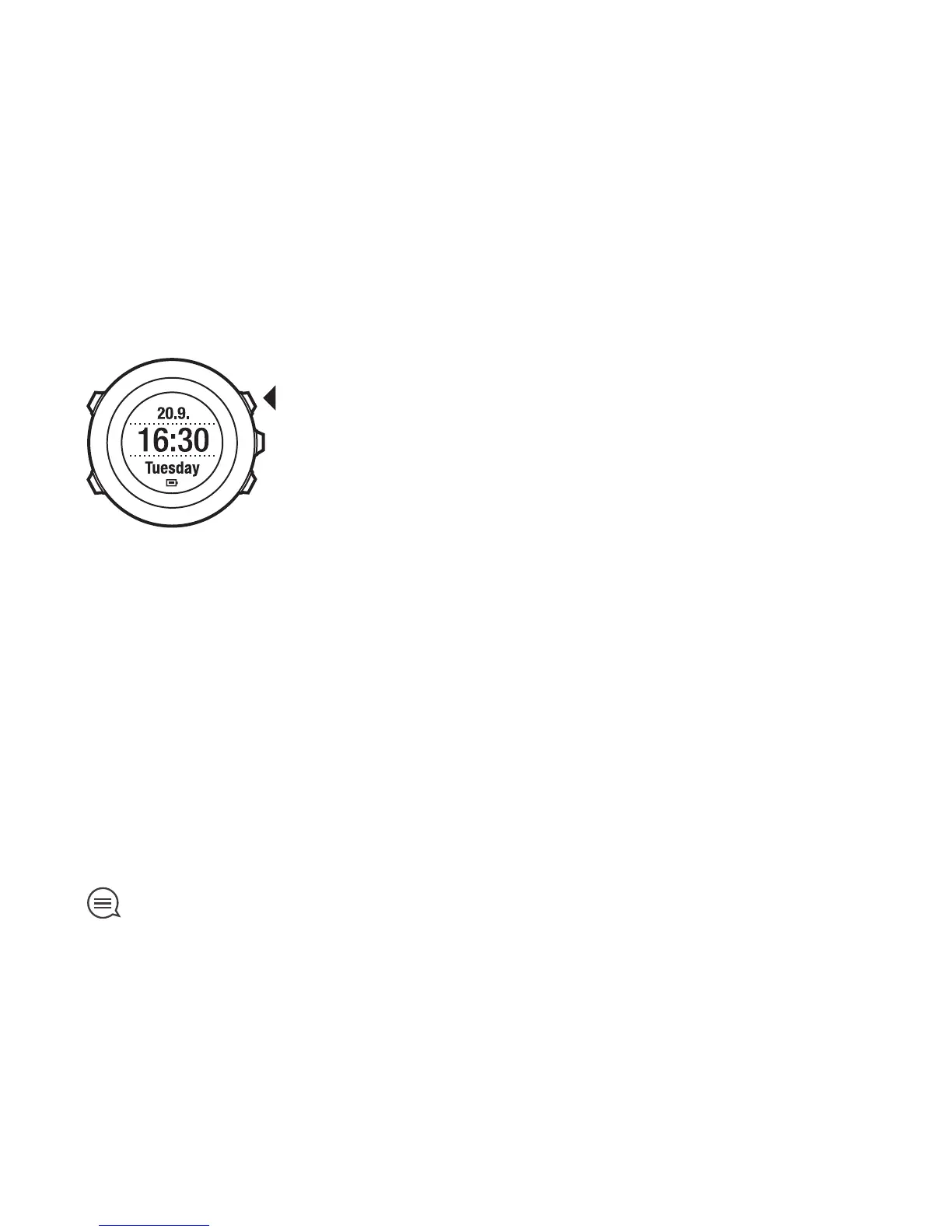
You can access the sport modes by pressing [Start Stop] in TIME mode.
9.1 Sport modes
You can select a suitable sport mode from the predefined sport modes.
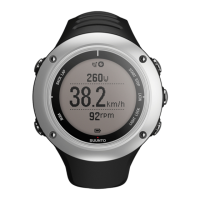
Depending on the sport, different information is shown on the display during
exercise. For example, the sport mode specifies whether FusedSpeed
TM
or
plain GPS speed is used. (For more information, see Chapter 10 FusedSpeed
on page 57.) The selected sport mode also affects exercise settings, such
as HR limits, autolap distance and recording rate.
In Movescount you can create more custom sport modes, edit the predefined
sport modes and download them to your watch.
TIP: To quickly start a run with navigation, select the default sport mode
RUN A ROUTE or RUN A POI. This takes you immediately to a list of the routes/
POIs in your watch which you can choose from for your run.
33



 To Next Page