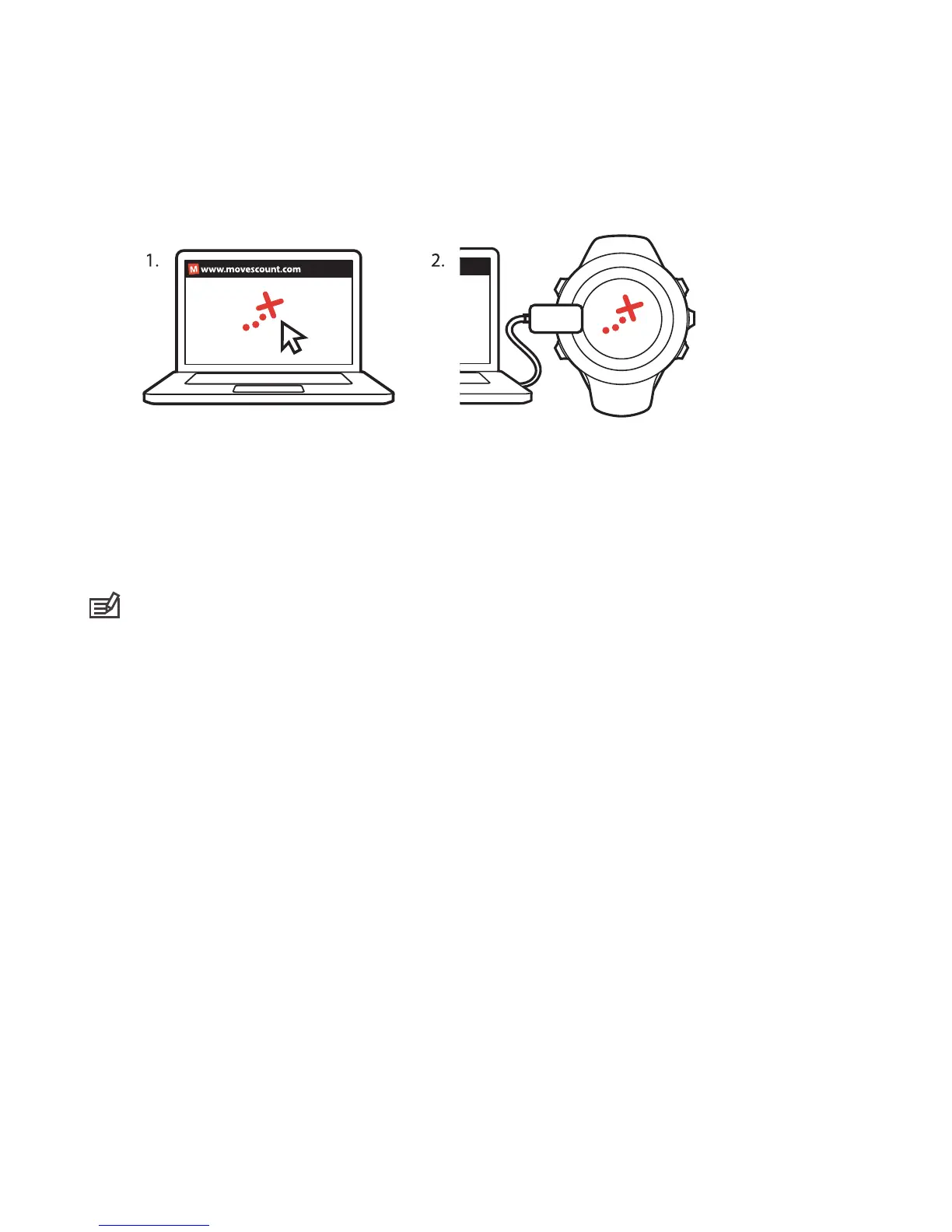
11.4.2 Navigating a route
You can navigate a route you have dowloaded to your Suunto Ambit2 R from
Movescount, see Section 11.4.1 Adding a route on page 72.
NOTE: You can also navigate as a sport mode, see Section 9.6.6 Navigating
during exercise on page 45.
To navigate a route:
1. Press [Start Stop] to enter the start menu.
2. Scroll to NAVIGATION with [Start Stop] and enter with [Next].
3. Scroll to Routes with [Start Stop] and enter with [Next].
The watch displays the number of saved routes and after that a list of
all your routes.
4. Scroll to the route you want to navigate with [Start Stop] or [Light
Lock]. Select with [Next].
5. The watch displays all the waypoints on the selected route. Scroll to the
waypoint you want to use as the starting point with [Start Stop] or [Light
Lock]. Accept with [Next].
73



 To Next Page