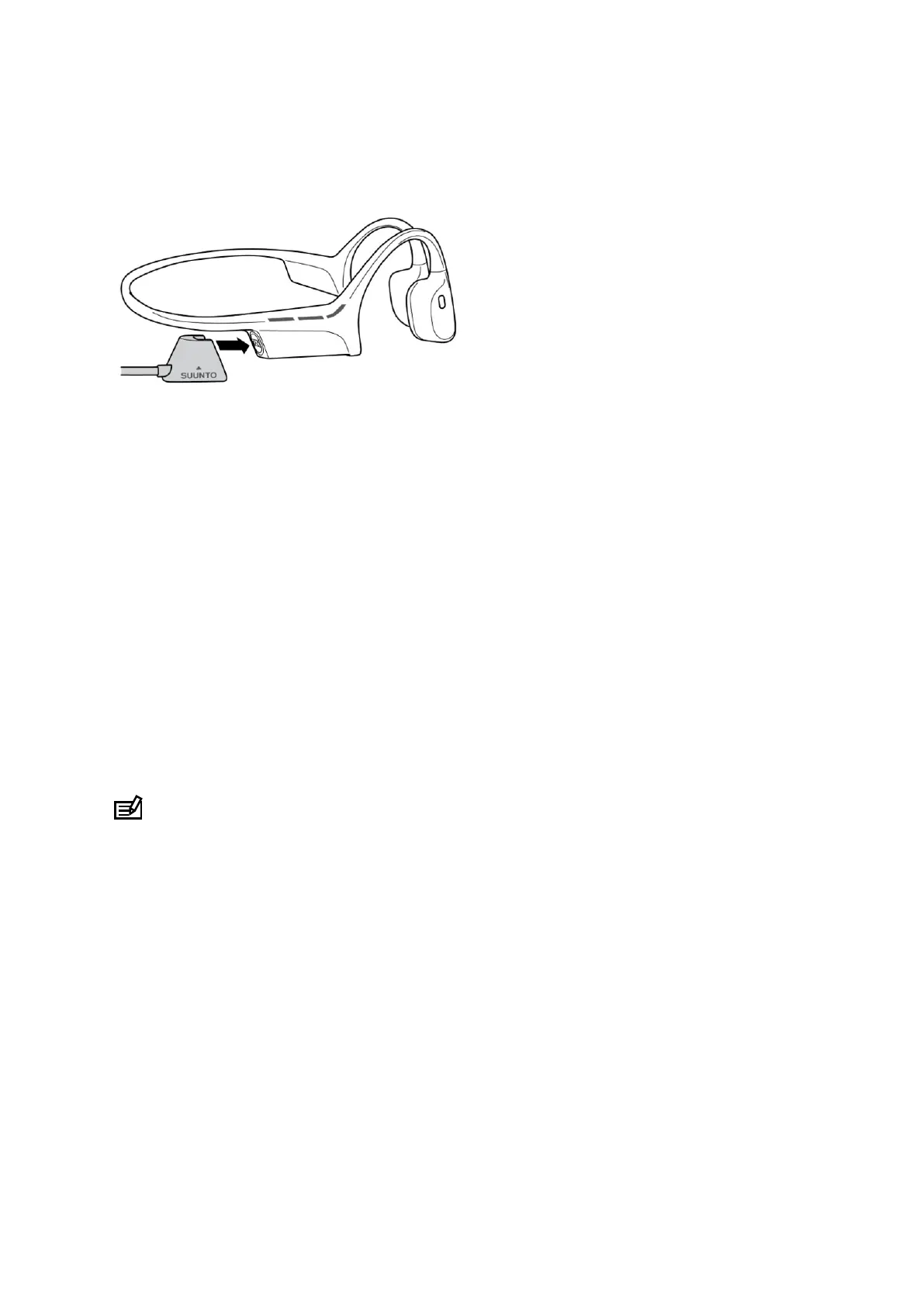
Powerbank
For charging the headphones while on the move, the package of the product contains a
portable powerbank, oering extra 20 hours of battery life.
Before using the powerbank, you have to charge it with a USB-C cable. (The USB-C cable is
not included in the package.) To check the battery status of the powerbank, press the button
on the front side. Lights start blinking on the top of the device, each light representing 25% of
battery capacity.
To charge your Suunto Wing with the powerbank, insert the headphones into the holes on the
top of it. If the headphones are switched on, they will automatically switch
o when
connected to the powerbank. When the charging starts, the LED lights on the headphones
turn on and the lights on the powerbank are blinking for one minute. When the battery is fully
charged, the LED lights on the headphones turn o.
NOTE: When inserting the headphones on the powerbank, make sure that the charging
ports are in contact. The charging starts only when you can see the lights of the headphones
on and the lights on the powerbank start blinking. If you do not see the lights, move the
headphones a bit so that the ports are in contact.
Suunto Wing
16


 To Next Page