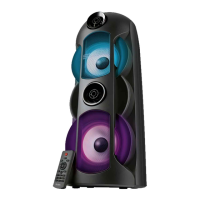
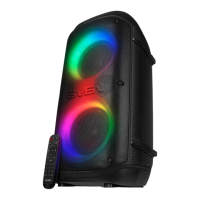
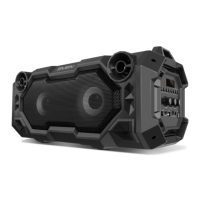
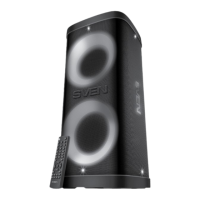
• To select a track, use the remote control numeric pad f to enter its number, or press buttons d
and c on the remote control or buttons b and c on the front panel.
• Using the REPEAT button h on the front panel, you can repeat the current track or all tracks (if
the button is pressed once or twice respectively).
• In the Player mode, Equalizer feature is available. To select a preset mode, use the EQ button i
on the remote control or the EQ button f on the front panel.
Notes:
• If the MSS is left unused for a long period of time, please mind to switch it off by shifting
the POWER switch m on the rear panel into the Off position and unplug the power cord.
• To improve the sound quality, use the Line Out port of your sound card.
• Due to the constant development of the software, the actual MSS operation may differ
from that described in this manual. The most recent version of the manual is available at
www.sven.fi.
If none of the above methods can solve the problem, please seek professional advice at your nearest
service center. Never attempt to repair the product yourself.
Problem
The MSS does not
turn on.
No sound or the
sound is too quiet.
Distortion of sound.
The remote control
is not working.
Cause
The MSS isn’t connected to a mains
outlet.
The power switch is off.
Volume level is set at minimum value.
Improperly connected audio source.
Large amplitude of the input signal.
The battery is discharged.
Solution
Check the connection.
Turn on the switch.
Adjust the volume control knob.
Connect the audio sources correctly.
Turn down the source volume and
the MSS volume.
Replace the battery with a new one.
6. TROUBLESHOOTING
ENG
6
2.1 Multimedia Speaker System


 To Next Page