1. SAFETY PRECAUSIONS
• Protect your mouse from high humidity, dust or high temperatures.
• Do not use gasoline, spirit or other dissolvents for cleaning. This may
cause damage to the surface. Clean the device with soft cloth.
• Do not attempt to disassemble or repair your device.
• Protect the device against powerful shocks and falls – they may damage
the internal electronics.
2. PACKAGE CONTENTS
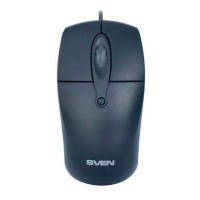
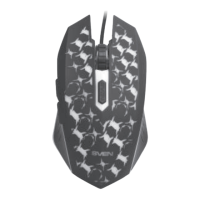
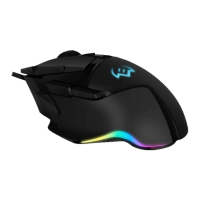
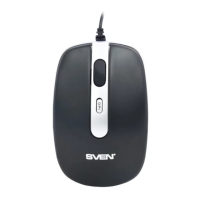
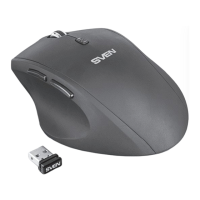
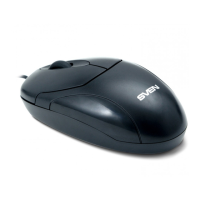
• Wired Optical Mouse — 1 pc
• User’s manual — 1 pc
• Warranty card — 1 pc
3. SPECIAL FEATURES
• High-precision optical technology
• Operates practically on any surface
• Stylish ergonomic design
• USB interface and PS/2
• 800 dpi resolution
• Drivers installation not required for Windows 2000/XP/Vista/7
4. SYSTEM REQUIREMENTS
• Windows 2000/XP/Vista/7
• Free USB port
5. CONNECTION AND INSTALLATION
• Connect the mouse to an available USB or PS/2 port of your PC.
• Turn on your PC. Installation of the mouse is automatic.
• In addition to the left and right buttons, the mouse also has a scroll wheel
combined with the third button. The scroll wheel enables you to look
through and turn pages of documents in Windows OS.
ENG
✶
Wired Optical Mouse


 To Next Page