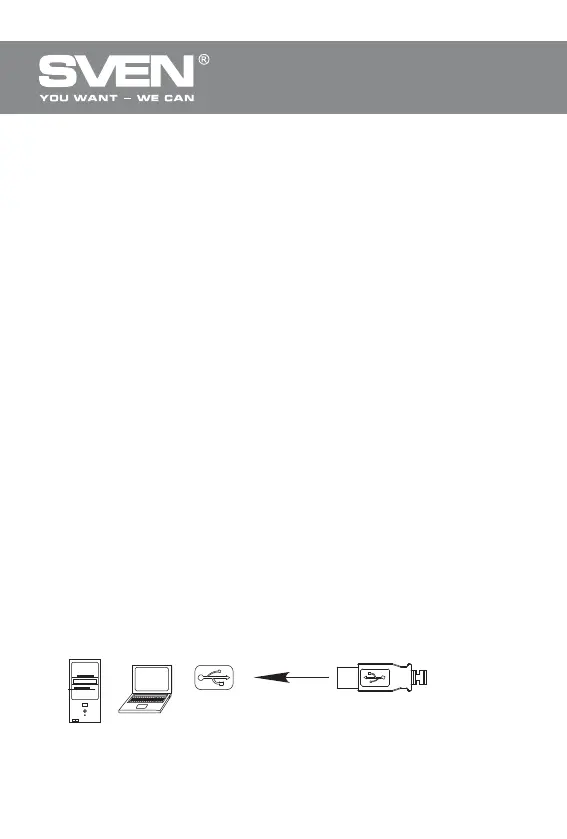
PC
USB port
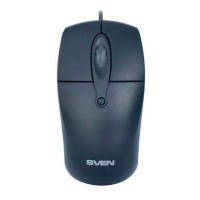
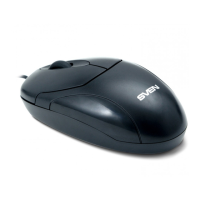
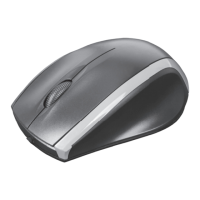
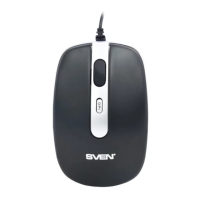
Проводная оптическая мышь
1
ENG
Wired Optical Mouse
Technical support: www.sven.fi
Congratulations on purchasing the SVEN mouse!
Please read this User’s Manual before using the unit and retain this User’s
Manual in a safe place for future reference.
COPYRIGHT
© 2014. SVEN PTE. LTD. Version 1.0 (V 1.0).
This Manual and information contained in it are copyrighted. All rights reserved.
TRADEMARKS
All trademarks are the property of their legal holders.
NOTICE OF RESPONSIBILITY RESTRICTION
Despite the exerted efforts to make this Manual more exact, some
discrepancies may occur. The information of this Manual is given on “as is”
terms. The author and the publisher do not bear any liability to a person or an
organization for loss or damages which have arisen from the information
contained in the given Manual.
SPECIAL FEATURES
• Compact design, convenient for using the mouse with a laptop
• High-precision optical technology
• Effective on most surfaces
• Symmetric form
• Convenient scroll wheel
• USB interface
• Drivers installation not required for Windows XP/Vista/7/8
• Suitable for left-handers
SYSTEM REQUIREMENTS
• Windows XP/Vista/7/8.
• Free USB port.
INSTALLATION
• Connect the mouse to an available USB-port of your PC.
• Installation of the mouse is automatic after its connection to a PC USB port.



 To Next Page